
Live Roulette: WebCam Chat PC
ADBTM
Download Live Roulette: WebCam Chat on PC With GameLoop Emulator
Live Roulette: WebCam Chat on PC
Live Roulette: WebCam Chat, coming from the developer ADBTM, is running on Android systerm in the past.
Now, You can play Live Roulette: WebCam Chat on PC with GameLoop smoothly.
Download it in the GameLoop library or search results. No more eyeing the battery or frustrating calls at the wrong time any more.
Just enjoy Live Roulette: WebCam Chat PC on the large screen for free!
Live Roulette: WebCam Chat Introduction
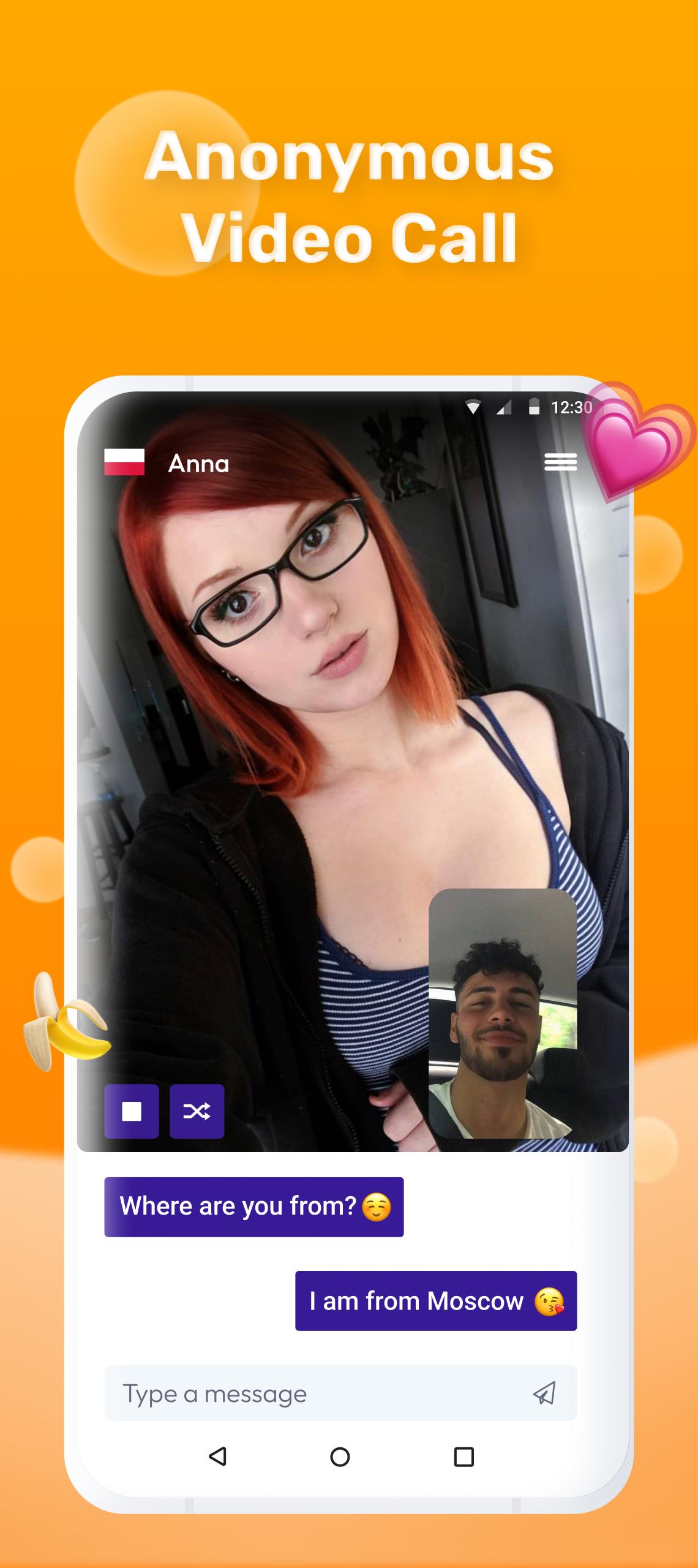
Live Roulette is an alternative video chat for communication and dating and live online broadcasts with girls and guys.
👉 Free online video chat Live Roulette for dating 👈
Chatroulette alternative for android! 🔥 Safe random video chat Live Roulette is a new alternative approach to familiar applications.
Quick search, real people and a handy app are what you need for a comfortable broadcast and video chat with strangers. In addition to the video function, correspondence is also available, with auto deletion of messages.
Video Chat Live Roulette is a real find among video chat applications based on the principle of video roulette. The application is completely free and secure.
Express your sympathy to the authors of broadcasts, give gifts and your attention. Great experience in organizing broadcasts allows us to create really high-quality random video chats.
🔒 Live chatroulette with stars online. Go to the video chat, find friends - girls and men nearby
👤 Free sex video call in chatroulette
🎤 Live Roulette Live broadcasts with strangers online in chat roulette
📷 Exciting stream of random people live Live Roulette
🌎 Start online video chat with strangers for free
🌶 This is not coomet, strip chat or bongacams
We will be very glad to receive your feedback on the work of our video chat roulette.
Preview

Tags
SocialInformation
Developer
ADBTM
Latest Version
1.0.0
Last Updated
2022-01-25
Category
Social
Available on
Google Play
Show More
How to play Live Roulette: WebCam Chat with GameLoop on PC
1. Download GameLoop from the official website, then run the exe file to install GameLoop
2. Open GameLoop and search for “Live Roulette: WebCam Chat” , find Live Roulette: WebCam Chat in the search results and click “Install”
3. Enjoy playing Live Roulette: WebCam Chat on GameLoop
Minimum requirements
OS
Windows 8.1 64-bit or Windows 10 64-bit
GPU
GTX 1050
CPU
i3-8300
Memory
8GB RAM
Storage
1GB available space
Recommended requirements
OS
Windows 8.1 64-bit or Windows 10 64-bit
GPU
GTX 1050
CPU
i3-9320
Memory
16GB RAM
Storage
1GB available space