
UFO Radar Simulation PC
AFapps.de
Download UFO Radar Simulation on PC With GameLoop Emulator
UFO Radar Simulation on PC
UFO Radar Simulation, coming from the developer AFapps.de, is running on Android systerm in the past.
Now, You can play UFO Radar Simulation on PC with GameLoop smoothly.
Download it in the GameLoop library or search results. No more eyeing the battery or frustrating calls at the wrong time any more.
Just enjoy UFO Radar Simulation PC on the large screen for free!
UFO Radar Simulation Introduction
You believe in aliens who move in flying saucers through space? Then use the UFO radar to simulate a display of unidentified flying objects in the sky. Of course to come to your fun, you haven't believe in aliens, because as simulation this app is just for pure entertainment. Use it to fool your friends, you could locate UFOs with your Android smartphone. With a little persuasion they will surely bevlive your little fairy tale.
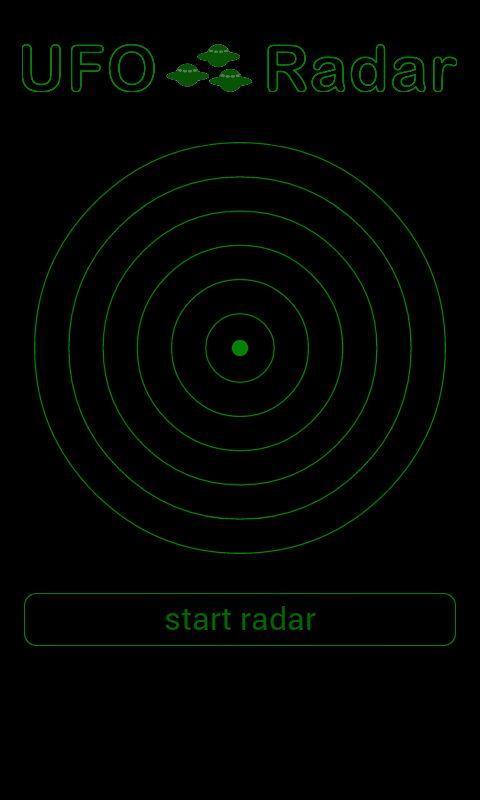
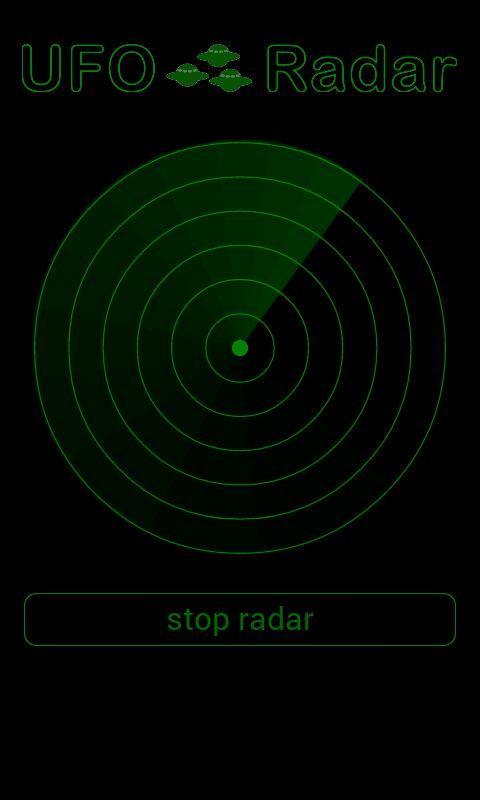
The UFO radar is constructed so that it is hardly indistinguishable from a real radarscreen. New flying saucers are displayed as points. The appearance will be signaled by an audible ping and also a short vibration. New UFOs are added randomly and then move in a random direction. Optionally, the radar rotates even to your movements. To enable this feature in the settings, a built-in compass is needed in your mobile device.
If you like the UFO Detector, I would be very happy about a positive review in the Google Play Store. Especially if you have fooled your friends with. However, please keep always in mind that this is not a real radar and just a simulation. It is technically not possible to scan the air for unidentified flying objects by the installed sensors of a smartphone or tablet. Also the existence of extraterrestrial life forms is not proven! Use this fun app purely for entertainment.
Preview
Tags
SimulationInformation
Developer
AFapps.de
Latest Version
1.1
Last Updated
2016-05-10
Category
Simulation
Available on
Google Play
Show More
How to play UFO Radar Simulation with GameLoop on PC
1. Download GameLoop from the official website, then run the exe file to install GameLoop
2. Open GameLoop and search for “UFO Radar Simulation” , find UFO Radar Simulation in the search results and click “Install”
3. Enjoy playing UFO Radar Simulation on GameLoop
Minimum requirements
OS
Windows 8.1 64-bit or Windows 10 64-bit
GPU
GTX 1050
CPU
i3-8300
Memory
8GB RAM
Storage
1GB available space
Recommended requirements
OS
Windows 8.1 64-bit or Windows 10 64-bit
GPU
GTX 1050
CPU
i3-9320
Memory
16GB RAM
Storage
1GB available space