
Phone Shop Simulator PC
LoNeLy Game
Download Phone Shop Simulator on PC With GameLoop Emulator
Phone Shop Simulator on PC
Phone Shop Simulator, coming from the developer LoNeLy Game, is running on Android systerm in the past.
Now, You can play Phone Shop Simulator on PC with GameLoop smoothly.
Download it in the GameLoop library or search results. No more eyeing the battery or frustrating calls at the wrong time any more.
Just enjoy Phone Shop Simulator PC on the large screen for free!
Phone Shop Simulator Introduction
Ready to run your own phone shop? In this detailed management simulation, experience the challenges and fun of managing your business, repairing phones, and dealing with customers!
This is a full-blown business challenge.
KEY FEATURES
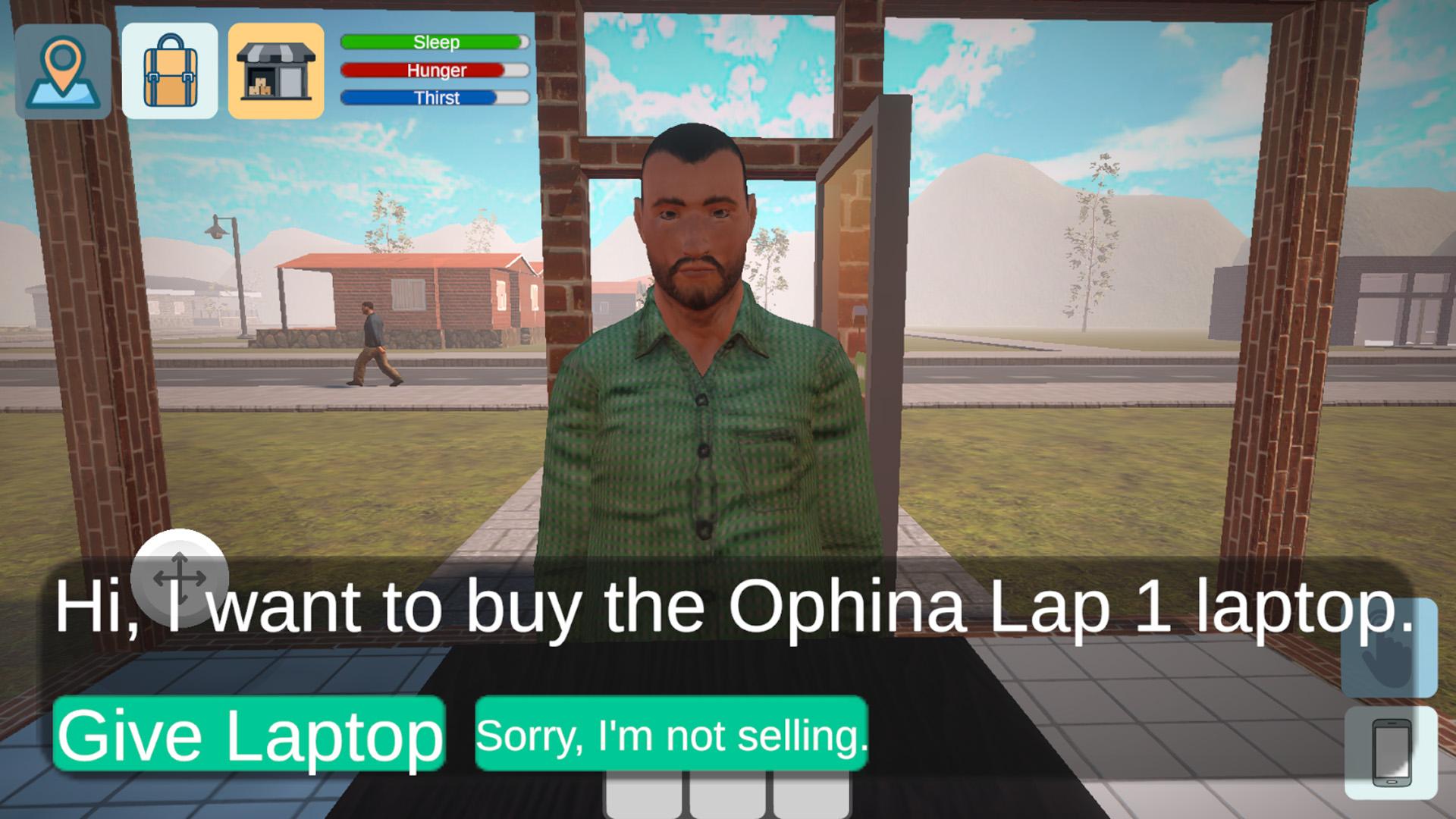
Buy, Sell, and Repair: Buy used phones directly from customers or order new stock wholesale. Take phones to the repair bench, fix broken parts (screens, batteries, cameras), and sell them for a profit. You can also sell laptops in your shop.
Telecommunication Services: Expand your business beyond repairs! Rent server capacity to offer a new line of service: Create and sell custom mobile plans (data, minutes, SMS) directly to customers.
Manage Your Shop: Customize your store with furniture, manage your inventory, and hire repair staff to help you when things get busy. Take on customer repair jobs and deliver them on time.
Life Simulation: Even a shop manager has needs! Grab food from the restaurant to manage your hunger and thirst. Return to your home and sleep in your bed to save the game and end the day.
Financial Management: Need cash to expand? Take out loans from the bank, but keep track of your repayments and bills! Carefully balance your income and expenses to avoid bankruptcy.
Are you ready to build the best shop around?
Preview

Tags
SimulationInformation
Developer
LoNeLy Game
Latest Version
2.2.7
Last Updated
2025-11-16
Category
Simulation
Available on
Google Play
Show More
How to play Phone Shop Simulator with GameLoop on PC
1. Download GameLoop from the official website, then run the exe file to install GameLoop
2. Open GameLoop and search for “Phone Shop Simulator” , find Phone Shop Simulator in the search results and click “Install”
3. Enjoy playing Phone Shop Simulator on GameLoop
Minimum requirements
OS
Windows 8.1 64-bit or Windows 10 64-bit
GPU
GTX 1050
CPU
i3-8300
Memory
8GB RAM
Storage
1GB available space
Recommended requirements
OS
Windows 8.1 64-bit or Windows 10 64-bit
GPU
GTX 1050
CPU
i3-9320
Memory
16GB RAM
Storage
1GB available space