Subway Simulator 2D - city met PC
Daniel Viktorin
Download Subway Simulator 2D - city met on PC With GameLoop Emulator
Subway Simulator 2D - city met on PC
Subway Simulator 2D - city met, coming from the developer Daniel Viktorin, is running on Android systerm in the past.
Now, You can play Subway Simulator 2D - city met on PC with GameLoop smoothly.
Download it in the GameLoop library or search results. No more eyeing the battery or frustrating calls at the wrong time any more.
Just enjoy Subway Simulator 2D - city met PC on the large screen for free!
Subway Simulator 2D - city met Introduction
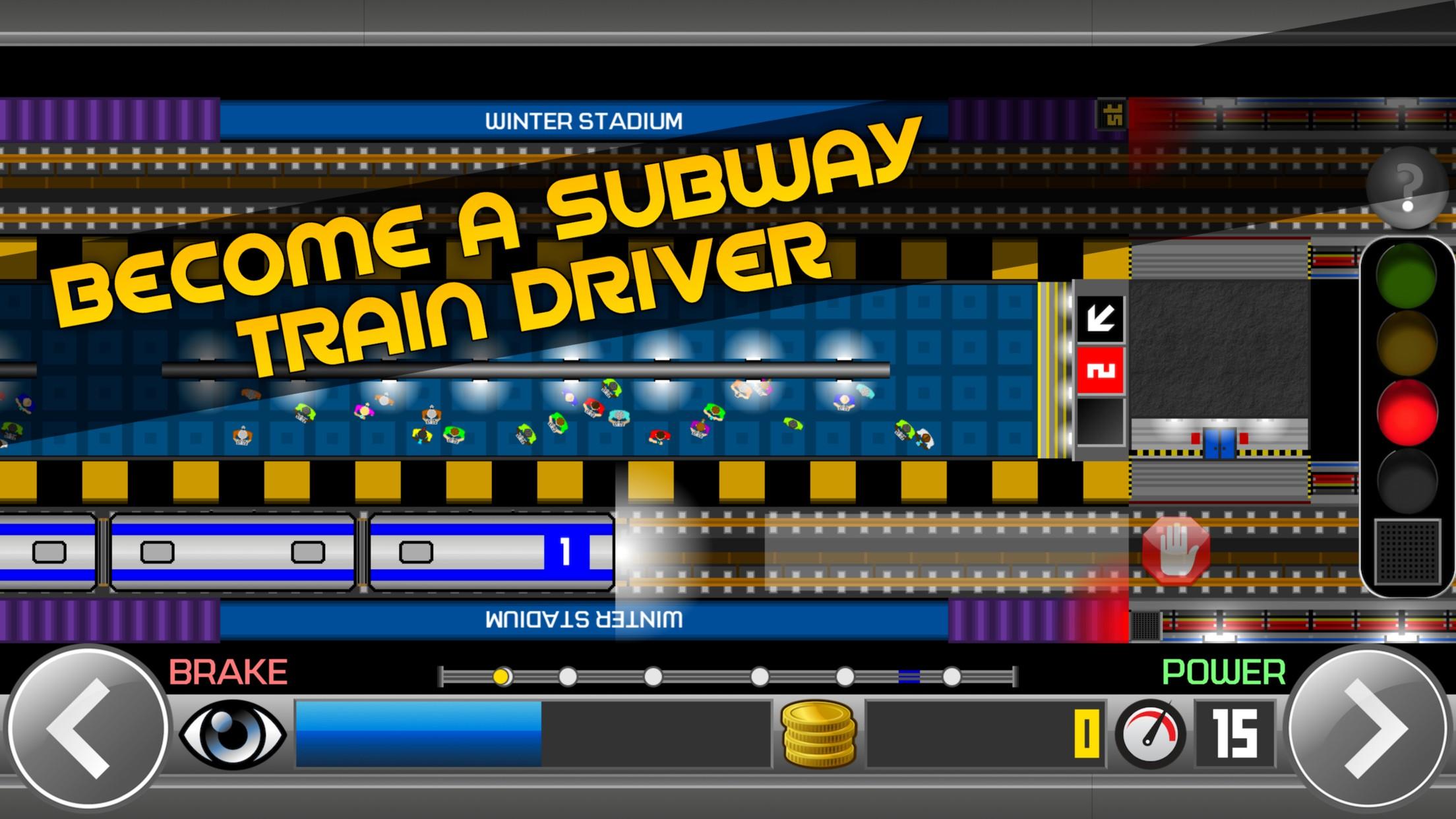
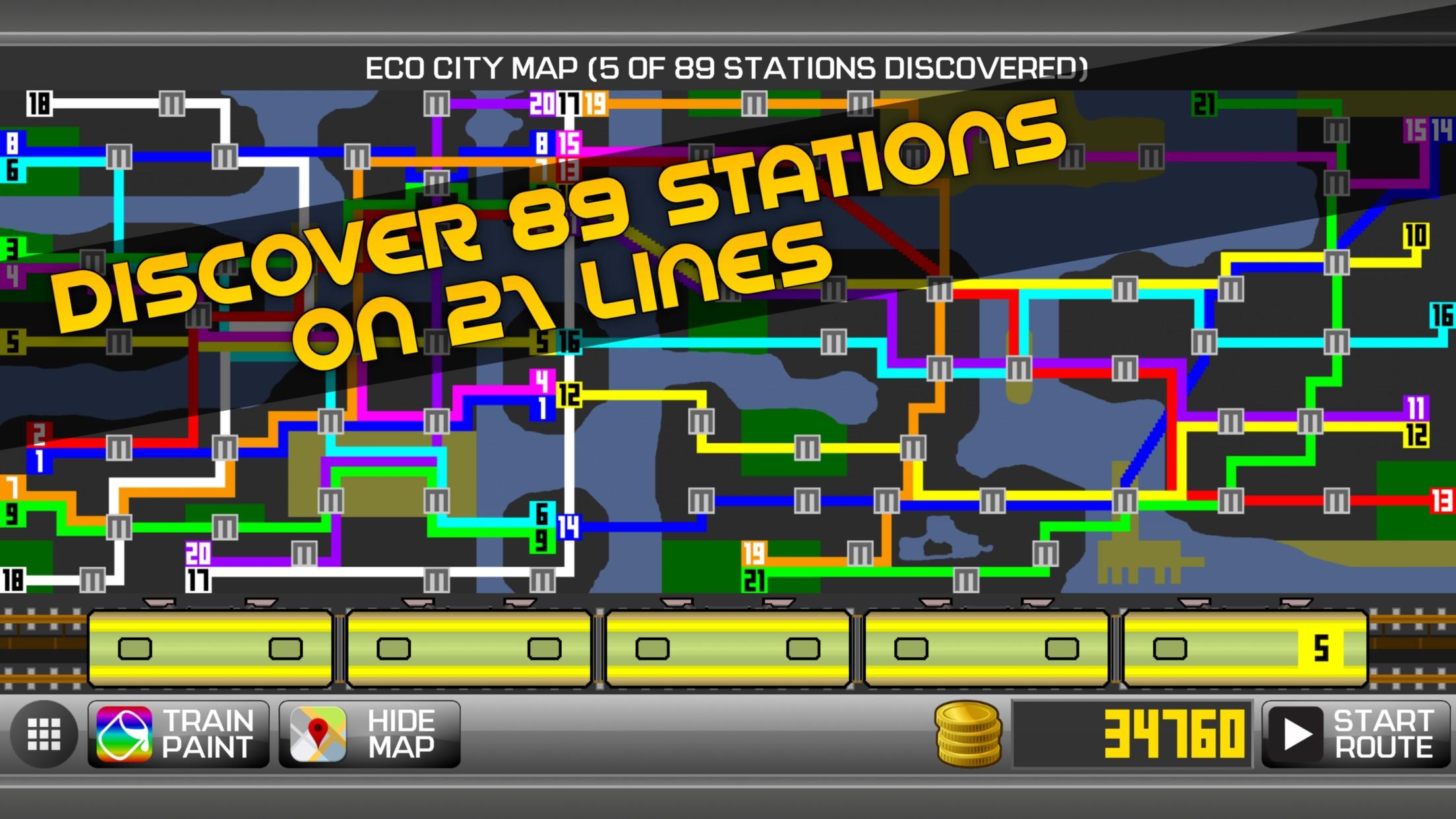
Become a subway train driver and explore the whole metro system of the city (89 unique stations on 21 lines) which contains more than 100 kilometers of underground, overground, and underwater rails. Experience what it takes to be a subway train operator in this railroad driving simulation game and transport as many passengers as you can across the rapid transit system. Learn a real subway signaling system, drive the train at an appropriate speed, stop carefully at the end of each station, pick up all passengers, and get to the final station as soon as possible.
There are a lot of things to do in the game. Earn coins by transporting fully animated passengers to unlock new metro lines and useful train upgrades, get huge rewards by discovering new stations, change the look of any train to your liking, study the city map to get better knowledge of the whole metro system, enjoy driving in the opposite direction, beat your time records, or just enjoy realistic sounds you have never heard in any subway simulator during driving a train.
Subway Simulator 2D features:
- Explore the giant city with 89 unique stations on 21 lines
- Drive through 3 types of railroad (underground, overground, underwater)
- Upgrade the maximal speed, acceleration, and brakes of your trains to progress faster
- Upgrade your stamina to explore new areas and get closer to the final station
- Learn the real subway signaling system (traffic lights) in a progressive and simple tutorial
- Visit a mini paint shop to change the paint of your trains to your liking
- Meet trains going in the opposite direction across the metro system
- Simple game controls (power button, brake button, door button)
- Real train and ambient sounds
There is no time to waste, driver! Get into the cabin and enjoy driving in the Subway Simulator 2D, the biggest world of subways you have ever seen in one game!
Preview
Tags
VehicleTrainCasualSingle playerStylizedCartoonOfflineInformation
Developer
Daniel Viktorin
Latest Version
1.98
Last Updated
2021-07-27
Category
Simulation
Available on
Google Play
Show More
How to play Subway Simulator 2D - city met with GameLoop on PC
1. Download GameLoop from the official website, then run the exe file to install GameLoop
2. Open GameLoop and search for “Subway Simulator 2D - city met” , find Subway Simulator 2D - city met in the search results and click “Install”
3. Enjoy playing Subway Simulator 2D - city met on GameLoop
Minimum requirements
OS
Windows 8.1 64-bit or Windows 10 64-bit
GPU
GTX 1050
CPU
i3-8300
Memory
8GB RAM
Storage
1GB available space
Recommended requirements
OS
Windows 8.1 64-bit or Windows 10 64-bit
GPU
GTX 1050
CPU
i3-9320
Memory
16GB RAM
Storage
1GB available space