Shops Idle Tycon PC
Bahri Corporation
Download Shops Idle Tycon on PC With GameLoop Emulator
Shops Idle Tycon on PC
Shops Idle Tycon, coming from the developer Bahri Corporation, is running on Android systerm in the past.
Now, You can play Shops Idle Tycon on PC with GameLoop smoothly.
Download it in the GameLoop library or search results. No more eyeing the battery or frustrating calls at the wrong time any more.
Just enjoy Shops Idle Tycon PC on the large screen for free!
Shops Idle Tycon Introduction
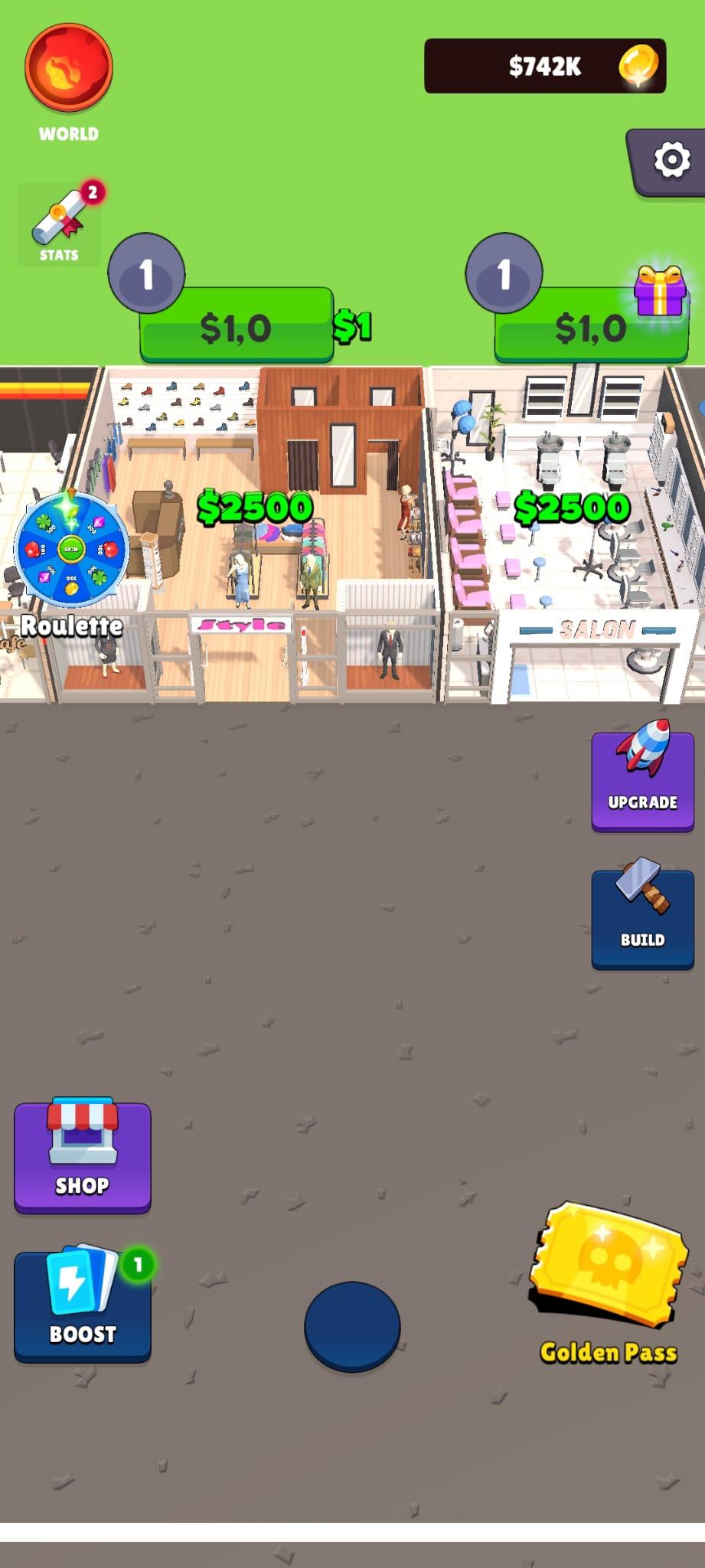
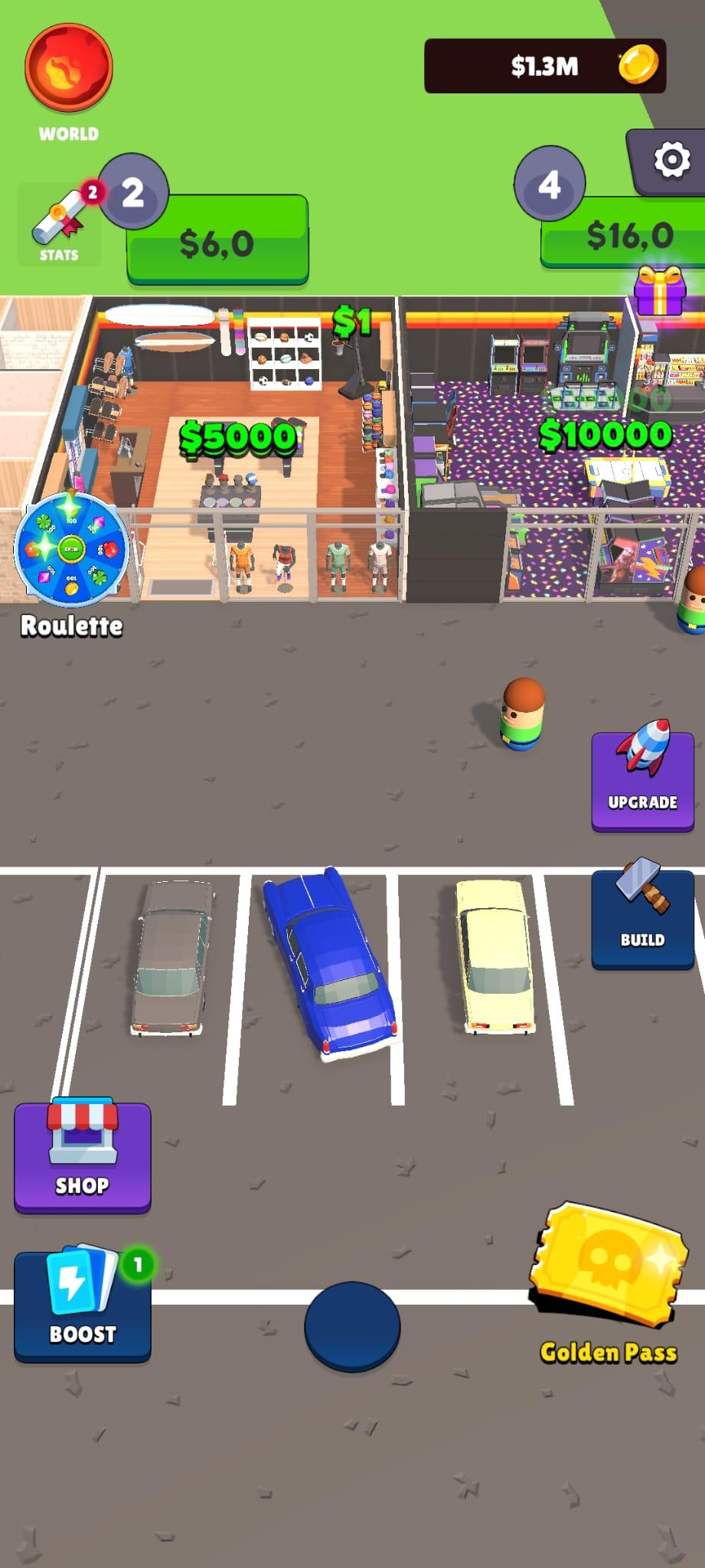
Start with a little coffee shop and develop it into a shopping mall empire. Earn money to open new bakeries, mini-marts, shoe stores, fancy restaurants etc. There are nearly 400 kinds of shops you can unlock and upgrade.
In Shopping Mall you’ll find a variety of shops and goods. Think about how to expand your business and attract more consumers, like provide some chairs and comfortable toilets for your customers.
If you like idle and management games, you will enjoy this shopping mall game. In this game you can easily run your own business with different stores and restaurants. Make important management decisions to build your mall empire and grow your small shop into a huge shopping mall!
KEY FEATURES:
•Casual and easy gameplay.
• Nearly 400 kinds of shops you can manage.
•Serve your VIP customers and extra tour groups to get an unexpected income.
•Provide some chairs and comfortable toilets for your customers, they will have a better shopping experience.
•Get a lot of income by running your shopping mall.
•Become a Shopping Mall Tycoon and appear on all magazines covers!
Want to become a Shopping Mall Tycoon? This idle tapping game is made for you.
Download it now! Build and expand your shop immediately!
Preview
Tags
SimulationInformation
Developer
Bahri Corporation
Latest Version
2.0.0
Last Updated
2023-01-15
Category
Simulation
Available on
Google Play
Show More
How to play Shops Idle Tycon with GameLoop on PC
1. Download GameLoop from the official website, then run the exe file to install GameLoop
2. Open GameLoop and search for “Shops Idle Tycon” , find Shops Idle Tycon in the search results and click “Install”
3. Enjoy playing Shops Idle Tycon on GameLoop
Minimum requirements
OS
Windows 8.1 64-bit or Windows 10 64-bit
GPU
GTX 1050
CPU
i3-8300
Memory
8GB RAM
Storage
1GB available space
Recommended requirements
OS
Windows 8.1 64-bit or Windows 10 64-bit
GPU
GTX 1050
CPU
i3-9320
Memory
16GB RAM
Storage
1GB available space