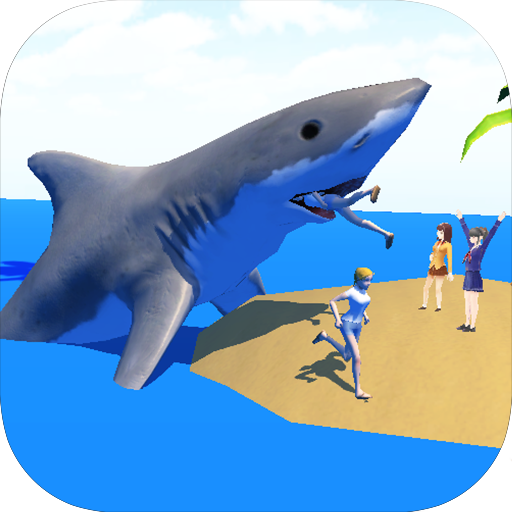
Shark Simulator 3D Unlimited PC
Jellyfish Giant
Download Shark Simulator 3D Unlimited on PC With GameLoop Emulator
Shark Simulator 3D Unlimited on PC
Shark Simulator 3D Unlimited, coming from the developer Jellyfish Giant, is running on Android systerm in the past.
Now, You can play Shark Simulator 3D Unlimited on PC with GameLoop smoothly.
Download it in the GameLoop library or search results. No more eyeing the battery or frustrating calls at the wrong time any more.
Just enjoy Shark Simulator 3D Unlimited PC on the large screen for free!
Shark Simulator 3D Unlimited Introduction
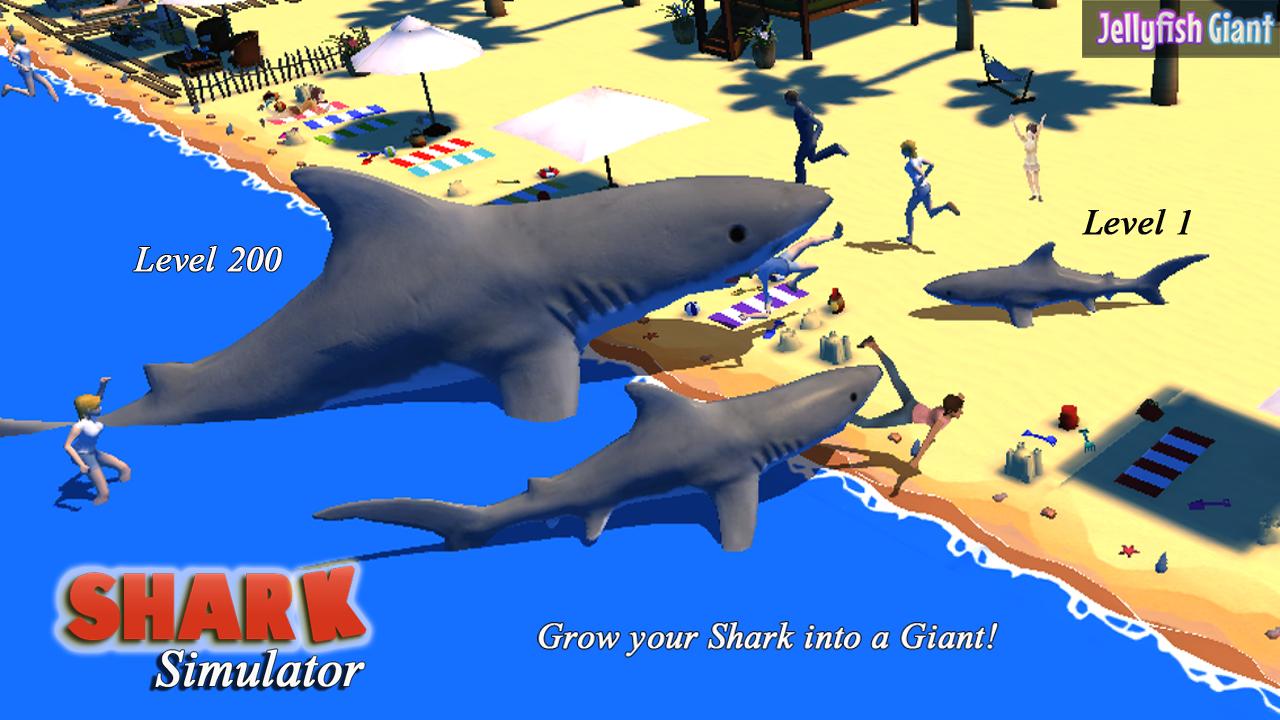
Looking for a unique fishing game, where you are the giant fish? Jam packed with 72 Missions and 6 All Huge maps. You are a Great White Shark at a crowded beach. Your shark now can make its way into the Lakeside Town, Beach City, Canal Walk.
Those people on the beach sure look tasty. Attack!
Features:
-- 3D Great White Shark
-- 6 Huge Maps
-- 72 Missions
-- Explosions, funny sounds, awesome effects
-- Now with World Ranking so you can see how you compare in the World
-- Over 14 Achievements
Swim up and try a bite. . . . . .
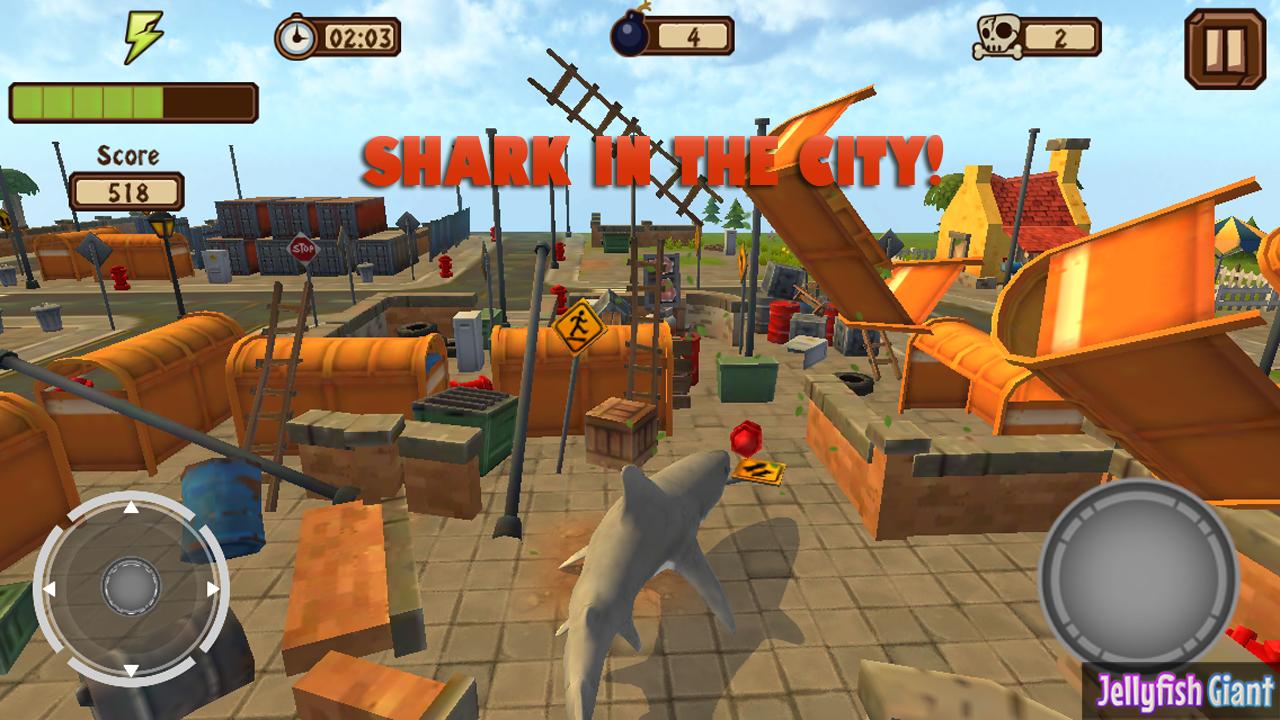
This big fish can go everywhere. If you enjoy the movie about the Shark Tornado, you are going to love this game. Use the canals to make your way into the city. Swim up the river and rampage a small lakeside village. What's that cooking on the grill? Start hunting today.
Yummy!
Enjoy this fun game where you take control of a Great White Shark and head out for the beach. All takes place with super fun 3D graphics, easy controls, and fast game play.
Follow us @jellyfishgiant
jellyfishgiant.com
Preview
Information
Developer
Jellyfish Giant
Latest Version
1.1
Last Updated
2015-06-09
Category
Simulation
Available on
Google Play
Show More
How to play Shark Simulator 3D Unlimited with GameLoop on PC
1. Download GameLoop from the official website, then run the exe file to install GameLoop
2. Open GameLoop and search for “Shark Simulator 3D Unlimited” , find Shark Simulator 3D Unlimited in the search results and click “Install”
3. Enjoy playing Shark Simulator 3D Unlimited on GameLoop
Minimum requirements
OS
Windows 8.1 64-bit or Windows 10 64-bit
GPU
GTX 1050
CPU
i3-8300
Memory
8GB RAM
Storage
1GB available space
Recommended requirements
OS
Windows 8.1 64-bit or Windows 10 64-bit
GPU
GTX 1050
CPU
i3-9320
Memory
16GB RAM
Storage
1GB available space