Rush Cooking: Craze Restaurant PC
Bombus Studio
Download Rush Cooking: Craze Restaurant on PC With GameLoop Emulator
Rush Cooking: Craze Restaurant on PC
Rush Cooking: Craze Restaurant, coming from the developer Bombus Studio, is running on Android systerm in the past.
Now, You can play Rush Cooking: Craze Restaurant on PC with GameLoop smoothly.
Download it in the GameLoop library or search results. No more eyeing the battery or frustrating calls at the wrong time any more.
Just enjoy Rush Cooking: Craze Restaurant PC on the large screen for free!
Rush Cooking: Craze Restaurant Introduction
Are you aspiring to become a skillful chef with the ability to prepare a wide range of delectable dishes? Do you yearn to serve delightful meals to satisfy every palate? Look no further, as this game is tailor-made for you.
In Rush Cooking, you will step into the shoes of a master chef, facing challenges of time and culinary expertise. Our world is in constant motion, demanding your immediate attention to prepare aromatic dishes, catering to weary customers eagerly awaiting their meals. Demonstrate agility, adaptability, and finesse in combining ingredients and executing cooking steps to create flawless culinary creations.
Just like a seasoned chef, you will be tasked with resource management, planning, and even dealing with unexpected challenges throughout the cooking process. You can experience diverse and exciting levels, from cooking for special events to managing a renowned restaurant.
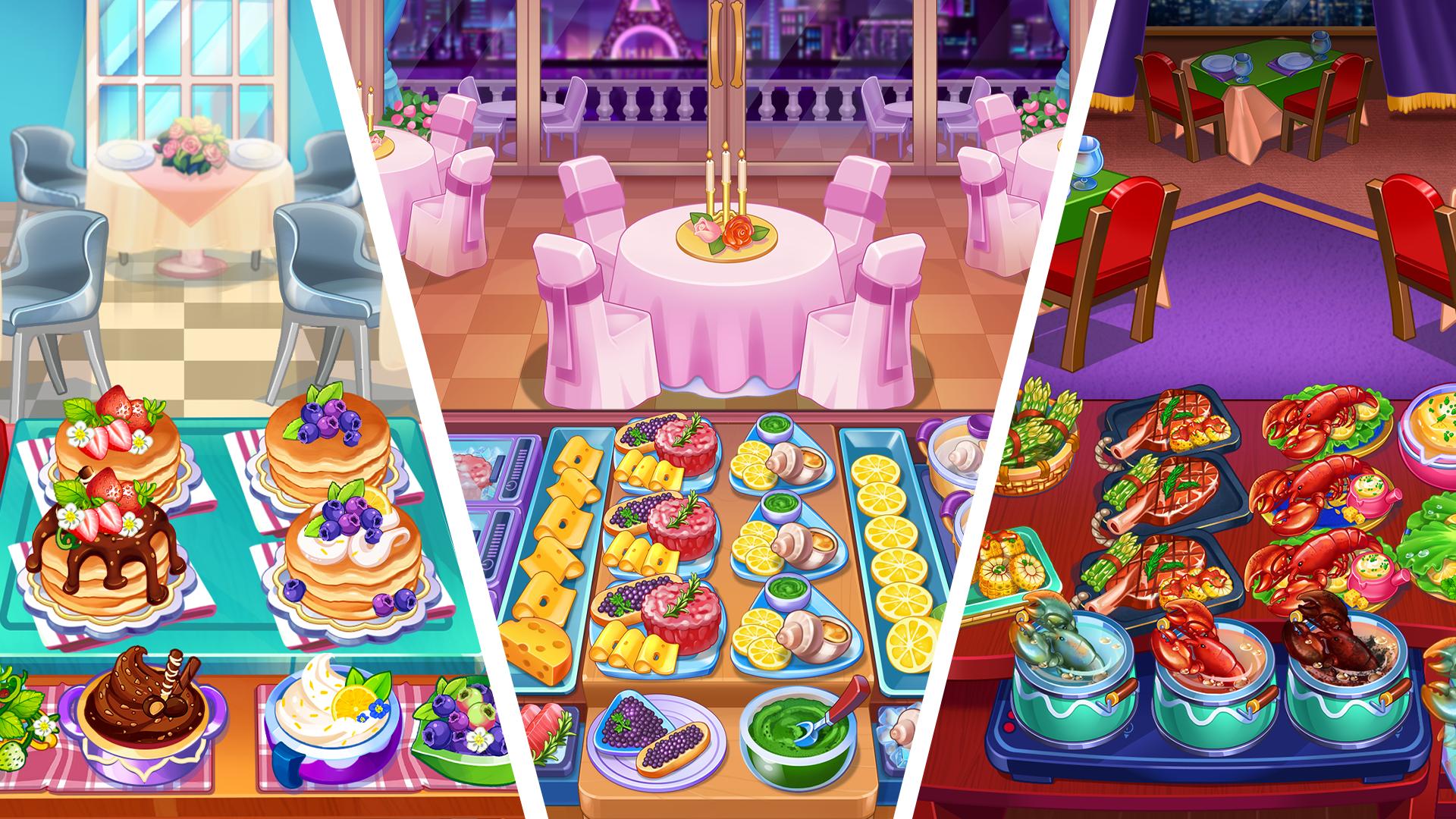
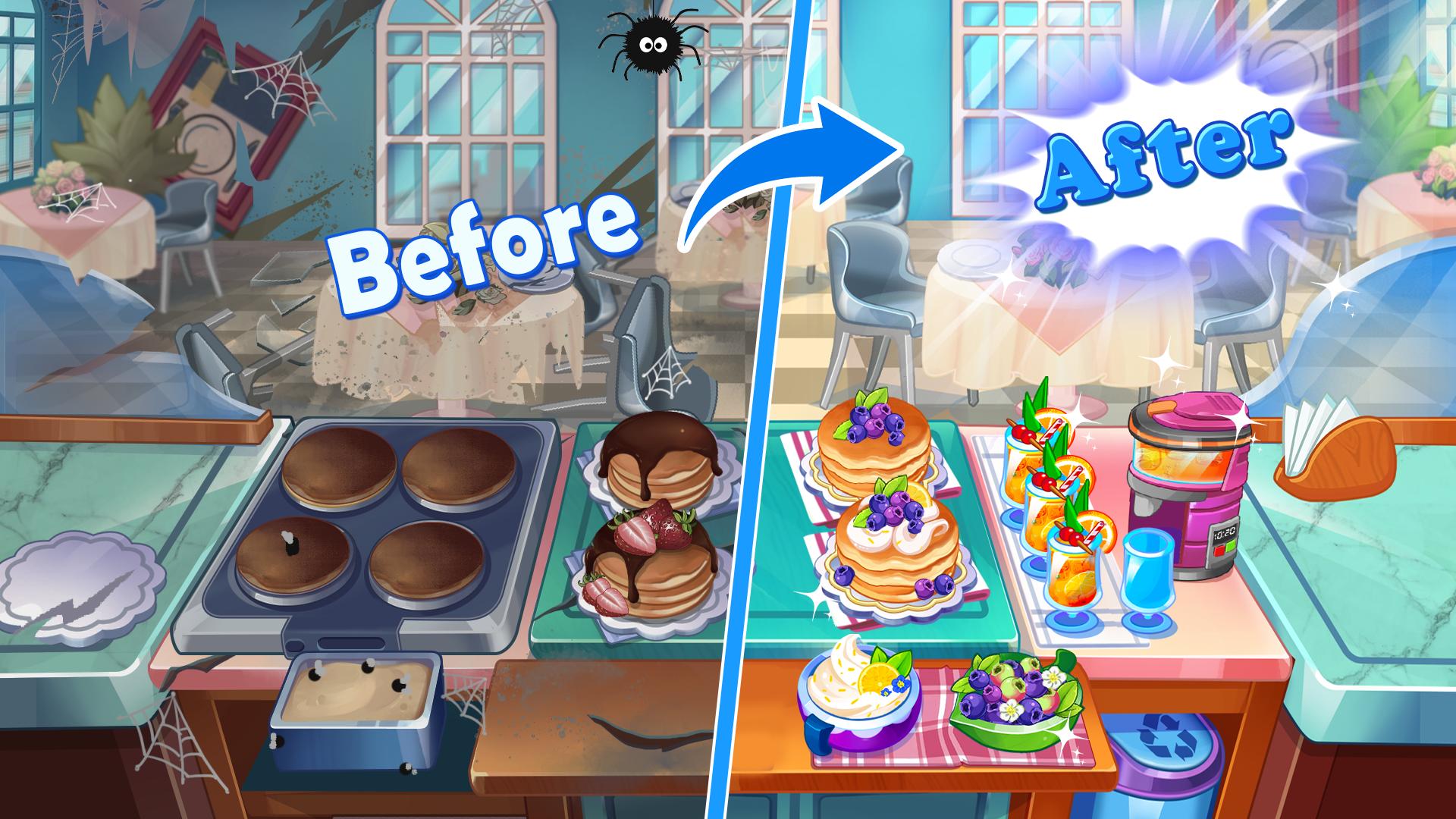
With stunning visuals, vibrant soundscapes, and unique gameplay mechanics, Rush Cooking will take you on an emotionally charged journey of exploration. Get ready to embark on this memorable culinary adventure and establish your position in the world of gourmet cuisine!
Preview
Tags
Time managementCasualSingle playerStylizedOfflineInformation
Developer
Bombus Studio
Latest Version
1.1.1
Last Updated
2023-12-20
Category
Simulation
Available on
Google Play
Show More
How to play Rush Cooking: Craze Restaurant with GameLoop on PC
1. Download GameLoop from the official website, then run the exe file to install GameLoop
2. Open GameLoop and search for “Rush Cooking: Craze Restaurant” , find Rush Cooking: Craze Restaurant in the search results and click “Install”
3. Enjoy playing Rush Cooking: Craze Restaurant on GameLoop
Minimum requirements
OS
Windows 8.1 64-bit or Windows 10 64-bit
GPU
GTX 1050
CPU
i3-8300
Memory
8GB RAM
Storage
1GB available space
Recommended requirements
OS
Windows 8.1 64-bit or Windows 10 64-bit
GPU
GTX 1050
CPU
i3-9320
Memory
16GB RAM
Storage
1GB available space