
Railroad Crossing Train SIM PC
ZOUSAN
Download Railroad Crossing Train SIM on PC With GameLoop Emulator
Railroad Crossing Train SIM on PC
Railroad Crossing Train SIM, coming from the developer ZOUSAN, is running on Android systerm in the past.
Now, You can play Railroad Crossing Train SIM on PC with GameLoop smoothly.
Download it in the GameLoop library or search results. No more eyeing the battery or frustrating calls at the wrong time any more.
Just enjoy Railroad Crossing Train SIM PC on the large screen for free!
Railroad Crossing Train SIM Introduction
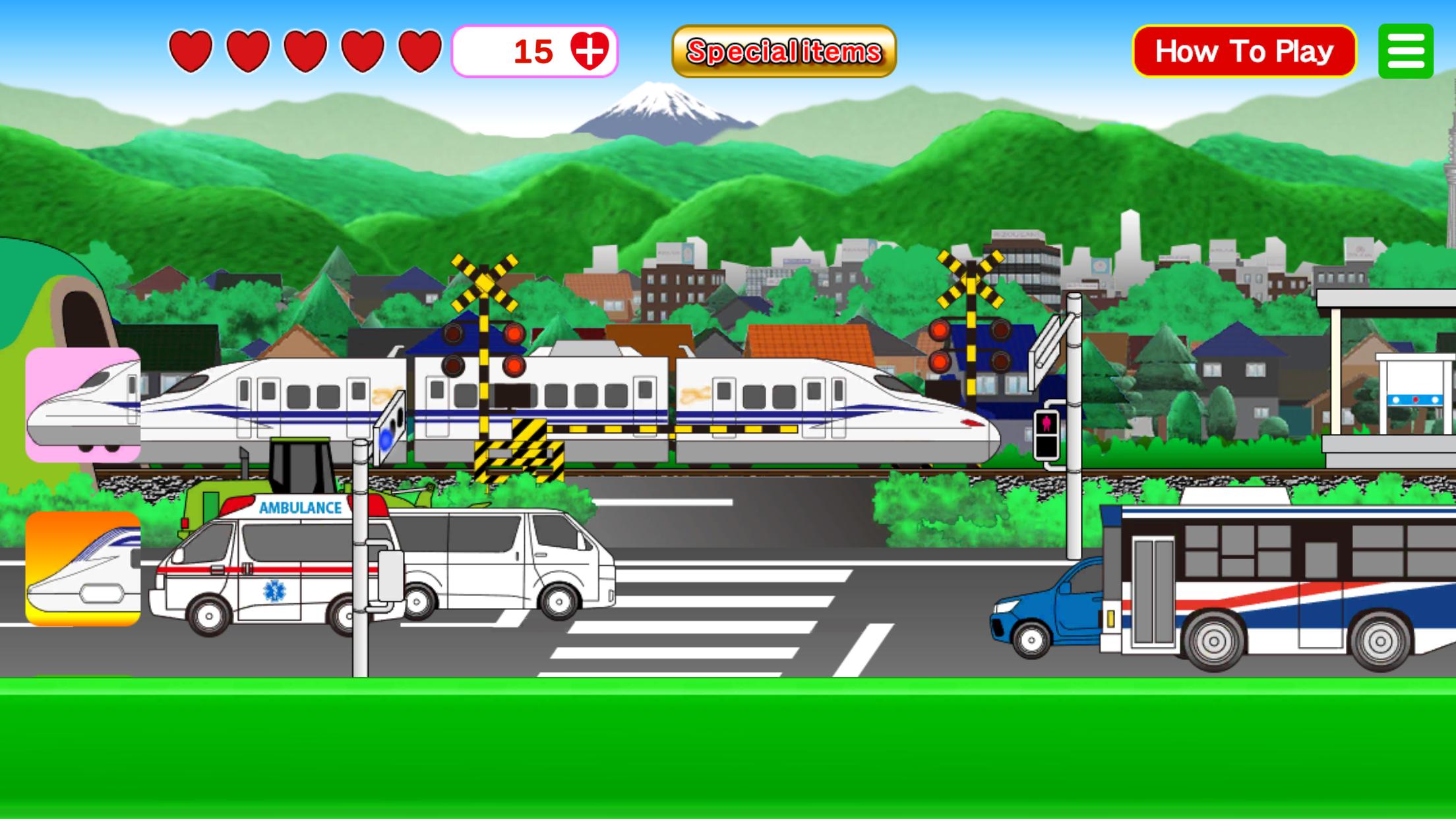
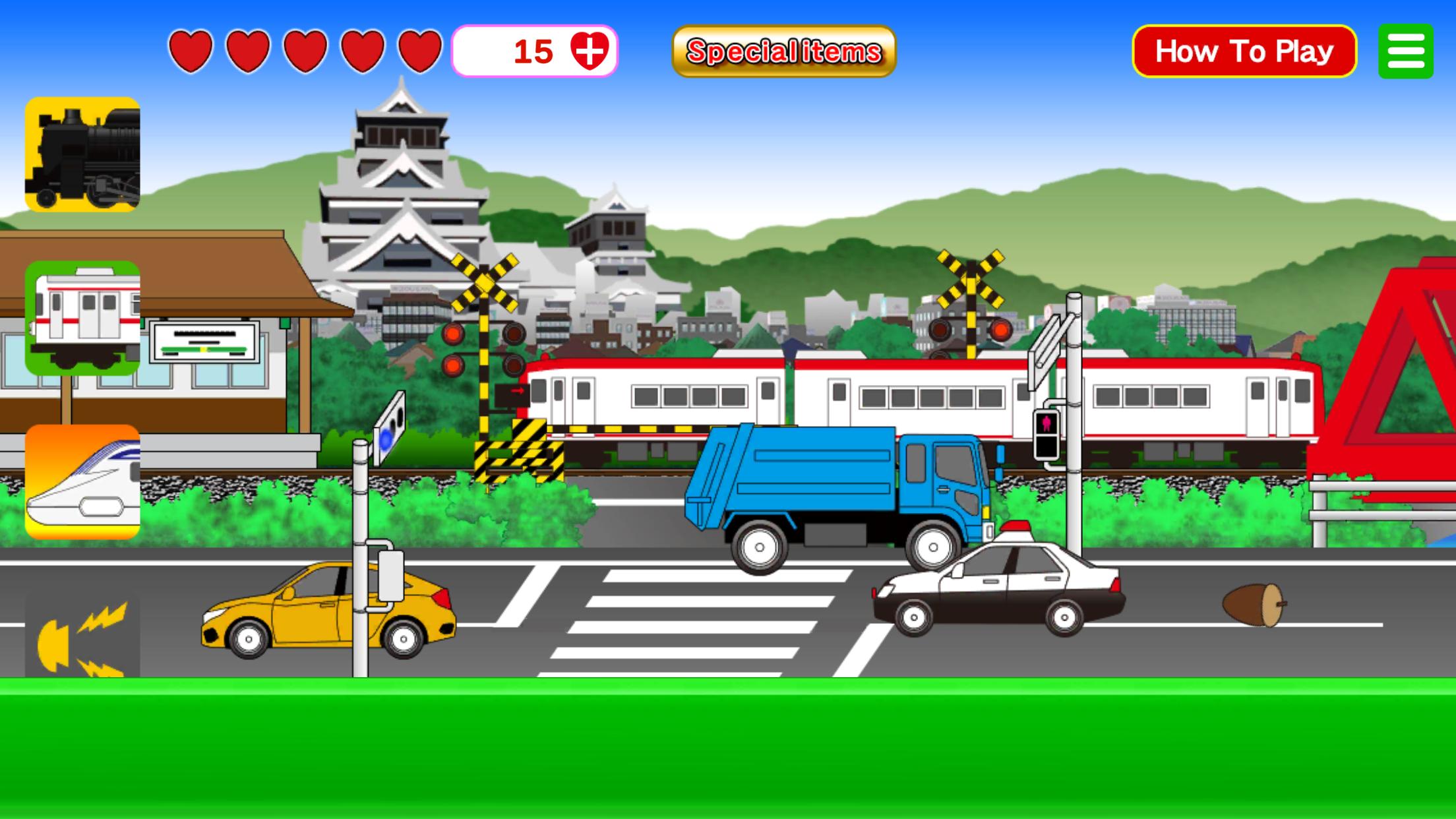
Various trains pass through the railroad crossing.
Many types of trains, including regular trains, bullet trains, and maglevs, will pass by.
Icons will appear from the bottom left. Try tapping them!
This is a train game where you can transform into various bullet trains, regular trains, SL (steam locomotives), or maglevs.
Other surprises will also appear on the screen, so tap around and see what happens!
-Maglev Icon**: Transforms into a maglev train for a limited time.
-Conventional Line Icon**: Transforms into various regular trains.
-Shinkansen Icon**: Transforms into a bullet train for a limited time.
-SL Icon**: Transforms into a steam locomotive for a limited time.
-Scenery Switch Icon**: Changes the train route to a different location.
-Whistle Icon**: Sounds the train whistle.
There are 4 types of special items. When used, the corresponding button can be used freely for a limited time.
1.Big Button**: Tap this icon to make your train grow bigger in two stages.
2.Freight Train**: Tap this icon to make a freight train pass by.
3.Never-Opening Crossing**: Tap this icon to make a large number of trains pass by.
4.Cross the Railroad**: Tap this icon to have various pedestrians cross.
Special items are also available in the scrollable icon menu.
You can use one tap's worth of a special item without consuming a heart.
● Many working vehicles pass in the foreground road. Tap on them — patrol cars, ambulances, fire trucks, and city buses may appear.
Something fun might happen
Preview
Tags
SimulationInformation
Developer
ZOUSAN
Latest Version
00.01.23
Last Updated
2025-07-11
Category
Simulation
Available on
Google Play
Show More
How to play Railroad Crossing Train SIM with GameLoop on PC
1. Download GameLoop from the official website, then run the exe file to install GameLoop
2. Open GameLoop and search for “Railroad Crossing Train SIM” , find Railroad Crossing Train SIM in the search results and click “Install”
3. Enjoy playing Railroad Crossing Train SIM on GameLoop
Minimum requirements
OS
Windows 8.1 64-bit or Windows 10 64-bit
GPU
GTX 1050
CPU
i3-8300
Memory
8GB RAM
Storage
1GB available space
Recommended requirements
OS
Windows 8.1 64-bit or Windows 10 64-bit
GPU
GTX 1050
CPU
i3-9320
Memory
16GB RAM
Storage
1GB available space