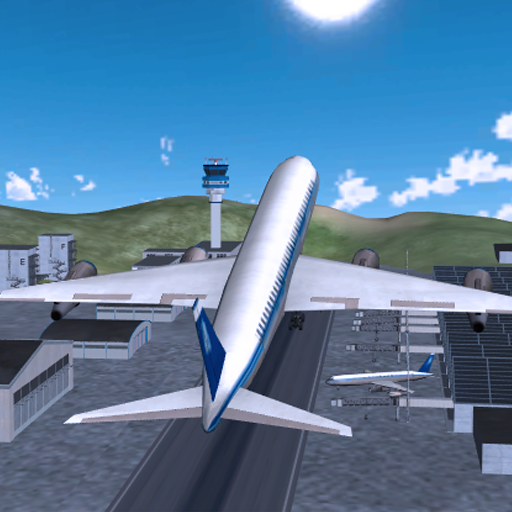
Plane Flight Sim PC
i6 Games
Download Plane Flight Sim on PC With GameLoop Emulator
Plane Flight Sim on PC
Plane Flight Sim, coming from the developer i6 Games, is running on Android systerm in the past.
Now, You can play Plane Flight Sim on PC with GameLoop smoothly.
Download it in the GameLoop library or search results. No more eyeing the battery or frustrating calls at the wrong time any more.
Just enjoy Plane Flight Sim PC on the large screen for free!
Plane Flight Sim Introduction
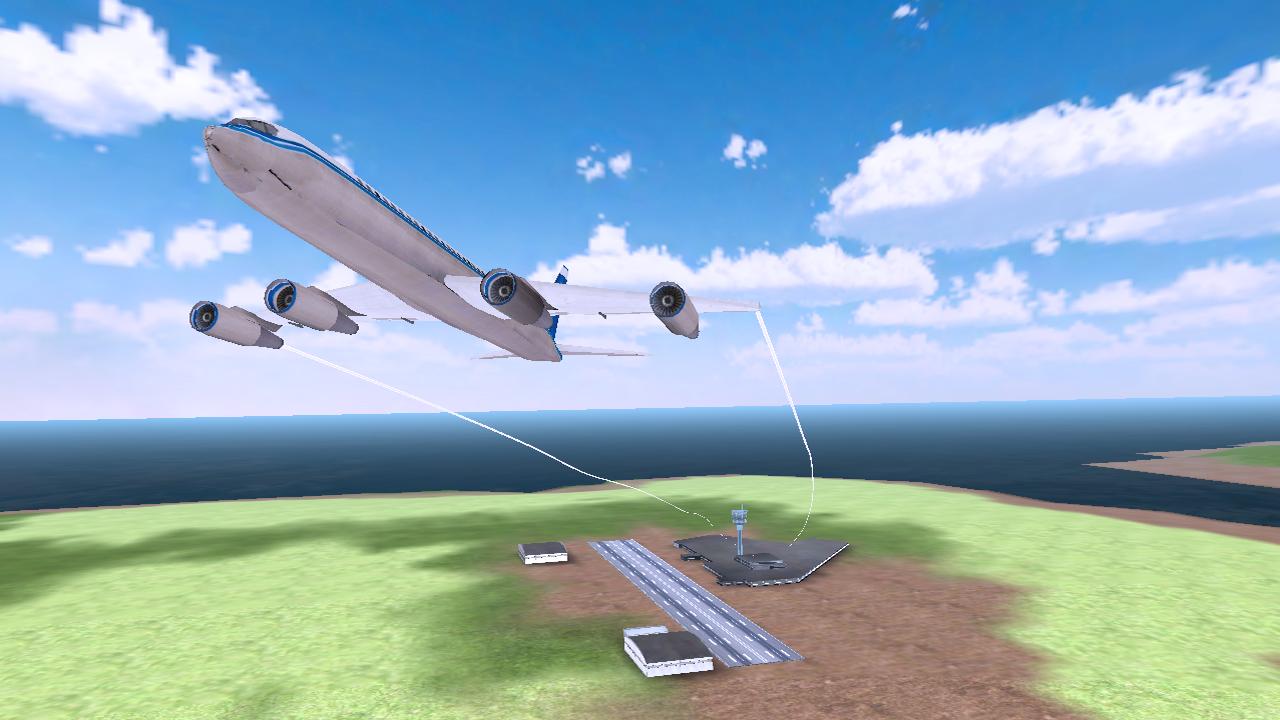
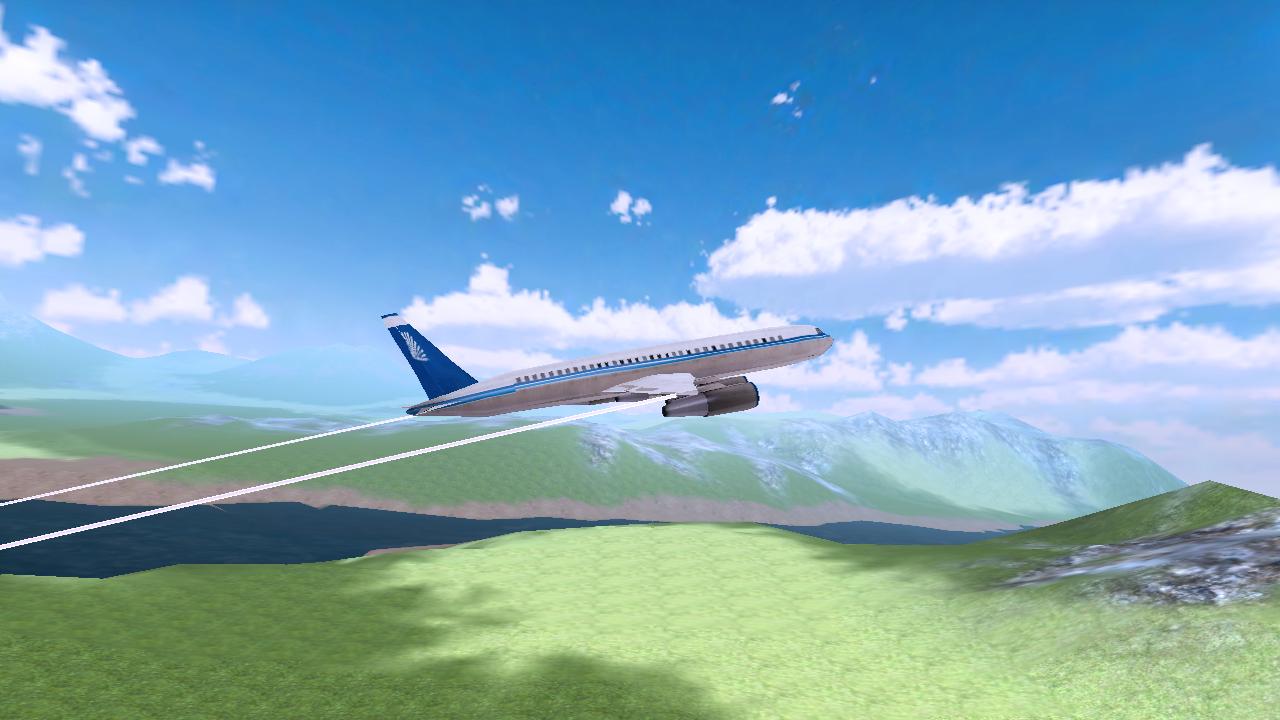
Plane Flight Simulation is a brand new realistic 3D Airplane Simulator game. Take flight and become the airplane pilot and fly commercial jet planes to the destinations around the world.
Glide and steer the plane through each waypoint to ensure you head to the correct airport. Make sure to fly through all waypoints in the level and land at your destination airport before the timer to earn yourself 3 star rating for each level. The more stars you earn, the better the planes you can fly!
When coming up to your destination airport, be sure to bring the throttle down and prepare for landing the plane; be careful not to crash! Guide your aircraft towards the runway and park in marked zone to complete the level.
GAME FEATURES:
- 20 Exclusive, entertaining levels for this game (More levels soon to come!)
- Massive, detailed open world environment
- High quality buildings and airports
- Accelerometers for easy play tilt controls
- Unique reward system for game play
- Dynamic lighting and sounds
- Amazing on-board cameras to capture every angle of the plane
- Plane crashes and smokes effects.
Preview
Information
Developer
i6 Games
Latest Version
1.0
Last Updated
2016-02-24
Category
Simulation
Available on
Google Play
Show More
How to play Plane Flight Sim with GameLoop on PC
1. Download GameLoop from the official website, then run the exe file to install GameLoop
2. Open GameLoop and search for “Plane Flight Sim” , find Plane Flight Sim in the search results and click “Install”
3. Enjoy playing Plane Flight Sim on GameLoop
Minimum requirements
OS
Windows 8.1 64-bit or Windows 10 64-bit
GPU
GTX 1050
CPU
i3-8300
Memory
8GB RAM
Storage
1GB available space
Recommended requirements
OS
Windows 8.1 64-bit or Windows 10 64-bit
GPU
GTX 1050
CPU
i3-9320
Memory
16GB RAM
Storage
1GB available space