
Oil Era - Idle Mining Tycoon PC
AliensIdea
Download Oil Era - Idle Mining Tycoon on PC With GameLoop Emulator
Oil Era - Idle Mining Tycoon on PC
Oil Era - Idle Mining Tycoon, coming from the developer AliensIdea, is running on Android systerm in the past.
Now, You can play Oil Era - Idle Mining Tycoon on PC with GameLoop smoothly.
Download it in the GameLoop library or search results. No more eyeing the battery or frustrating calls at the wrong time any more.
Just enjoy Oil Era - Idle Mining Tycoon PC on the large screen for free!
Oil Era - Idle Mining Tycoon Introduction
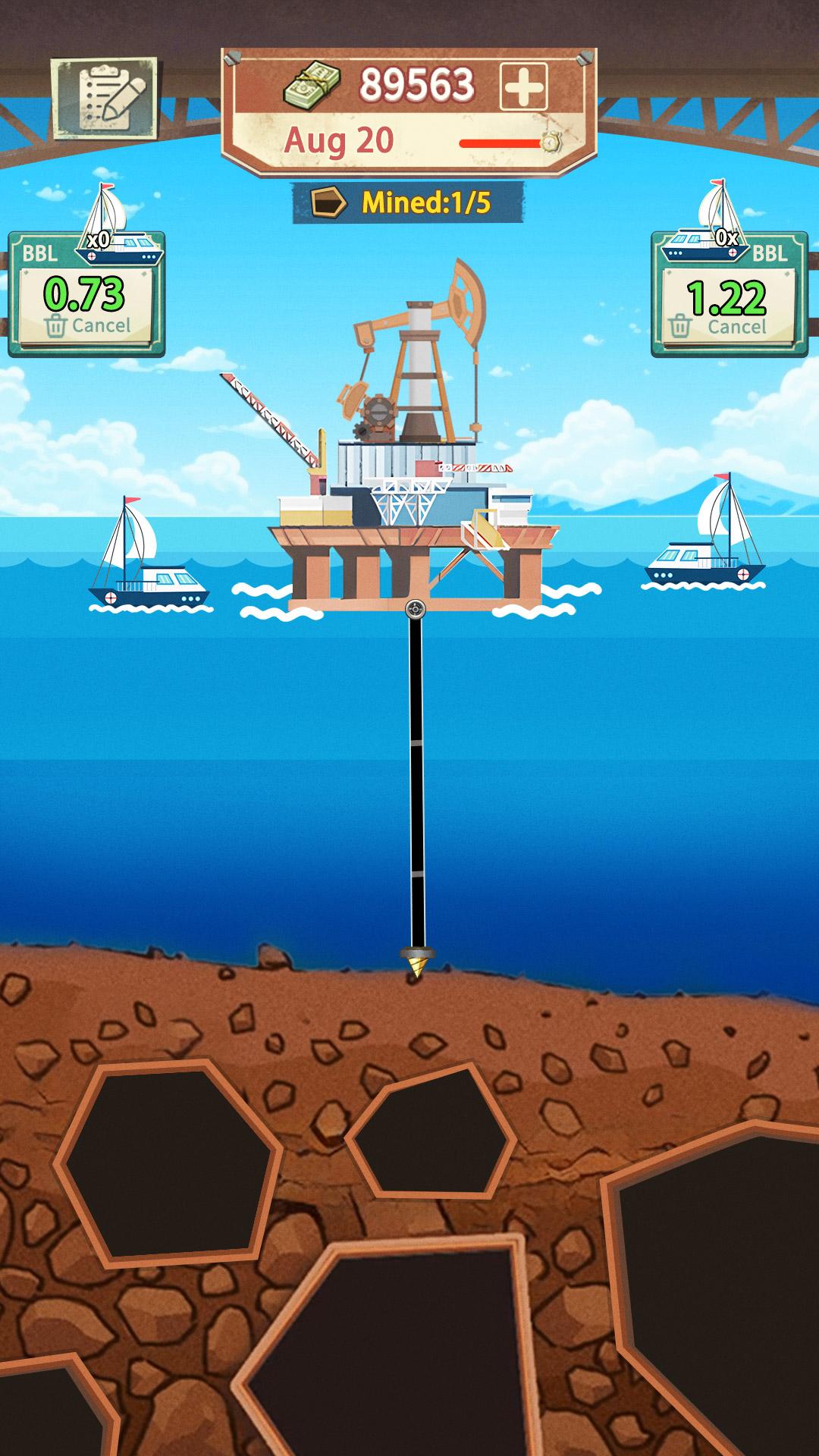
Step into the world of oil business and build your empire from the ground up! In Oil Era, drill deep, mine oil and gas, and rise from a small miner to an oil tycoon. Manage oil rigs, track your rig count, and compete in the thrilling oil industry. This oil refinery management simulator challenges you to refine crude oil, optimize production, and compete for success in a dynamic oil market.
Start small, bid for land, and drill for oil and gas to build your empire. Optimize drilling operations, use advanced transit systems to transport your resources, refine oil in powerful reactors, and sell at peak prices to maximize profits. Expand your empire and outsmart your competitors using real-world oil economic strategies to make the smartest investment decisions.
How to Play
🔥 Drill & Extract: Set up your oil rigs, manage rig counts, and dig for oil and gas.
🚚 Transport & Sell: Use advanced transit systems to efficiently move your resources and sell at the right time for maximum profits.
🏗 Expand & Build: Develop your township, upgrade reactors, and grow into an oil tycoon.
💰 Idle & Earn: Keep your empire running, even while offline!
Are you ready to build your own oil empire?
📲 Download now and start drilling!
🔹 Follow us on Facebook: https://www.facebook.com/oilera.game
📧 Support: sofishgame@outlook.com
Preview

Tags
ManagementTycoonCasualStylizedSingle playerOfflineInformation
Developer
AliensIdea
Latest Version
1.14.9
Last Updated
2025-09-11
Category
Simulation
Show More
How to play Oil Era - Idle Mining Tycoon with GameLoop on PC
1. Download GameLoop from the official website, then run the exe file to install GameLoop
2. Open GameLoop and search for “Oil Era - Idle Mining Tycoon” , find Oil Era - Idle Mining Tycoon in the search results and click “Install”
3. Enjoy playing Oil Era - Idle Mining Tycoon on GameLoop
Minimum requirements
OS
Windows 8.1 64-bit or Windows 10 64-bit
GPU
GTX 1050
CPU
i3-8300
Memory
8GB RAM
Storage
1GB available space
Recommended requirements
OS
Windows 8.1 64-bit or Windows 10 64-bit
GPU
GTX 1050
CPU
i3-9320
Memory
16GB RAM
Storage
1GB available space