Mini Valley Craft PC
SMT Tools Studio
Download Mini Valley Craft on PC With GameLoop Emulator
Mini Valley Craft on PC
Mini Valley Craft, coming from the developer SMT Tools Studio, is running on Android systerm in the past.
Now, You can play Mini Valley Craft on PC with GameLoop smoothly.
Download it in the GameLoop library or search results. No more eyeing the battery or frustrating calls at the wrong time any more.
Just enjoy Mini Valley Craft PC on the large screen for free!
Mini Valley Craft Introduction
Creative and Survival in Mini Valley Craft!
When the first ray of morning sunlight shines into the valley, you begin another day of craft.
You are familiar with every river and every tree here, there are many villages not far from the valley, and occasionally you go shopping in the village when you are not busy.
Behind the valley is a mountain with many wild animals, and you often go hunting there.
After many years of quiet life, one day you are determined to make the valley better, so you begin your craft life.
You decided to build a zoo on the west side of the valley to give the homeless little animals a habitat, and now you have a few puppies, a few rabbits, a cow, and a few squirrels in your backyard.
You decide to craft a castle on the east side so that you can live and enjoy the sunrise, and there are hundreds of blocks in your inventory.
You decided to build a cave on the mountainside...
In Mini Valley Craft, all the good ideas are waiting for you to craft.
In Mini Valley Craft, you can freely switch between survival mode and creative mode.
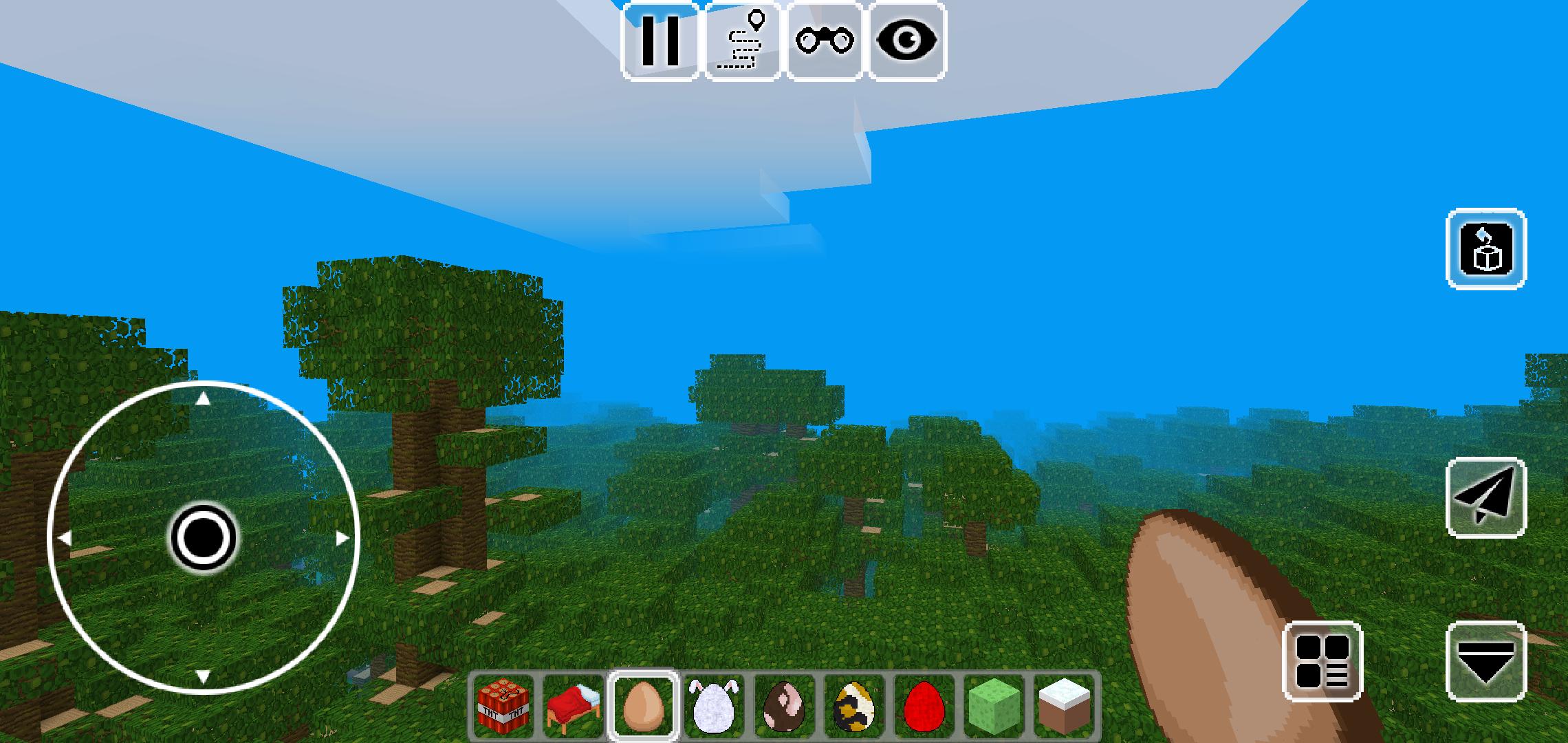
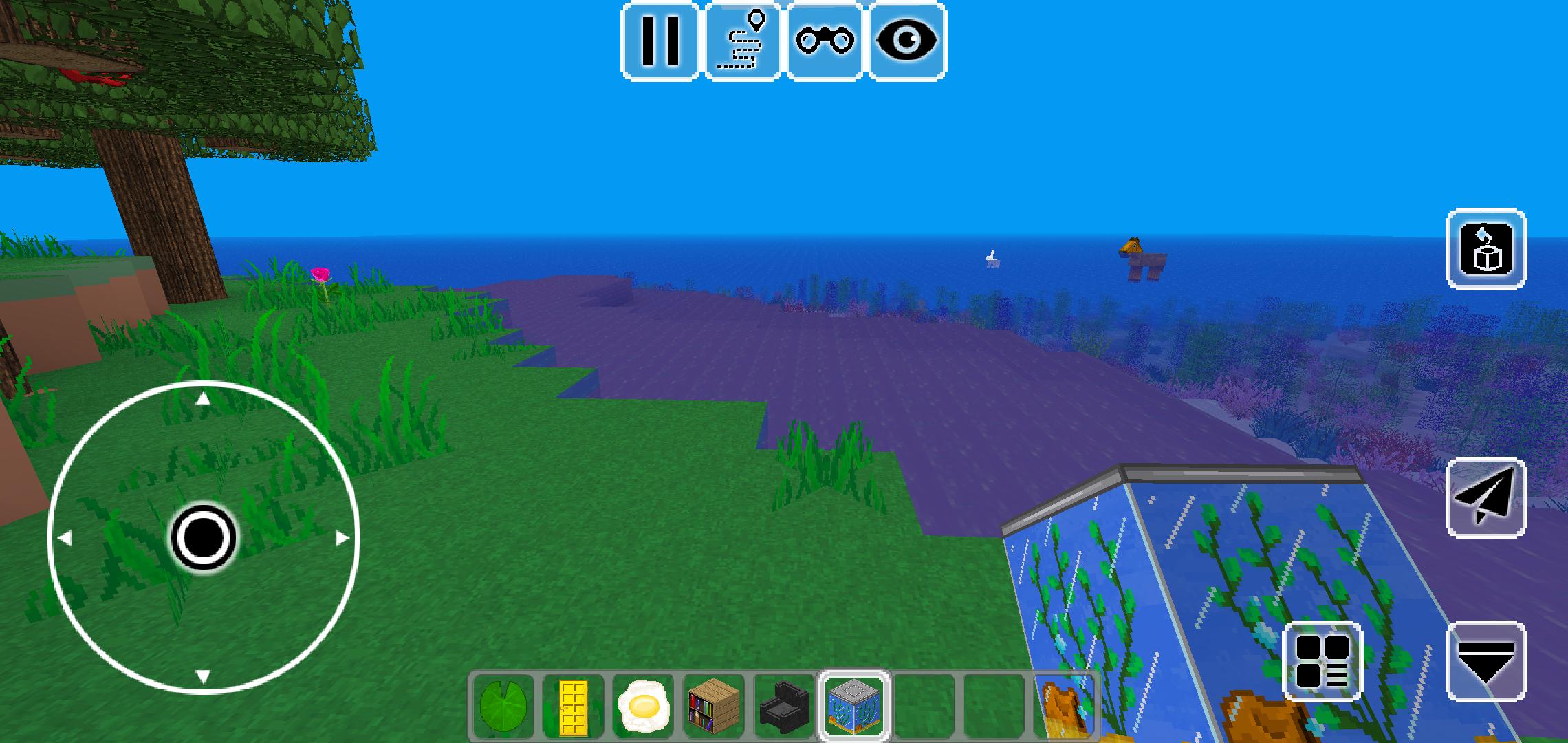
In Mini Valley Craft, up to 500 kinds of blocks, dozens of kinds of animals.
In Mini Valley Craft, you can fly freely in the sky, you can also swim in the river.
In Mini Valley Craft, you can dress up your skin.
The main thing that Mini Valley Craft is free forever!
Enjoy craft, enjoy Mini Valley Craft!
Preview
Tags
SimulationInformation
Developer
SMT Tools Studio
Latest Version
0.15.6
Last Updated
2021-05-04
Category
Simulation
Available on
Google Play
Show More
How to play Mini Valley Craft with GameLoop on PC
1. Download GameLoop from the official website, then run the exe file to install GameLoop
2. Open GameLoop and search for “Mini Valley Craft” , find Mini Valley Craft in the search results and click “Install”
3. Enjoy playing Mini Valley Craft on GameLoop
Minimum requirements
OS
Windows 8.1 64-bit or Windows 10 64-bit
GPU
GTX 1050
CPU
i3-8300
Memory
8GB RAM
Storage
1GB available space
Recommended requirements
OS
Windows 8.1 64-bit or Windows 10 64-bit
GPU
GTX 1050
CPU
i3-9320
Memory
16GB RAM
Storage
1GB available space