Little Computer People PC
GEKKO
Download Little Computer People on PC With GameLoop Emulator
Little Computer People on PC
Little Computer People, coming from the developer GEKKO, is running on Android systerm in the past.
Now, You can play Little Computer People on PC with GameLoop smoothly.
Download it in the GameLoop library or search results. No more eyeing the battery or frustrating calls at the wrong time any more.
Just enjoy Little Computer People PC on the large screen for free!
Little Computer People Introduction
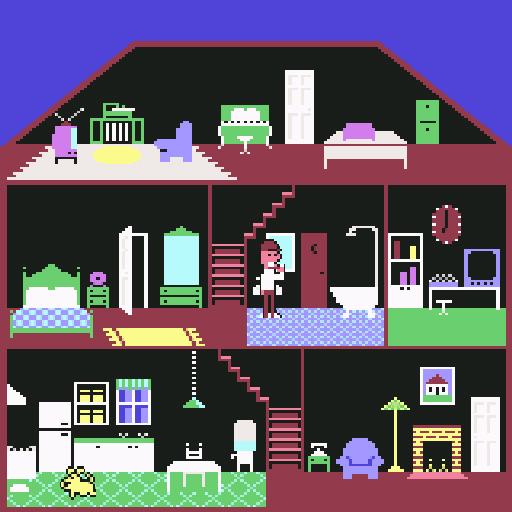
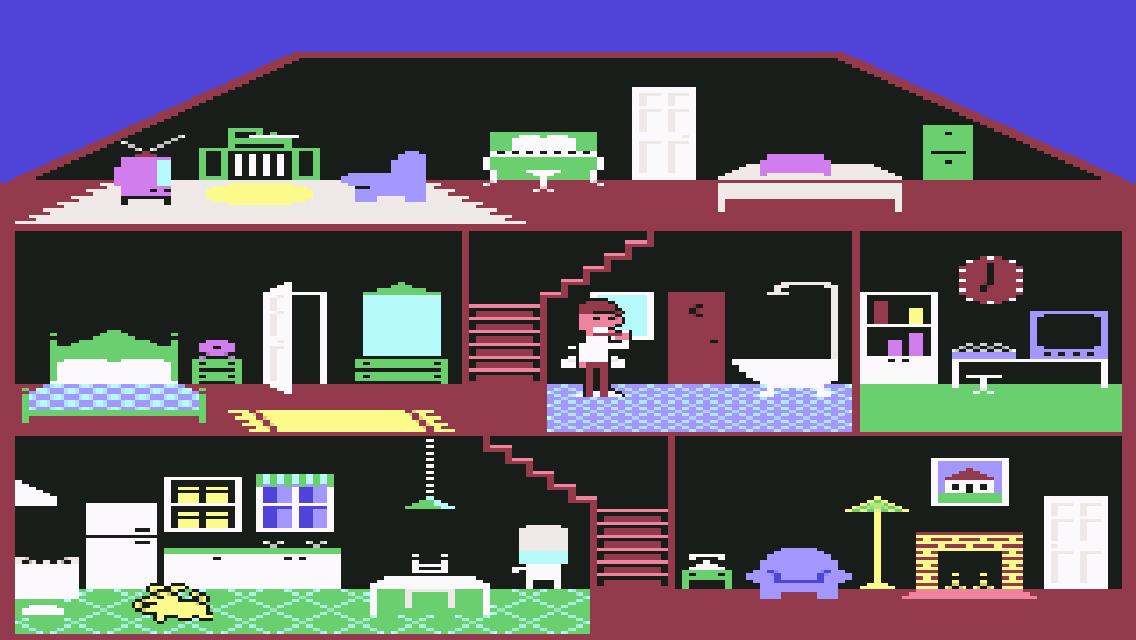
The game represents the daily life of a character inside his home, which proceeds autonomously with limited control by the user. The presentation describes the characters as if they really existed inside the computer, and the program allowed them to be viewed and studied, hence the translatable title "little computer people".
The game screen is a fixed view of a cross-section of the house, a three-story house with all the furnishings, including a fireplace, computer, piano and stereo system. The house is inhabited by a man and his dog who roam freely inside carrying out ordinary everyday activities: the man eats, sleeps, goes to the bathroom, watches TV, plays the piano, makes phone calls, etc. . Time is marked by the house clock. The game has no real goal; the player can interact with the character, suggesting what to do and providing for his main physical and emotional needs.
Through key combinations you can perform some actions directly, such as getting food for the man or dog to the front door, making the phone ring, or giving a friendly pat to the character when he is in an armchair (a mechanical arm appears. running). Many other types of communication can be sent to the character by typing sentences in English, in a special typewriter-style text box that appears at the top of the screen. The character can react in various ways, in particular he is more compliant to requests made politely, with phrases like "Please play a record for me" ("please play me a record") or "Please light a fire" ("please turn on fire"). Upon request, the character can also write polite letters to the player, where he reveals his name and explains his conditions and wishes.
Characters may have slightly different characteristics and habits. The first time you start playing with a certain copy of the program, the character is randomly generated and saved, and will be automatically reused in subsequent game sessions. A new character also performs an opening sequence in which he inspects the new house, after which the interaction with the player begins.
Preview
Tags
SimulationInformation
Developer
GEKKO
Latest Version
1.6
Last Updated
2025-08-17
Category
Simulation
Available on
Google Play
Show More
How to play Little Computer People with GameLoop on PC
1. Download GameLoop from the official website, then run the exe file to install GameLoop
2. Open GameLoop and search for “Little Computer People” , find Little Computer People in the search results and click “Install”
3. Enjoy playing Little Computer People on GameLoop
Minimum requirements
OS
Windows 8.1 64-bit or Windows 10 64-bit
GPU
GTX 1050
CPU
i3-8300
Memory
8GB RAM
Storage
1GB available space
Recommended requirements
OS
Windows 8.1 64-bit or Windows 10 64-bit
GPU
GTX 1050
CPU
i3-9320
Memory
16GB RAM
Storage
1GB available space