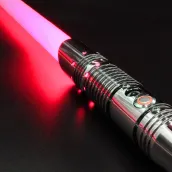
Lightsaber Gun Simulator PC
King Doodle Games
Download Lightsaber Gun Simulator on PC With GameLoop Emulator
Lightsaber Gun Simulator on PC
Lightsaber Gun Simulator, coming from the developer King Doodle Games, is running on Android systerm in the past.
Now, You can play Lightsaber Gun Simulator on PC with GameLoop smoothly.
Download it in the GameLoop library or search results. No more eyeing the battery or frustrating calls at the wrong time any more.
Just enjoy Lightsaber Gun Simulator PC on the large screen for free!
Lightsaber Gun Simulator Introduction
Unleash the power of a laser sword and gun simulator with Lightsaber Gun Simulator – the ultimate sci-fi weapon app! Whether you’re looking for a realistic shooting experience or want to role-play epic battles, this app delivers non-stop action, fun, and sound effects.
🔫 Gun Simulator & Gun Prank App
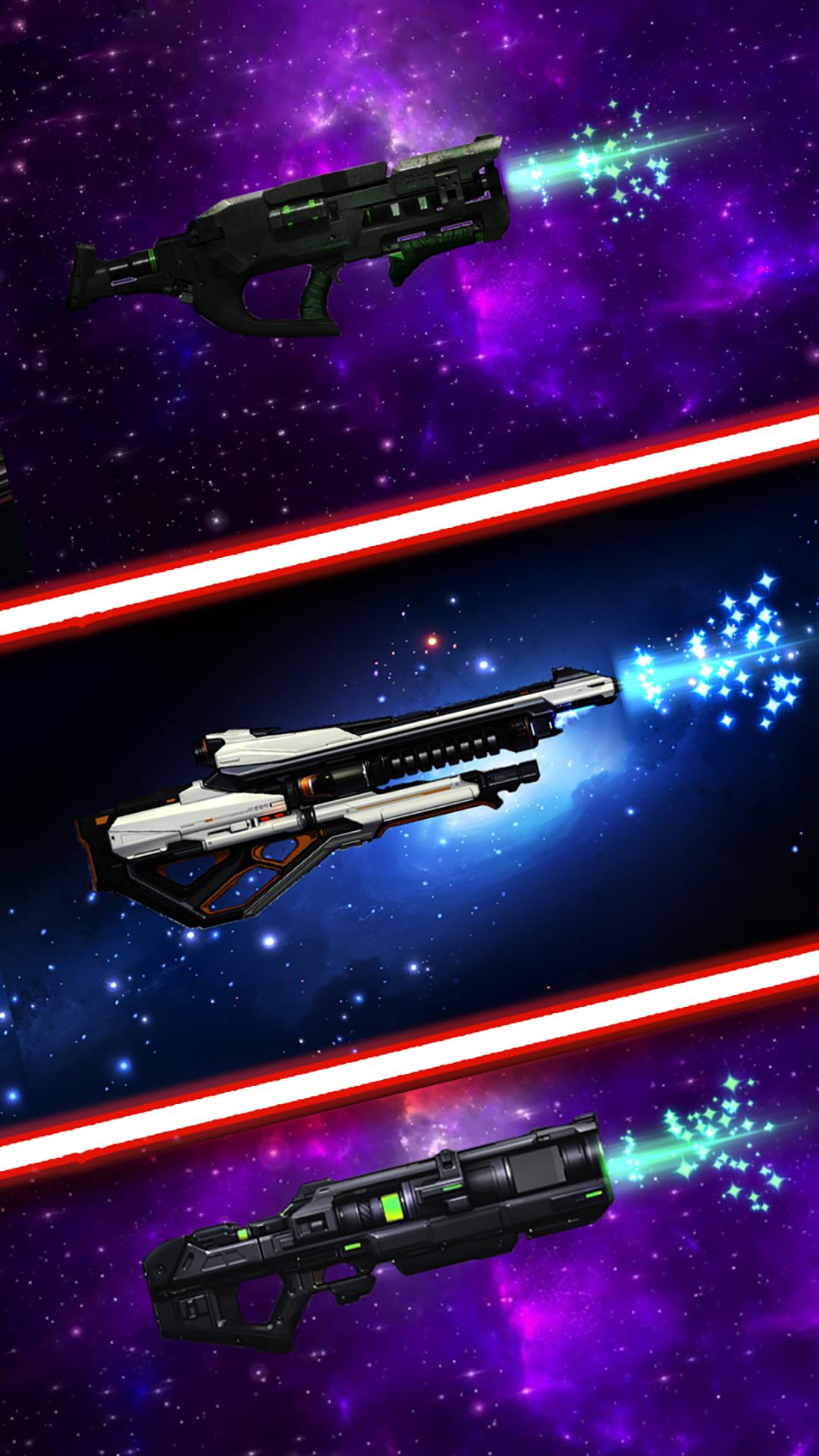
Experience lifelike gun sounds with every tap! Choose from realistic pistols, rifles, shotguns, and sci-fi blasters. Each weapon includes intense sound effects, vibration, and flash. Perfect for pranks or just for fun.
⚔️ Lightsaber & Laser Sword Mode
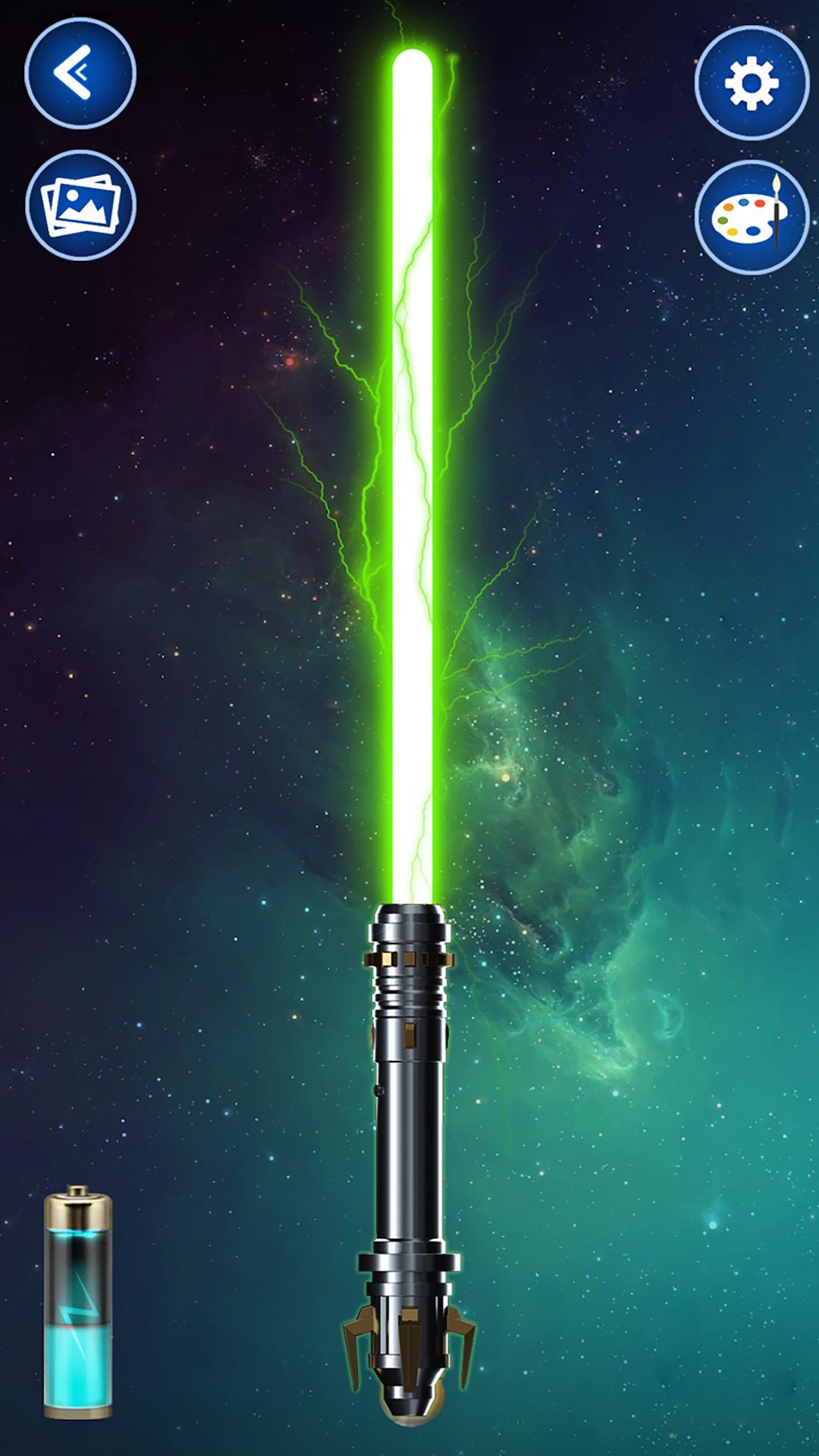
Ignite your lightsaber with motion or touch! Hear iconic humming, clash, and fight sound effects. Shake your device like a real Jedi warrior. Pick from various saber colors and customize your weapon for the ultimate force experience.
🎮 Features:
Realistic lightsaber & gun sound effects
Laser sword simulator with motion activation
Shooting simulator with vibration & flash
Blaster and sci-fi weapon modes
Gun app for kids and adults
Fight sound effects for battles
Prank your friends with gun sounds
Multiple weapons to choose from
Easy to use & offline compatible
Whether you love Star-style wars, enjoy a good shooting simulator, or just want to prank your friends, this app brings action-packed fun for all ages. Perfect for cosplay, play fights, or simply enjoying cool sound effects.
💥 Download Lightsaber Gun Simulator now and feel the force in your hands—anytime, anywhere!
Preview
Tags
SimulationInformation
Developer
King Doodle Games
Latest Version
0.11.4
Last Updated
2025-10-15
Category
Simulation
Available on
Google Play
Show More
How to play Lightsaber Gun Simulator with GameLoop on PC
1. Download GameLoop from the official website, then run the exe file to install GameLoop
2. Open GameLoop and search for “Lightsaber Gun Simulator” , find Lightsaber Gun Simulator in the search results and click “Install”
3. Enjoy playing Lightsaber Gun Simulator on GameLoop
Minimum requirements
OS
Windows 8.1 64-bit or Windows 10 64-bit
GPU
GTX 1050
CPU
i3-8300
Memory
8GB RAM
Storage
1GB available space
Recommended requirements
OS
Windows 8.1 64-bit or Windows 10 64-bit
GPU
GTX 1050
CPU
i3-9320
Memory
16GB RAM
Storage
1GB available space