Drive Gelik Moon Simulator PC
Train And Car Games
Download Drive Gelik Moon Simulator on PC With GameLoop Emulator
Drive Gelik Moon Simulator on PC
Drive Gelik Moon Simulator, coming from the developer Train And Car Games, is running on Android systerm in the past.
Now, You can play Drive Gelik Moon Simulator on PC with GameLoop smoothly.
Download it in the GameLoop library or search results. No more eyeing the battery or frustrating calls at the wrong time any more.
Just enjoy Drive Gelik Moon Simulator PC on the large screen for free!
Drive Gelik Moon Simulator Introduction
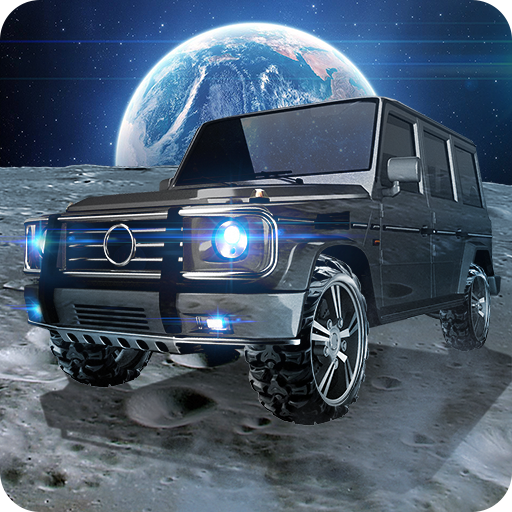
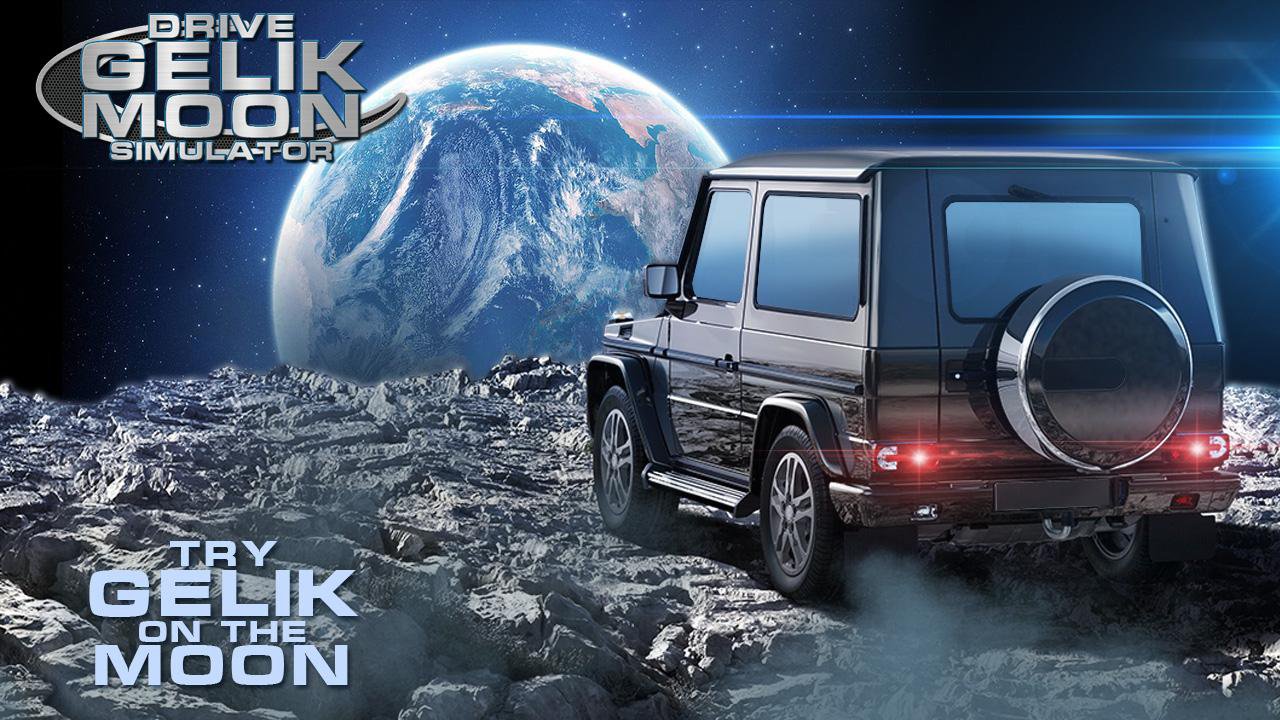
Driving Gelik Moon Simulator - riding a legendary SUV on the Moon!
Ever come to mind like that?
This game will be on Earth's satellite in your favorite car!
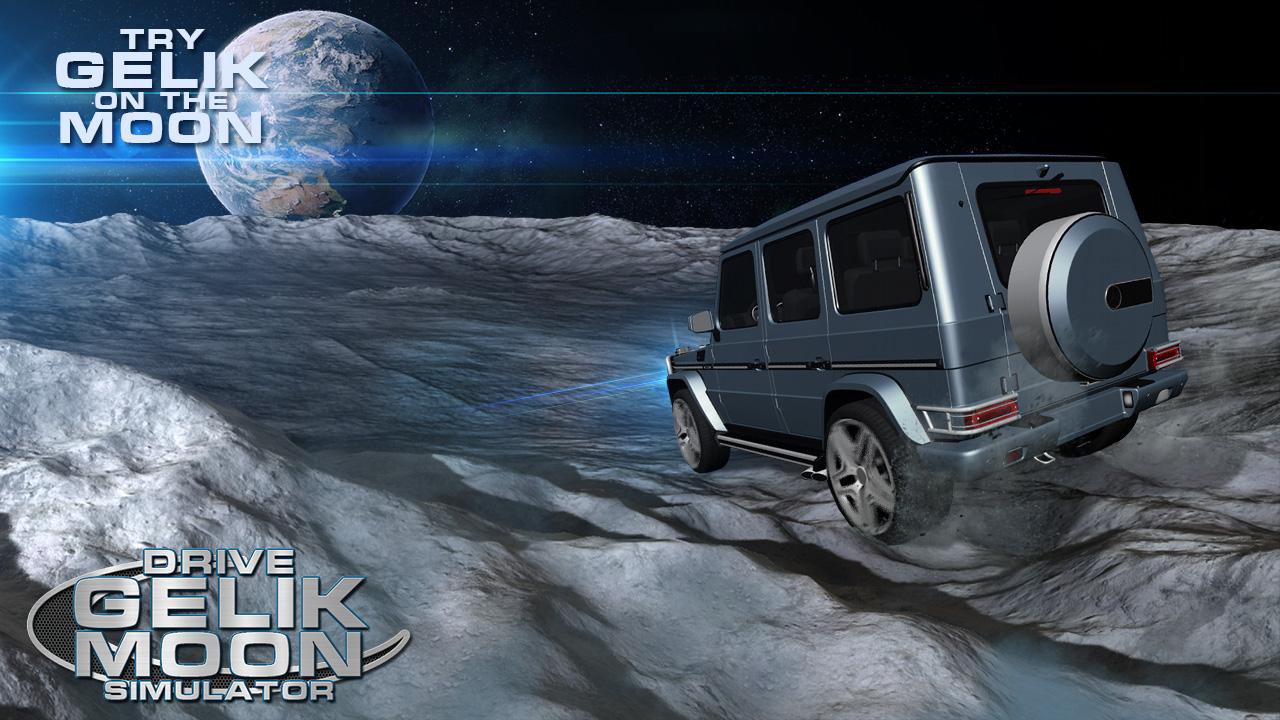
Explore the surface of the moon, passing through the specified areas for a while!
Feel the Earth gravity out!
Enjoy the beautiful lunar landscapes!
Look at the Earth from another planet!
Lunar landscape has its own characteristics, which you have to adapt to!
Patiently overcome obstacles in the form of craters!
Check the reliability of the legendary SUV in new conditions!
The fastest way to go is by earning points!
Discover new models of Gelik, more powerful and passable!
Set the records! Share them with your friends!
- Beautiful 3D graphics! A detailed lunar landscape!
- Qualitative soundtrack!
"Not the usual mechanics of management!"
- Large fleet of SUVs!
- View from the first person from the cabin!
Leave your comments and ratings!
Preview
Tags
SimulationInformation
Developer
Train And Car Games
Latest Version
1.1
Last Updated
2023-09-12
Category
Simulation
Available on
Google Play
Show More
How to play Drive Gelik Moon Simulator with GameLoop on PC
1. Download GameLoop from the official website, then run the exe file to install GameLoop
2. Open GameLoop and search for “Drive Gelik Moon Simulator” , find Drive Gelik Moon Simulator in the search results and click “Install”
3. Enjoy playing Drive Gelik Moon Simulator on GameLoop
Minimum requirements
OS
Windows 8.1 64-bit or Windows 10 64-bit
GPU
GTX 1050
CPU
i3-8300
Memory
8GB RAM
Storage
1GB available space
Recommended requirements
OS
Windows 8.1 64-bit or Windows 10 64-bit
GPU
GTX 1050
CPU
i3-9320
Memory
16GB RAM
Storage
1GB available space