
UV Light Simulation PC
AFapps.de
Download UV Light Simulation on PC With GameLoop Emulator
UV Light Simulation on PC
UV Light Simulation, coming from the developer AFapps.de, is running on Android systerm in the past.
Now, You can play UV Light Simulation on PC with GameLoop smoothly.
Download it in the GameLoop library or search results. No more eyeing the battery or frustrating calls at the wrong time any more.
Just enjoy UV Light Simulation PC on the large screen for free!
UV Light Simulation Introduction
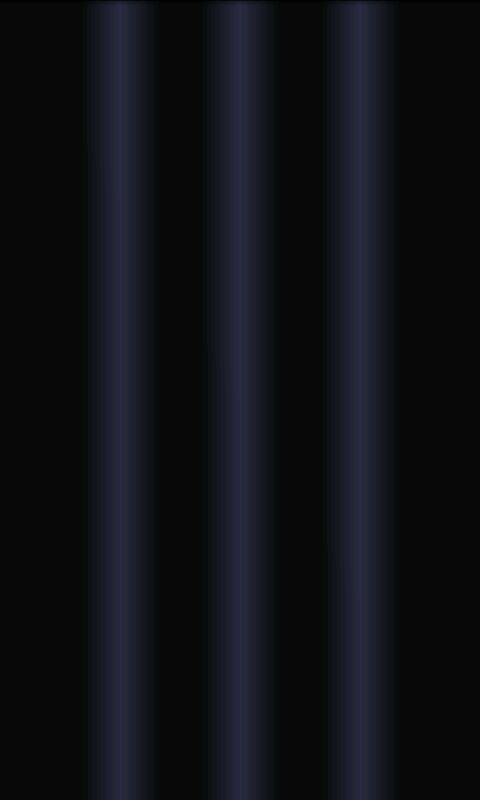
Let the screen of your Android smartphone or tablet shade in an ultraviolet light. Use this UV light app to simulate the color of a real blacklight.
Switched on, the screen acts like it would produce true black light, but it doesn't, because this does not cover the color spectrum of real UV range. As a simulation, you can use this application with it purple animation, to have a lot of fun on parties or prank your friends.
One click is enough and the simulated black light is turned on. With another, you switch off the UV lamp. The switching process is accompanied acoustically. This supports the illusion of a proper fluorescent tube. To simulate a higher brightness, a total of three light sources are shown. During use, the screen brightness is adjusted to 100 percent. After that, it will be moved back to normal, so the batterylife is protected.
If you like the app, please rate it positive in Play Store. However, always keep in mind that this is explicitly marked as simulated and not real UV light with a fluorescent effect.
Behalte jedoch stets im Hinterkopf, dass es sich hierbei explizit um simuliertes und keine echtes UV Licht mit fluoreszierender Wirkung handelt. This is technically impossible with a conventional cell phone screen.
Write me an email if you find a bug. I will try to fix it as soon as possible. Do feature requests also on the same way.
Preview

Tags
SimulationInformation
Developer
AFapps.de
Latest Version
1.1
Last Updated
2016-05-08
Category
Simulation
Available on
Google Play
Show More
How to play UV Light Simulation with GameLoop on PC
1. Download GameLoop from the official website, then run the exe file to install GameLoop
2. Open GameLoop and search for “UV Light Simulation” , find UV Light Simulation in the search results and click “Install”
3. Enjoy playing UV Light Simulation on GameLoop
Minimum requirements
OS
Windows 8.1 64-bit or Windows 10 64-bit
GPU
GTX 1050
CPU
i3-8300
Memory
8GB RAM
Storage
1GB available space
Recommended requirements
OS
Windows 8.1 64-bit or Windows 10 64-bit
GPU
GTX 1050
CPU
i3-9320
Memory
16GB RAM
Storage
1GB available space