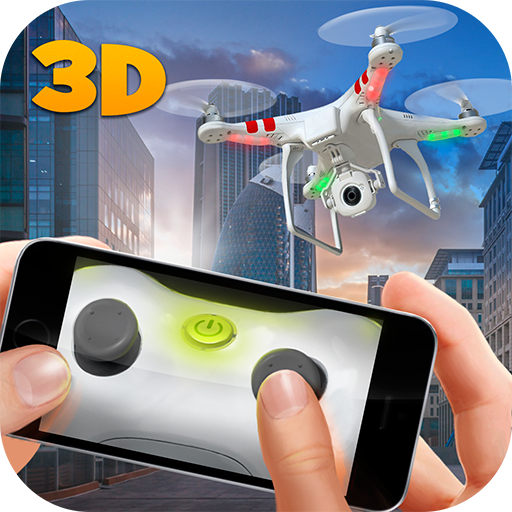
RC Drone Flight Simulator 3D PC
Big Mad Games
Download RC Drone Flight Simulator 3D on PC With GameLoop Emulator
RC Drone Flight Simulator 3D on PC
RC Drone Flight Simulator 3D, coming from the developer Big Mad Games, is running on Android systerm in the past.
Now, You can play RC Drone Flight Simulator 3D on PC with GameLoop smoothly.
Download it in the GameLoop library or search results. No more eyeing the battery or frustrating calls at the wrong time any more.
Just enjoy RC Drone Flight Simulator 3D PC on the large screen for free!
RC Drone Flight Simulator 3D Introduction
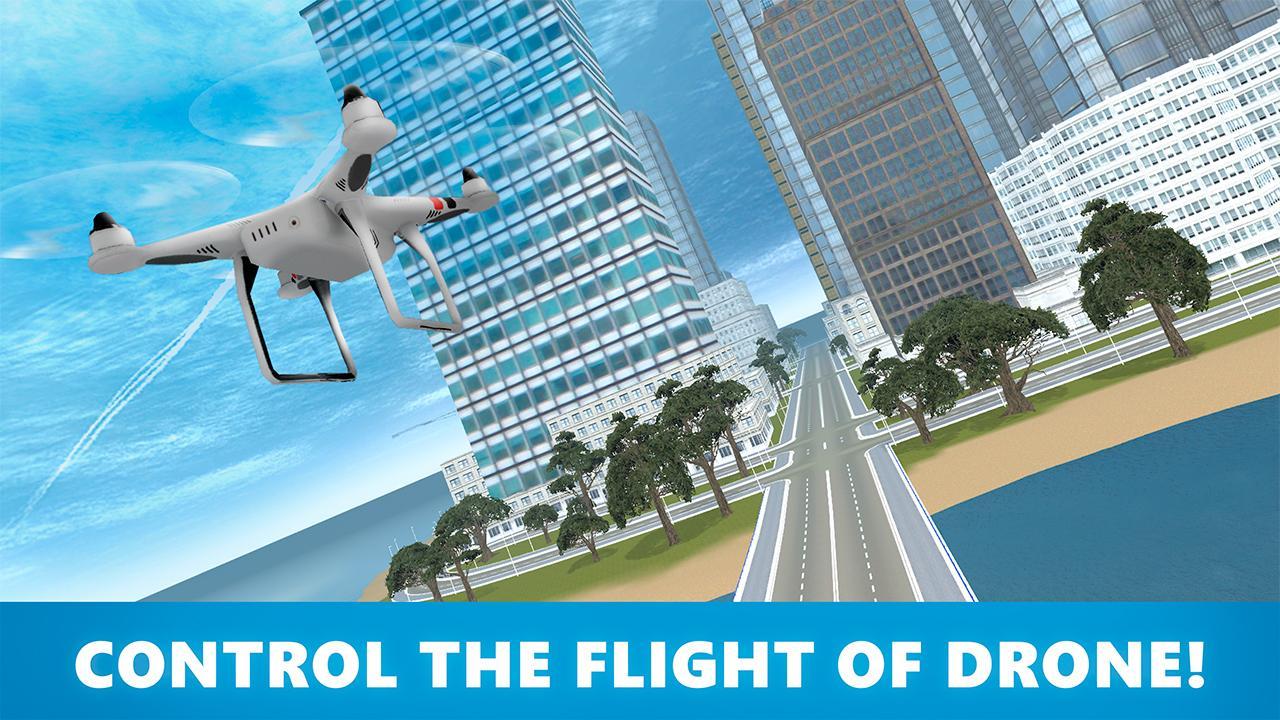
Control your quadcopter drone and fly over the city streets full of hurrying humans! Get photos, control your drone and have fun with RC Drone Flight Simulator 3D!
Become a pilot of the remote controlled drone, also called quadcopter! The time to spring has come! Explore the sky, terrorize citizens on streets get their photos and annoy them! Become the real menace for peaceful citizens!
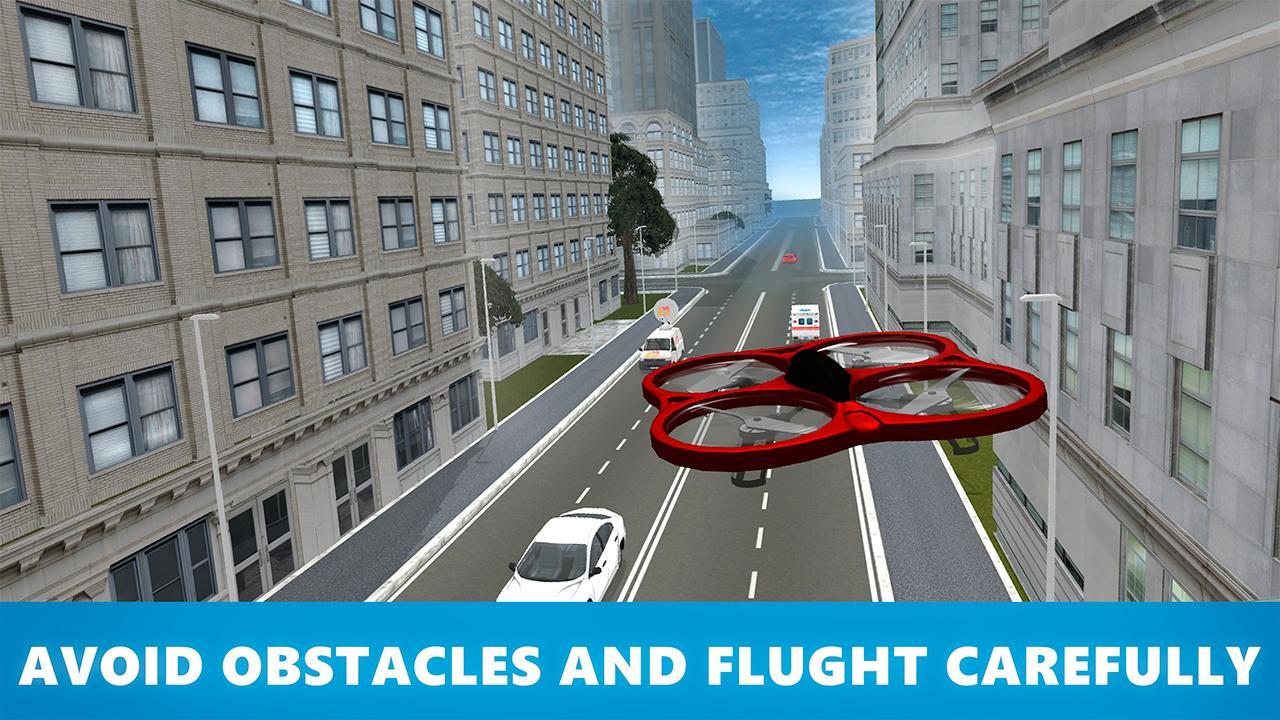
Shoot people with the integrated camera, hunt for the best shots, but be careful – passers dislike spies, so they could smash your drone! Avoid angered people and gain amazing flight & fight experience with RC Drone Flight Simulator 3D!
Complete different flight and photo missions, perform flips and tricks, get pictures of citizens and earn points to upgrade your drone or buy/unlock the new one!
Annoy citizens or turn them into a panic with RC Drone Flight Simulator 3D!
RC Drone Flight Simulator 3D features:
Unusual flight simulator – feel as a real pilot of drone!
Make pictures and annoy citizens
Earn points to upgrade your drone or buy a new one
Master your drone
Tired of usual flight simulators? Check our unusual remote-controlled drone simulator - RC Drone Flight Simulator in 3D!
Preview
Information
Developer
Big Mad Games
Latest Version
1.1
Last Updated
2017-05-15
Category
Simulation
Available on
Google Play
Show More
How to play RC Drone Flight Simulator 3D with GameLoop on PC
1. Download GameLoop from the official website, then run the exe file to install GameLoop
2. Open GameLoop and search for “RC Drone Flight Simulator 3D” , find RC Drone Flight Simulator 3D in the search results and click “Install”
3. Enjoy playing RC Drone Flight Simulator 3D on GameLoop
Minimum requirements
OS
Windows 8.1 64-bit or Windows 10 64-bit
GPU
GTX 1050
CPU
i3-8300
Memory
8GB RAM
Storage
1GB available space
Recommended requirements
OS
Windows 8.1 64-bit or Windows 10 64-bit
GPU
GTX 1050
CPU
i3-9320
Memory
16GB RAM
Storage
1GB available space