
BTN Sports&Games PC
Collins Barry Daniel
Download BTN Sports&Games on PC With GameLoop Emulator
BTN Sports&Games on PC
BTN Sports&Games, coming from the developer Collins Barry Daniel, is running on Android systerm in the past.
Now, You can play BTN Sports&Games on PC with GameLoop smoothly.
Download it in the GameLoop library or search results. No more eyeing the battery or frustrating calls at the wrong time any more.
Just enjoy BTN Sports&Games PC on the large screen for free!
BTN Sports&Games Introduction
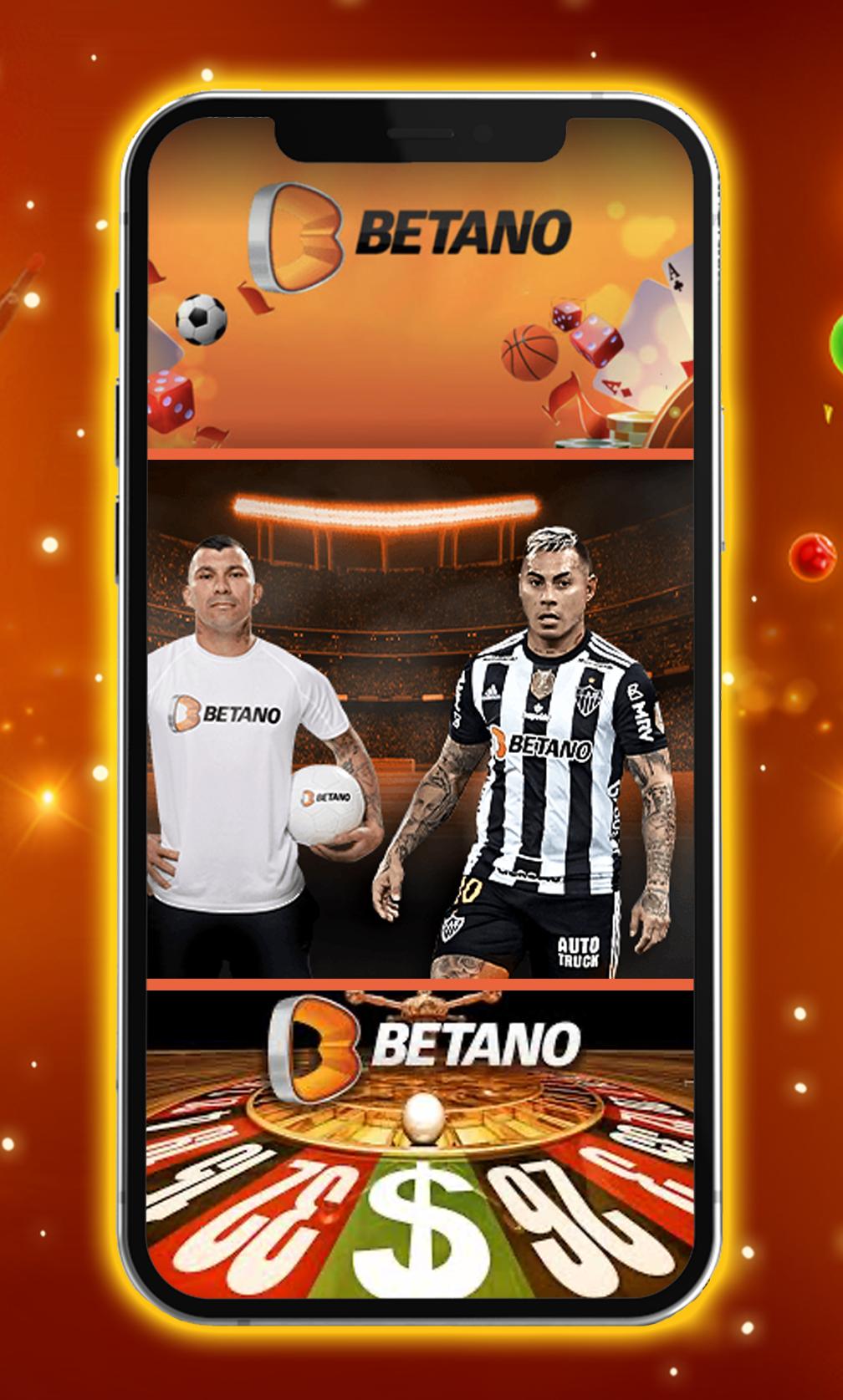
The Betano brand was established in 2016. Since then, it has become the leading online gambling platform in Brazil. Here, you can play slots, poker, live dealer games, bingo and many other categories of entertainment. Plus, you can try your luck at sports betting. No matter which discipline you prefer (football, tennis or racing horses), Betano has them all!
Betano Sport
At Betano, you can not only play gambling games but also place sports bets. Every day, dozens of events take place. You can conveniently filter them and search for the most attractive ones. Feel free to try to predict their outcomes and/or other statistics!
There are over 25 sports disciplines to choose from. Here are the most popular ones:
• Basketball
• Baseball
• Hockey
• Soccer
• Tennis
• Golf
The live betting section allows you to check the list of games that are currently going on and bet on them. Otherwise, you may place bets on games and matches that will begin in a few days. The comprehensive calendar lets you explore the schedule for weeks ahead. Once an event is over, you'll be able to check its results.
Compared to most other bookmakers, Betano has very generous coefficients. It structures the information very well so that clients can make reasonable decisions.
Download Our App
Thanks to our app, you can access all the Betano functionality in a couple of clicks, right from your smartphone. This software includes both games and sports betting options. Thanks to the "all games in one app" approach, you won't need to switch between several accounts or interfaces. The entertainment catalog is 100% identical to the one on the Betano official website.
The interface of the app is incredibly intuitive. Its responsive design nicely adapts to displays of all shapes and sizes. This software installs and works very quickly. It's entirely safe and remarkably user-friendly.
Even if you have never used gambling and betting apps, the Betano one will become a perfect starting point! You'll be able to use it 24/7, regardless of your current location. Download for free and enjoy!
Disclaimer
The target audience of this app is people aged 18 or older. Underage customers shouldn't be involved in gambling or betting because their nervous system isn't yet ready for such a pastime.
However, the age restriction doesn't mean that the app accepts real cash bets. It's a casino simulator, which means you'll be playing and betting with virtual coins. Such coins lack real-life value. You won't be allowed to exchange your winnings for EUR, USD or any other currency. At the same time, you won't be able to lose a single cent, which is highly motivating.
Without using real money, you'll get only positive emotions from your gambling sessions. You won't be subject to excessive stress related to financial risks. In this non real money casino app, you'll enjoy every second to the max. You'll have fun and will experience a superb adrenaline rush. It's your chance to gamble safely and responsibly!
Preview

Tags
SimulationInformation
Developer
Collins Barry Daniel
Latest Version
3.0
Last Updated
2022-11-09
Category
Simulation
Available on
Google Play
Show More
How to play BTN Sports&Games with GameLoop on PC
1. Download GameLoop from the official website, then run the exe file to install GameLoop
2. Open GameLoop and search for “BTN Sports&Games” , find BTN Sports&Games in the search results and click “Install”
3. Enjoy playing BTN Sports&Games on GameLoop
Minimum requirements
OS
Windows 8.1 64-bit or Windows 10 64-bit
GPU
GTX 1050
CPU
i3-8300
Memory
8GB RAM
Storage
1GB available space
Recommended requirements
OS
Windows 8.1 64-bit or Windows 10 64-bit
GPU
GTX 1050
CPU
i3-9320
Memory
16GB RAM
Storage
1GB available space