
Bakso Simulator PC
Akhir Pekan Studio
Download Bakso Simulator on PC With GameLoop Emulator
Bakso Simulator on PC
Bakso Simulator, coming from the developer Akhir Pekan Studio, is running on Android systerm in the past.
Now, You can play Bakso Simulator on PC with GameLoop smoothly.
Download it in the GameLoop library or search results. No more eyeing the battery or frustrating calls at the wrong time any more.
Just enjoy Bakso Simulator PC on the large screen for free!
Bakso Simulator Introduction
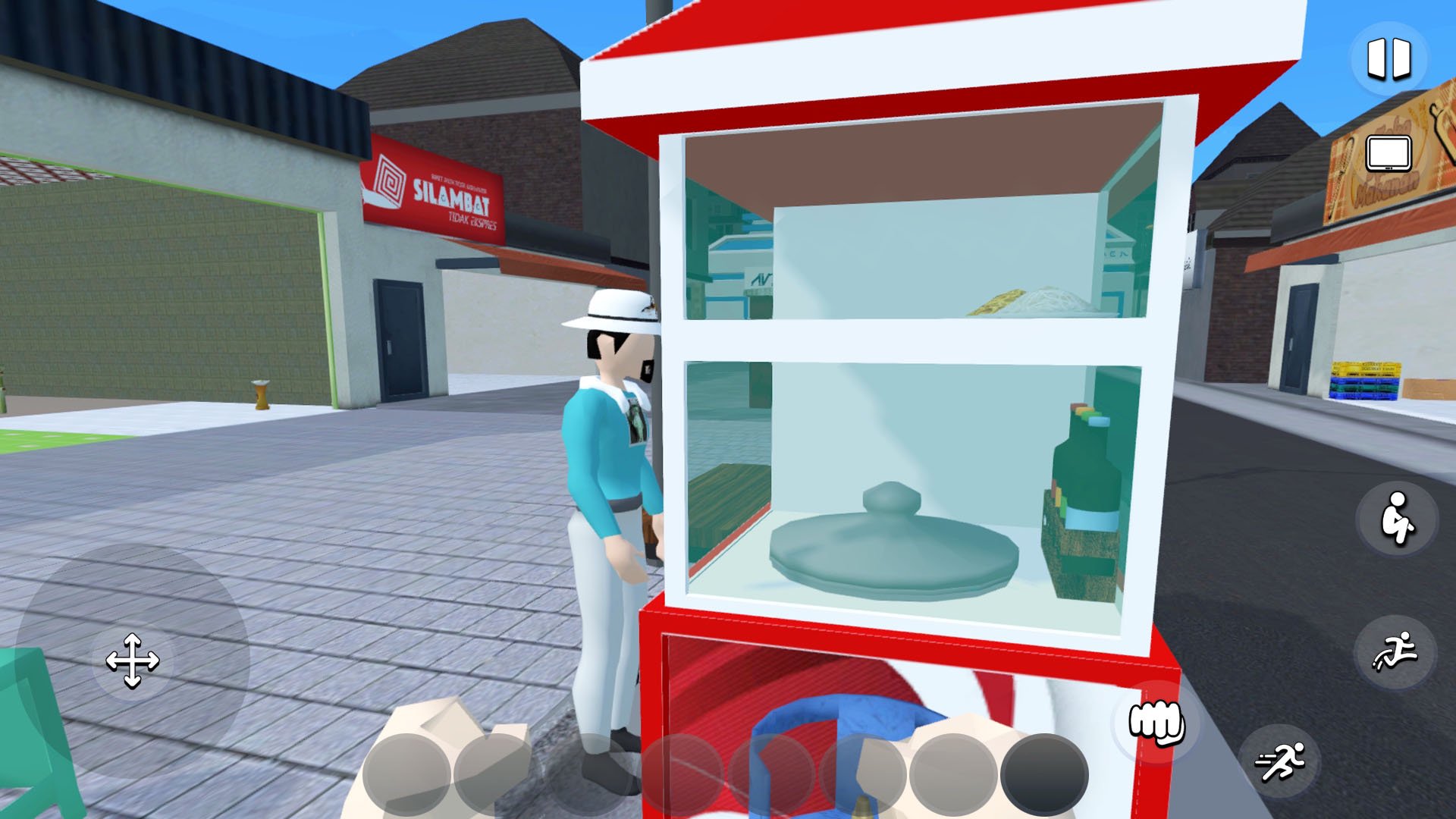
Have you ever dreamed of owning your own bakso restaurant? Dream no more, because now you can do it all with Bakso Simulator!
In this world, you'll own your own bakso restaurant with your old friend. Help the townspeople by completing their quests and uncovering all the town's secrets!
Features:
- Create your own unique bakso restaurant! 🍜
- Interact with a variety of characters in the town! 🤼
- Follow the exciting story of the town! 📖
- Relax at home after work and design it to your liking! 🏡
- Manage your employees and don’t forget to pay them on time! 👨💼👩💼
- Protect your bakso from flies, thieves, and ghosts! 🛡
- Explore the town! 🏙
And most importantly, earn lots of money and make your bakso restaurant the best in the world!
Let us know your thoughts, feedback and problems via email:
cs+bakso@akhirpekan.studio
Check out our other games:
https://linktr.ee/akhirpekanstudio
Preview

Tags
SimulationInformation
Developer
Akhir Pekan Studio
Latest Version
1.9.21
Last Updated
2026-07-30
Category
Simulation
Show More
How to play Bakso Simulator with GameLoop on PC
1. Download GameLoop from the official website, then run the exe file to install GameLoop
2. Open GameLoop and search for “Bakso Simulator” , find Bakso Simulator in the search results and click “Install”
3. Enjoy playing Bakso Simulator on GameLoop
Minimum requirements
OS
Windows 8.1 64-bit or Windows 10 64-bit
GPU
GTX 1050
CPU
i3-8300
Memory
8GB RAM
Storage
1GB available space
Recommended requirements
OS
Windows 8.1 64-bit or Windows 10 64-bit
GPU
GTX 1050
CPU
i3-9320
Memory
16GB RAM
Storage
1GB available space