
Optibook PC
Pixlpark
Download Optibook on PC With GameLoop Emulator
Optibook on PC
Optibook, coming from the developer Pixlpark, is running on Android systerm in the past.
Now, You can play Optibook on PC with GameLoop smoothly.
Download it in the GameLoop library or search results. No more eyeing the battery or frustrating calls at the wrong time any more.
Just enjoy Optibook PC on the large screen for free!
Optibook Introduction
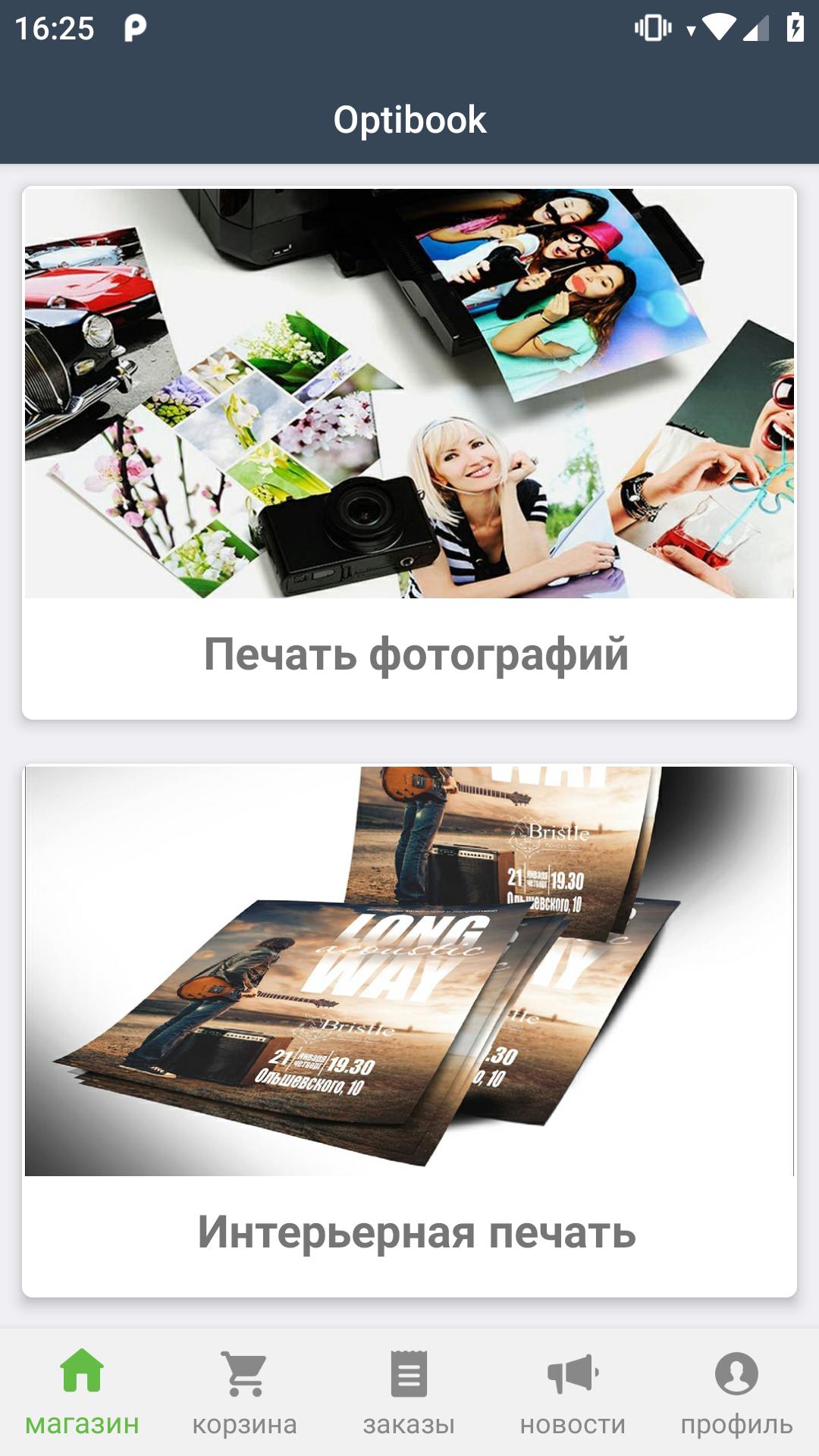
Optibuk is a service for ordering photo printing, printing photo products and printing in Obninsk
Our application will allow you to:
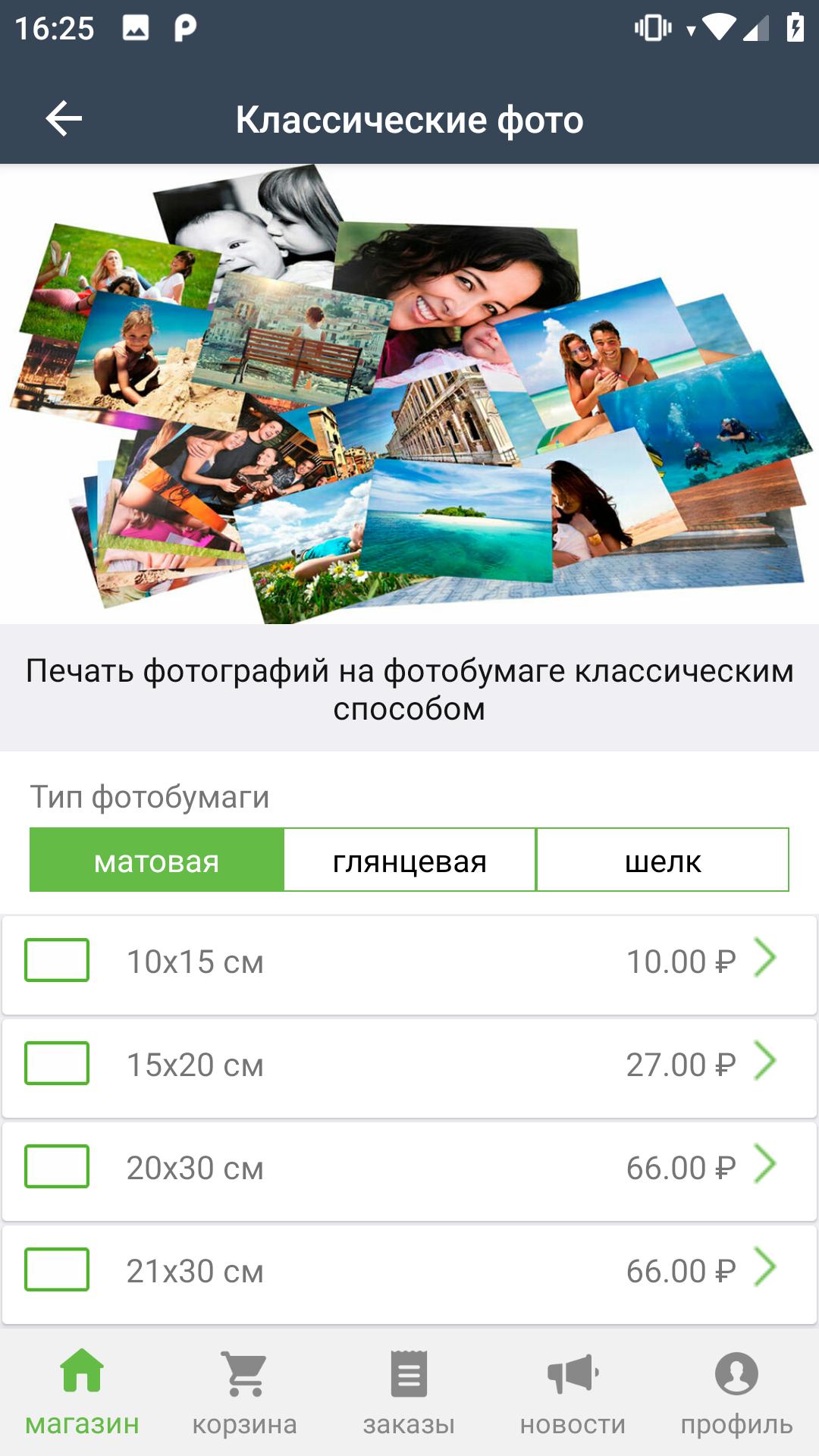
Print photos of various formats.
Print color and black and white documents.
To produce interior products (from posters to modular paintings).
Make photo souvenirs (mugs, t-shirts, puzzles, etc.).
Print printing (business cards, flyers, flyers, etc.).
Order the development of design of printed materials.
To place an order, you need to select the category and service of interest, upload photos (files) and add a comment, and then log in using the phone number and select the point of issue of the order. Everything, the order is placed! Upon its readiness you will receive a notification directly in our application.
Keep your memories in the form of photos, photo souvenirs or pictures. Share them with your near and dear ones. Use our printing application for your business.
If you have any questions or suggestions, send them to us at info.optibook@gmail.com. Our team will be happy to help you.
Preview
Tags
ShoppingInformation
Developer
Pixlpark
Latest Version
2.8.2
Last Updated
2025-09-25
Category
Shopping
Available on
Google Play
Show More
How to play Optibook with GameLoop on PC
1. Download GameLoop from the official website, then run the exe file to install GameLoop
2. Open GameLoop and search for “Optibook” , find Optibook in the search results and click “Install”
3. Enjoy playing Optibook on GameLoop
Minimum requirements
OS
Windows 8.1 64-bit or Windows 10 64-bit
GPU
GTX 1050
CPU
i3-8300
Memory
8GB RAM
Storage
1GB available space
Recommended requirements
OS
Windows 8.1 64-bit or Windows 10 64-bit
GPU
GTX 1050
CPU
i3-9320
Memory
16GB RAM
Storage
1GB available space