
My Suki PC
My Suki Inc.
Download My Suki on PC With GameLoop Emulator
My Suki on PC
My Suki, coming from the developer My Suki Inc., is running on Android systerm in the past.
Now, You can play My Suki on PC with GameLoop smoothly.
Download it in the GameLoop library or search results. No more eyeing the battery or frustrating calls at the wrong time any more.
Just enjoy My Suki PC on the large screen for free!
My Suki Introduction
Bili na, Suki!
Support your trusted neighborhood store, from the safety and convenience of your own home, using My Suki!
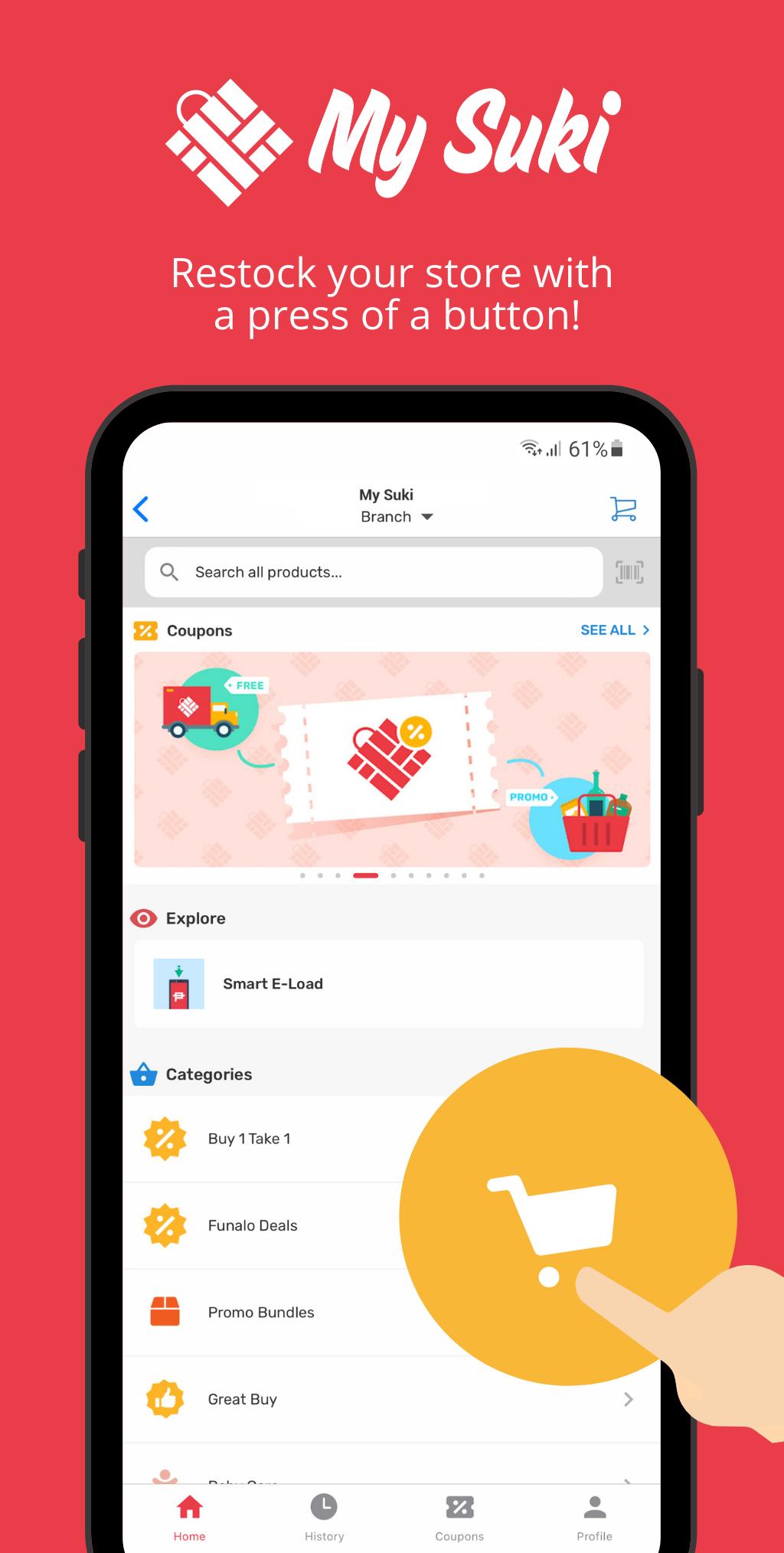
My Suki is an online grocery pick-up and delivery service that connects you directly with stores in your area. All you need is the store code of our partner store to shop from the My Suki app. Not sure which Suki Store is near you? Reach out to us on Facebook to find out more!
Features:
Dedicated Storefront - Enter the store code of your Suki to start shopping
Loyalty Integration - Earn points from your Suki’s existing loyalty program
Barcode Scanning - Scan barcode using your phone camera
Payment Options - Pay via Credit/Debit Card or Cash-on-Delivery
Fulfillment Options - Pick-Up or Delivery
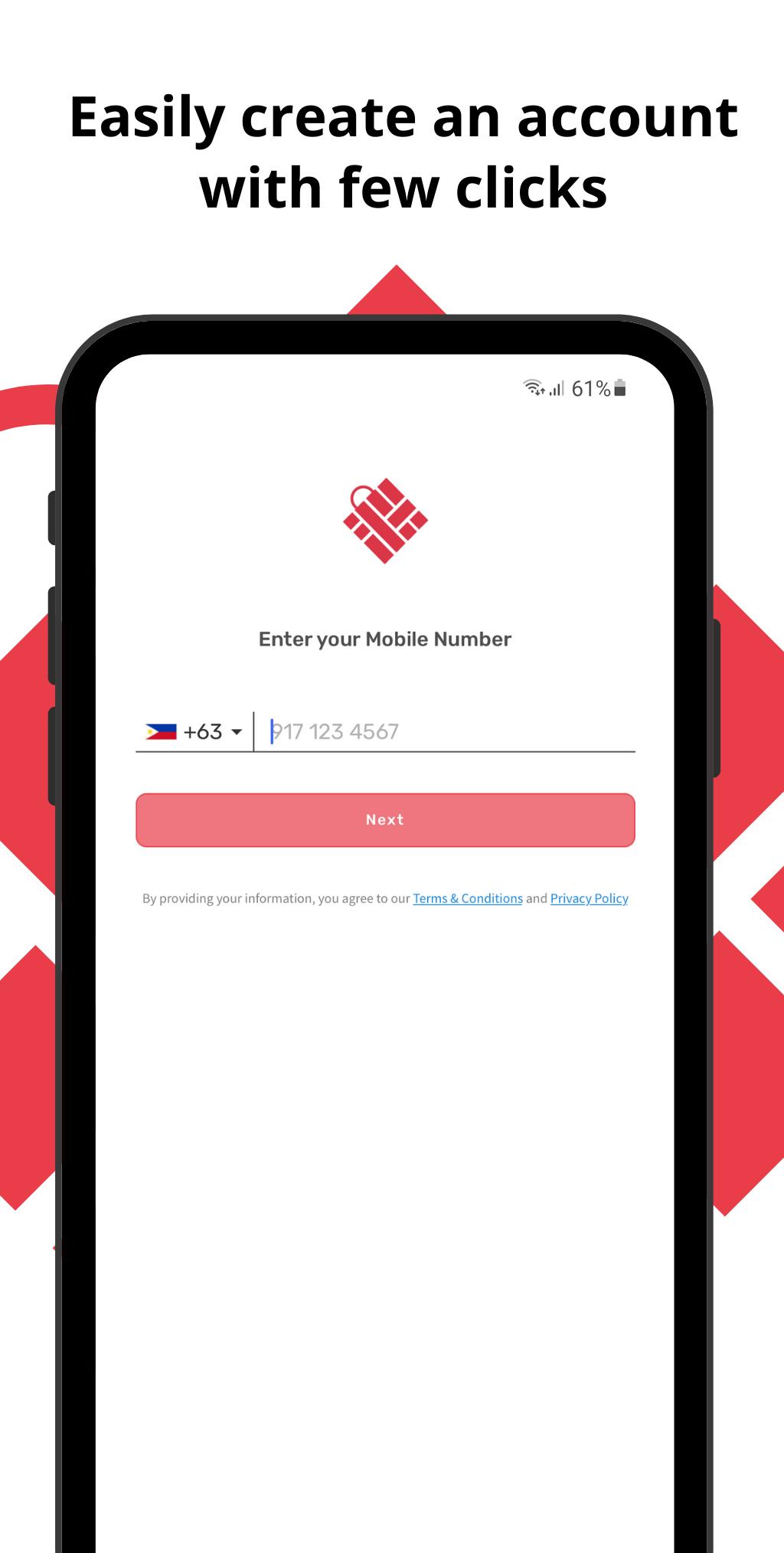
Facebook Login, and more coming soon!
If you’ve enjoyed shopping using My Suki, please leave us a review. Thank you, and stay safe!
Preview
Tags
ShoppingInformation
Developer
My Suki Inc.
Latest Version
4.16.0
Last Updated
2025-04-11
Category
Shopping
Available on
Google Play
Show More
How to play My Suki with GameLoop on PC
1. Download GameLoop from the official website, then run the exe file to install GameLoop
2. Open GameLoop and search for “My Suki” , find My Suki in the search results and click “Install”
3. Enjoy playing My Suki on GameLoop
Minimum requirements
OS
Windows 8.1 64-bit or Windows 10 64-bit
GPU
GTX 1050
CPU
i3-8300
Memory
8GB RAM
Storage
1GB available space
Recommended requirements
OS
Windows 8.1 64-bit or Windows 10 64-bit
GPU
GTX 1050
CPU
i3-9320
Memory
16GB RAM
Storage
1GB available space