
Leondrino Pay PC
Leondra GmbH
Download Leondrino Pay on PC With GameLoop Emulator
Leondrino Pay on PC
Leondrino Pay, coming from the developer Leondra GmbH, is running on Android systerm in the past.
Now, You can play Leondrino Pay on PC with GameLoop smoothly.
Download it in the GameLoop library or search results. No more eyeing the battery or frustrating calls at the wrong time any more.
Just enjoy Leondrino Pay PC on the large screen for free!
Leondrino Pay Introduction
With the Leondrino Wallet you experience the freedom and advantages that a portfolio of branded currencies offers you.
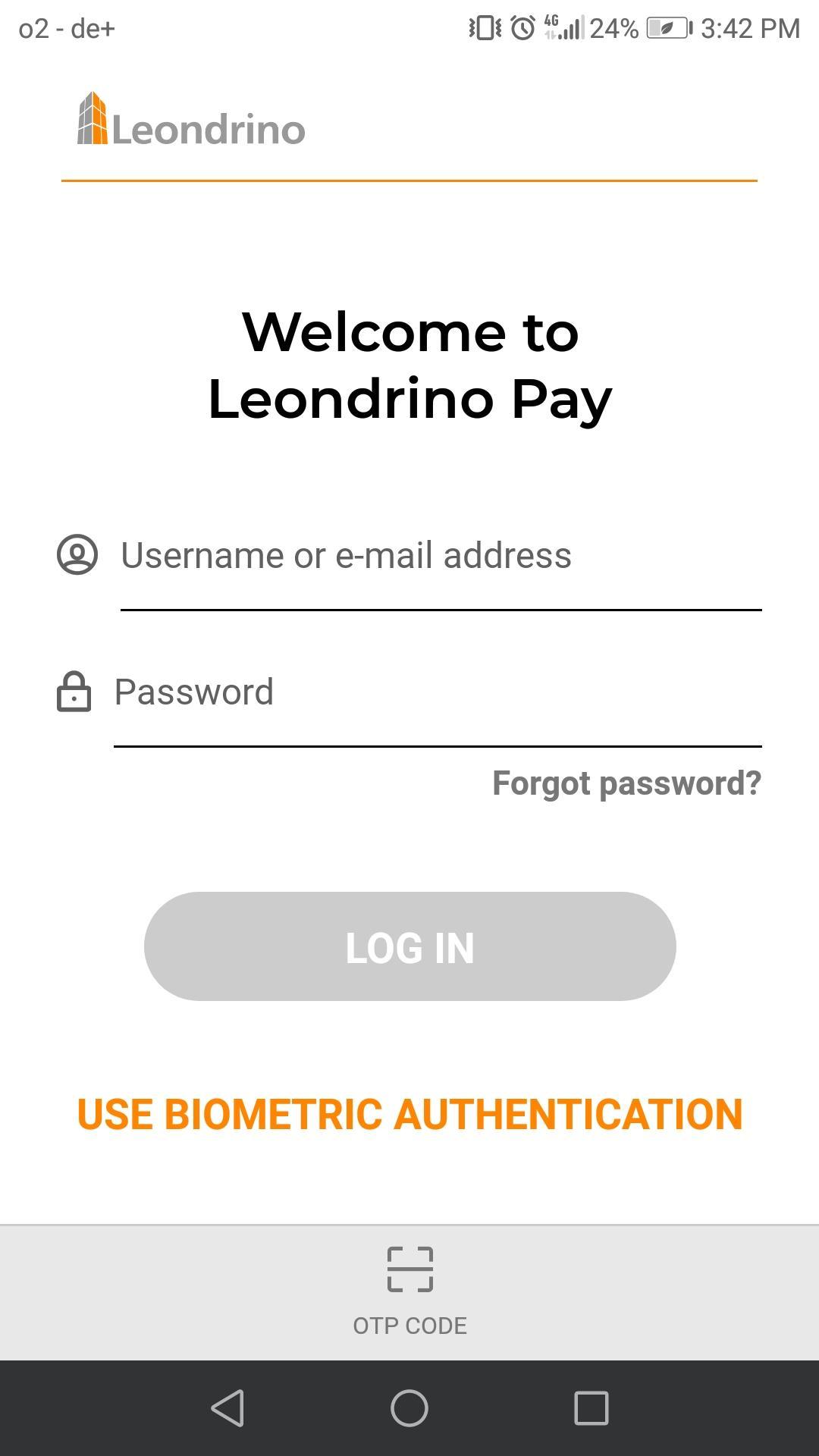
The Leondrino Pay app is the perfect addition to your Leondrino Wallet to make safe and easy payments with branded currencies both online and on-site.
Access the benefits of early adoption and start using brand-backed currencies, all in one place and whenever you want.
Try it!
Payments with Leondrino Pay are that easy:
> Open the app on your smartphone
> Scan the QR code presented at the point-of-sale
> Review the summary of your payment request
> Confirm and authorize your payment
> Done!
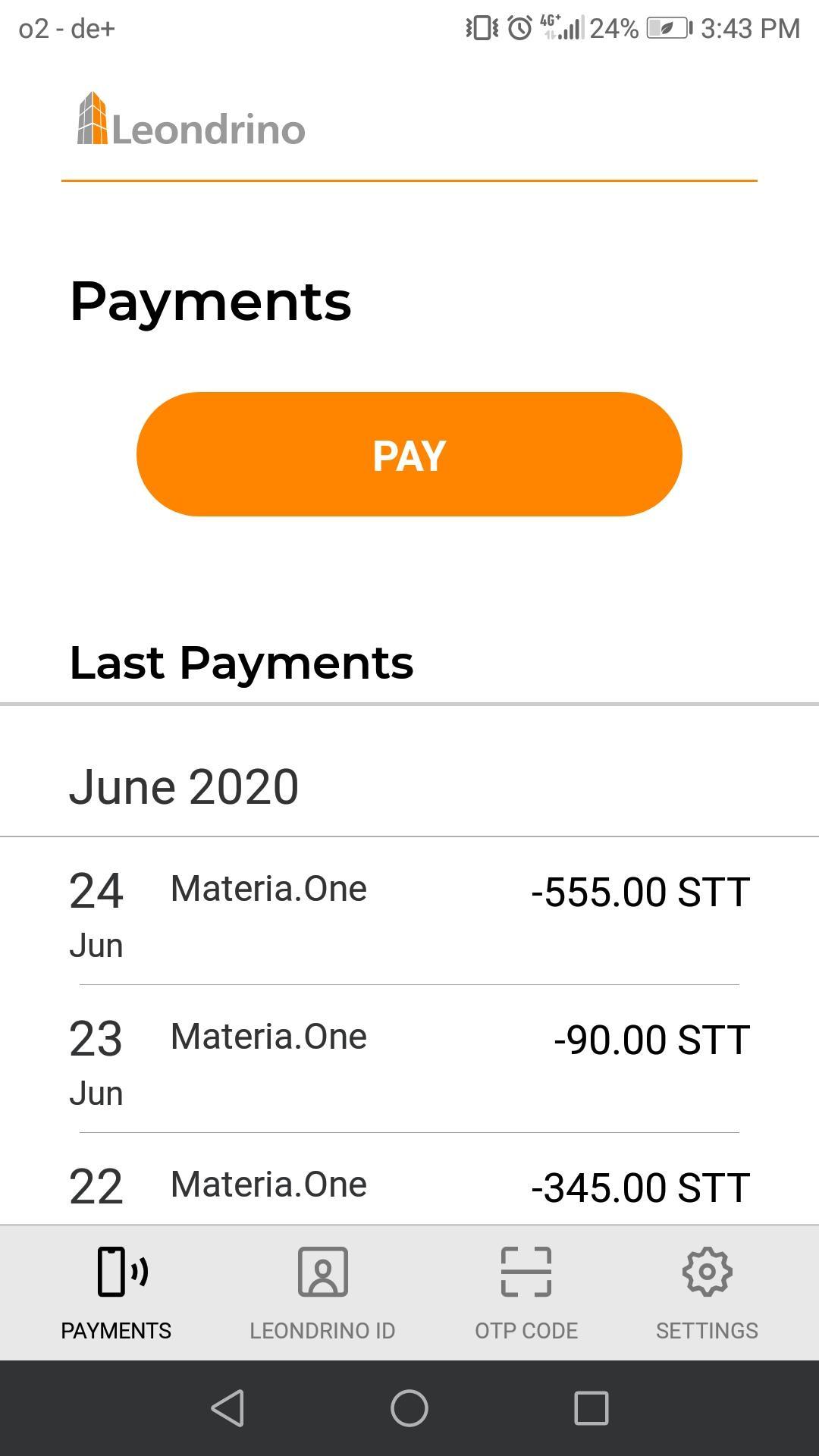
Find your last payments listed under menu item PAYMENTS.
Your Leondrino ID to identify yourself at a point-of-sale that accepts Leondrino as a means of payment will be displayed under menu item LEONDRINO ID.
Under menu item OTP code, you will find the six-digit one-time password to be used as second factor when logging in to your Leondrino Wallet.
Manage your settings and get relevant details to the app under menu item SETTINGS.
Please note:
You need to sign up with Leondrino and open a wallet to be able to use this app.
Preview
Tags
ShoppingInformation
Developer
Leondra GmbH
Latest Version
1.1.0
Last Updated
2023-01-07
Category
Shopping
Available on
Google Play
Show More
How to play Leondrino Pay with GameLoop on PC
1. Download GameLoop from the official website, then run the exe file to install GameLoop
2. Open GameLoop and search for “Leondrino Pay” , find Leondrino Pay in the search results and click “Install”
3. Enjoy playing Leondrino Pay on GameLoop
Minimum requirements
OS
Windows 8.1 64-bit or Windows 10 64-bit
GPU
GTX 1050
CPU
i3-8300
Memory
8GB RAM
Storage
1GB available space
Recommended requirements
OS
Windows 8.1 64-bit or Windows 10 64-bit
GPU
GTX 1050
CPU
i3-9320
Memory
16GB RAM
Storage
1GB available space