
Jumbo App - Supermercado PC
Cencosud SA
Download Jumbo App - Supermercado on PC With GameLoop Emulator
Jumbo App - Supermercado on PC
Jumbo App - Supermercado, coming from the developer Cencosud SA, is running on Android systerm in the past.
Now, You can play Jumbo App - Supermercado on PC with GameLoop smoothly.
Download it in the GameLoop library or search results. No more eyeing the battery or frustrating calls at the wrong time any more.
Just enjoy Jumbo App - Supermercado PC on the large screen for free!
Jumbo App - Supermercado Introduction
Jumbo App - Supermarket
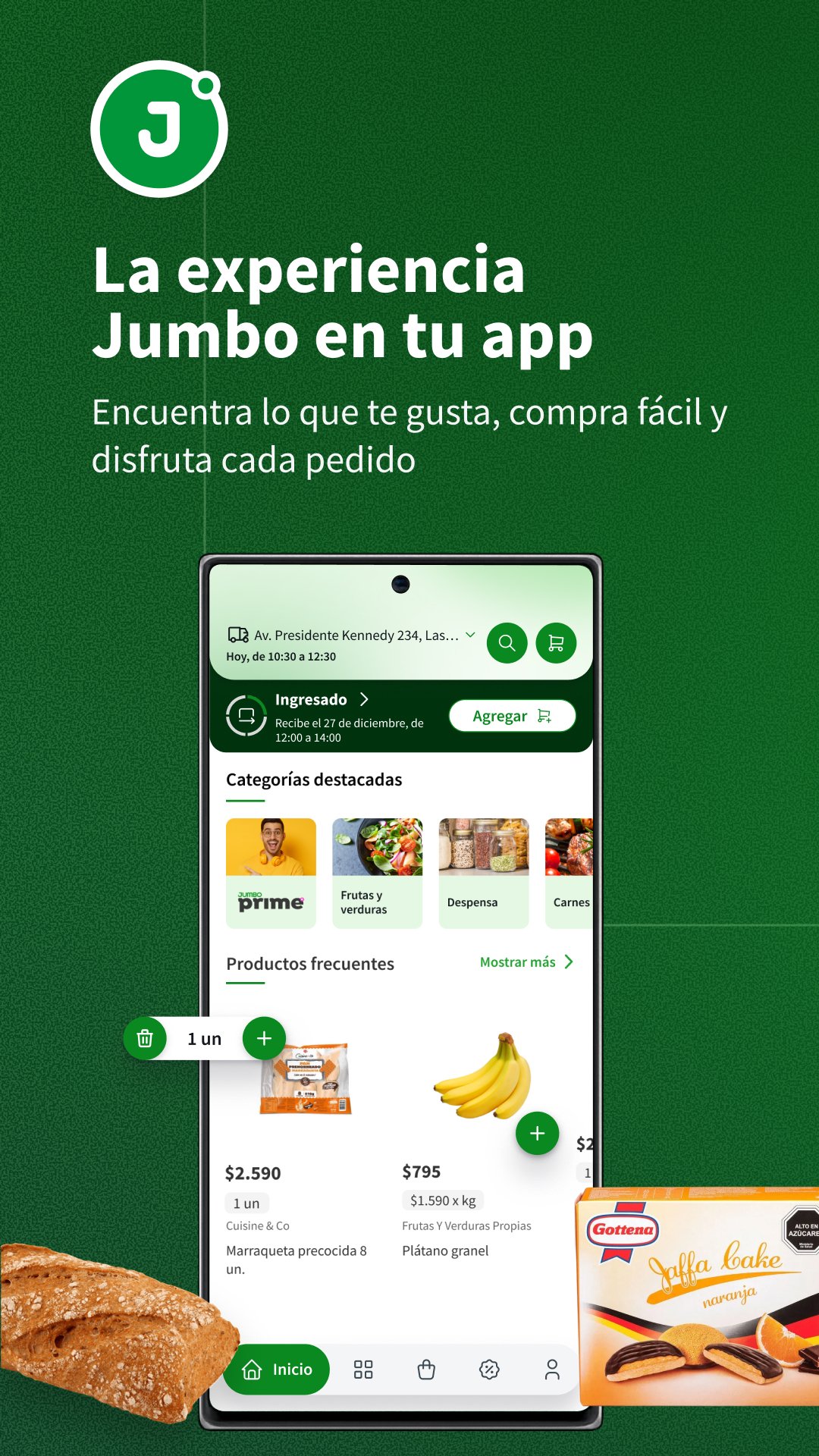
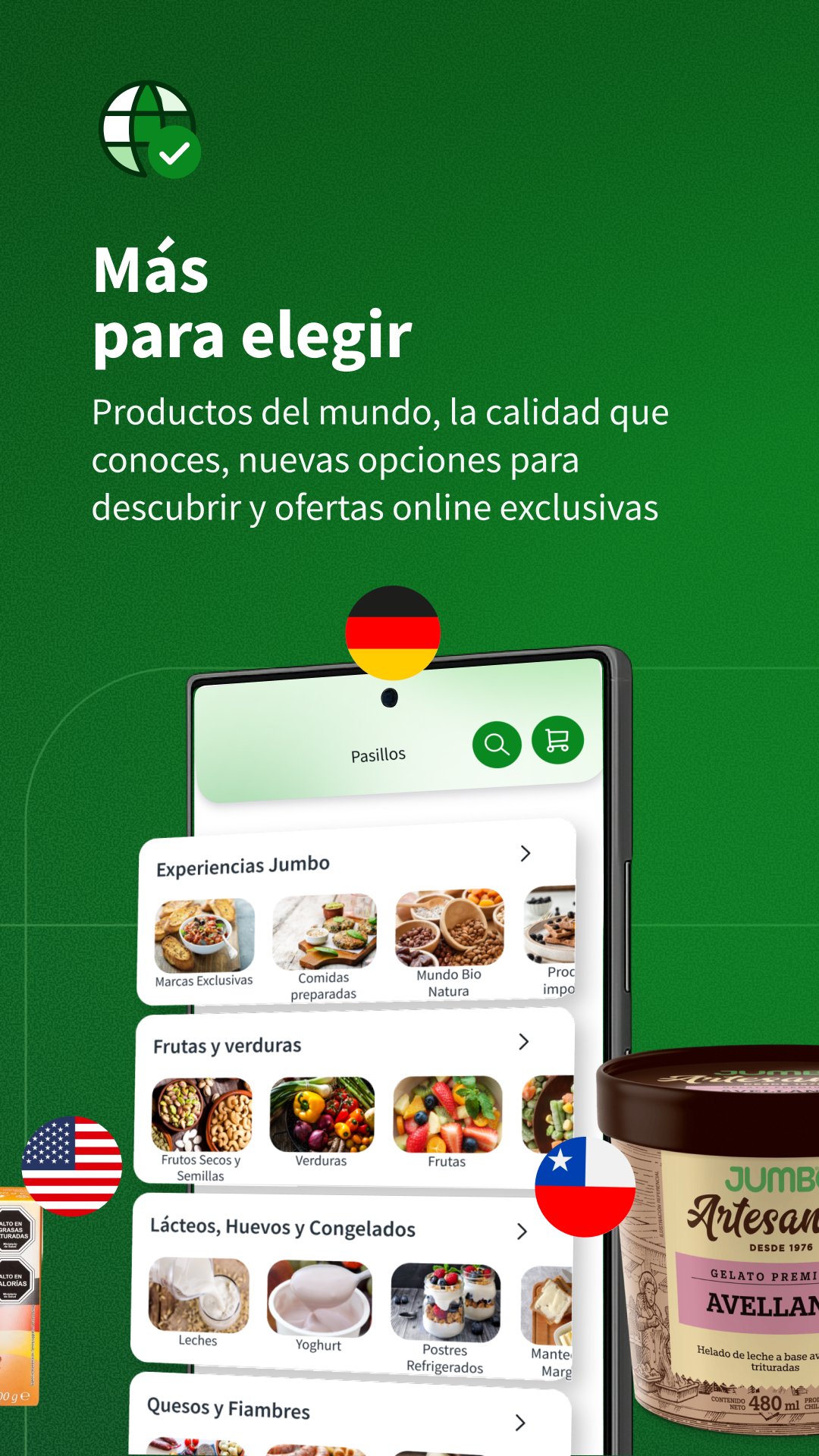
Shop Jumbo's wide variety of products directly in the app. Explore thousands of products, build your cart, choose delivery or in-store pickup, and track your orders all in one place.
Search for products by name, photo, or barcode, create shopping lists, build your cart in one click with your frequently purchased items, track your order, and chat with your shopper when needed.
Order Tracking on Wear OS
If you have a compatible Wear OS watch paired with your phone, you can see order updates on it while tracking is active, such as when it's being prepared or on its way. The watch displays the status and progress received from the Jumbo app and allows you to open the order details on your phone. When an order isn't being tracked, it displays a "waiting" screen. This feature requires the mobile app and a paired phone; purchases are made from your phone.
Shop with ease
Browse products by category or use the search bar to find what you need.
Review the information for each product before adding it to your cart.
Create and save shopping lists for your next purchases.
Access your frequently purchased products for faster shopping.
Discover offers and promotions available in the app.
Choose how to receive your order
Choose delivery on your preferred date and time, or select in-store pickup whenever you want.
Track your order
Check the status of your purchase and chat with your shopper when needed to resolve any questions or confirm product replacements.
Pay securely
Make your payment using the methods available in the app, including credit, debit, prepaid cards, and other enabled options.
Prime member benefits
If you are a Prime member, you can access the benefits associated with your subscription from the app, such as available offers and other advantages depending on your plan.
Download the Jumbo App and do your supermarket shopping wherever and whenever you need to.
Preview
Tags
ShoppingInformation
Developer
Cencosud SA
Latest Version
4.5.4
Last Updated
2026-11-05
Category
Shopping
Available on
Google Play
Show More
How to play Jumbo App - Supermercado with GameLoop on PC
1. Download GameLoop from the official website, then run the exe file to install GameLoop
2. Open GameLoop and search for “Jumbo App - Supermercado” , find Jumbo App - Supermercado in the search results and click “Install”
3. Enjoy playing Jumbo App - Supermercado on GameLoop
Minimum requirements
OS
Windows 8.1 64-bit or Windows 10 64-bit
GPU
GTX 1050
CPU
i3-8300
Memory
8GB RAM
Storage
1GB available space
Recommended requirements
OS
Windows 8.1 64-bit or Windows 10 64-bit
GPU
GTX 1050
CPU
i3-9320
Memory
16GB RAM
Storage
1GB available space