
Heja+ PC
M+W Müller & Weygandt GmbH
Download Heja+ on PC With GameLoop Emulator
Heja+ on PC
Heja+, coming from the developer M+W Müller & Weygandt GmbH, is running on Android systerm in the past.
Now, You can play Heja+ on PC with GameLoop smoothly.
Download it in the GameLoop library or search results. No more eyeing the battery or frustrating calls at the wrong time any more.
Just enjoy Heja+ PC on the large screen for free!
Heja+ Introduction
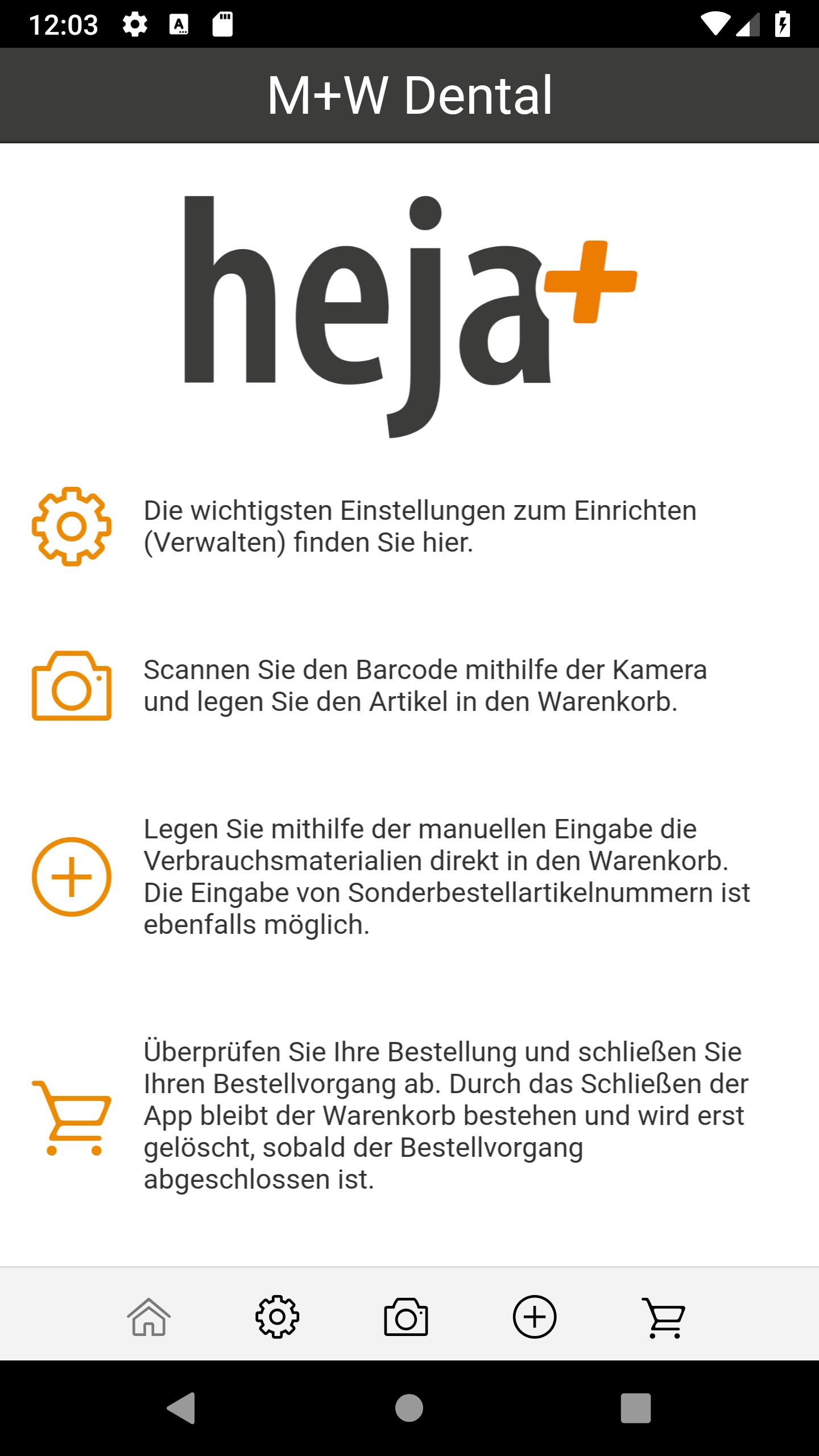
The entire M + W range, over 42,000 dental consumables, in your hands.
Simply M + W Scan the QR code or enter and order the article number.
Quick and easy. More overview. Less paper.
Simplify your order process today!
The best reasons to download the M + W order app directly,
can be found here at a glance:
- Quickly scan M + W QR codes and order them directly via app
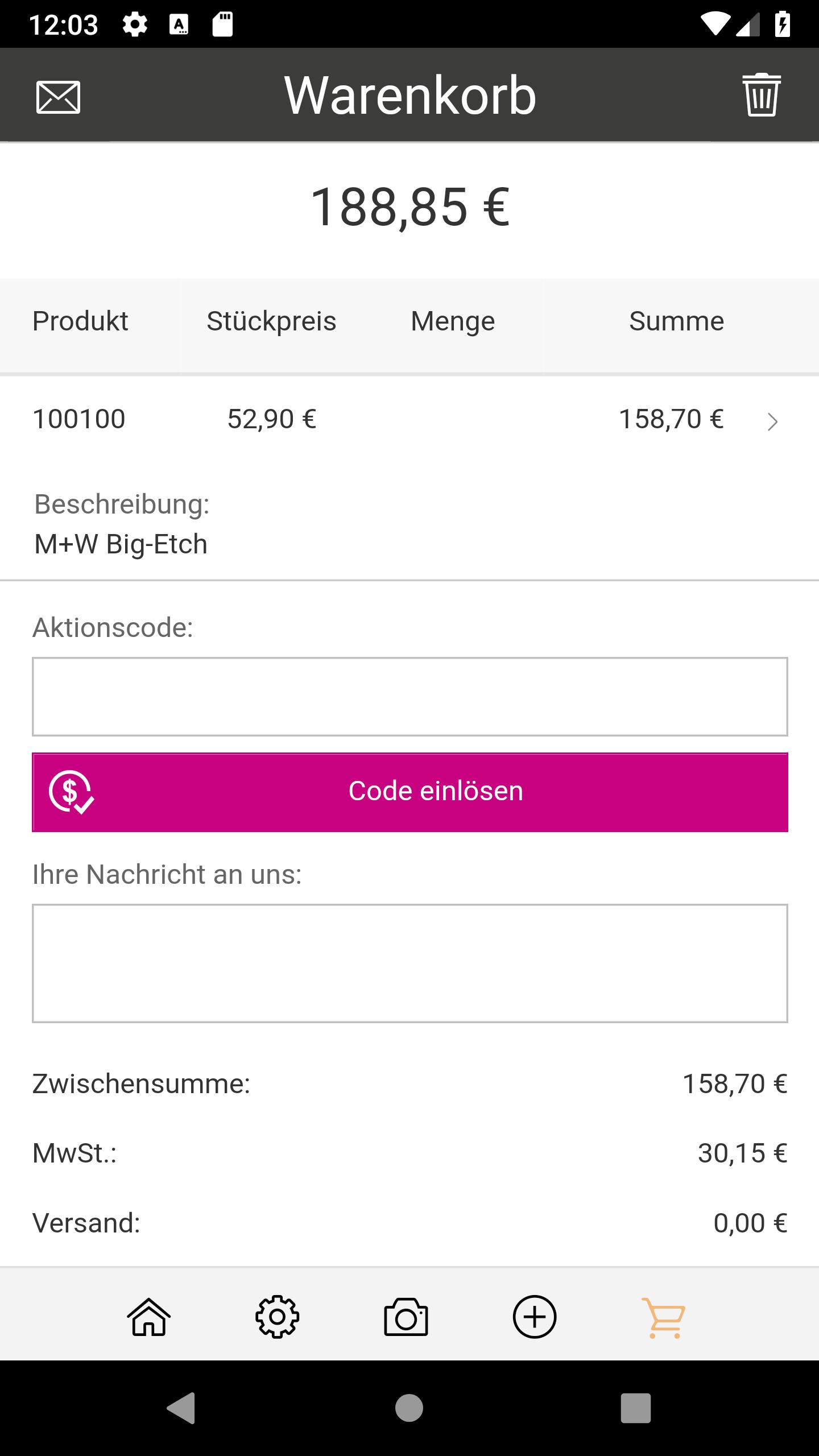
- Send an overview of the basket of goods by e-mail
- Exclusive discounts in the app
- Also order by entering the M + W article number
- Used fast delivery. Ordered by 5pm, delivered tomorrow!
Contact your account representative for your free QR codes
to request articles or product groups:
060 42/88 00 88
Currently available in Germany
Preview
Tags
ShoppingInformation
Developer
M+W Müller & Weygandt GmbH
Latest Version
1.7.8
Last Updated
2024-10-28
Category
Shopping
Available on
Google Play
Show More
How to play Heja+ with GameLoop on PC
1. Download GameLoop from the official website, then run the exe file to install GameLoop
2. Open GameLoop and search for “Heja+” , find Heja+ in the search results and click “Install”
3. Enjoy playing Heja+ on GameLoop
Minimum requirements
OS
Windows 8.1 64-bit or Windows 10 64-bit
GPU
GTX 1050
CPU
i3-8300
Memory
8GB RAM
Storage
1GB available space
Recommended requirements
OS
Windows 8.1 64-bit or Windows 10 64-bit
GPU
GTX 1050
CPU
i3-9320
Memory
16GB RAM
Storage
1GB available space