Gamecocks PC
BirdDev
Download Gamecocks on PC With GameLoop Emulator
Gamecocks on PC
Gamecocks, coming from the developer BirdDev, is running on Android systerm in the past.
Now, You can play Gamecocks on PC with GameLoop smoothly.
Download it in the GameLoop library or search results. No more eyeing the battery or frustrating calls at the wrong time any more.
Just enjoy Gamecocks PC on the large screen for free!
Gamecocks Introduction
Since it is a new app Notice also less Listed helped a lot Future applications may be # 1 on the android app market The Gamecocks Thailand time.
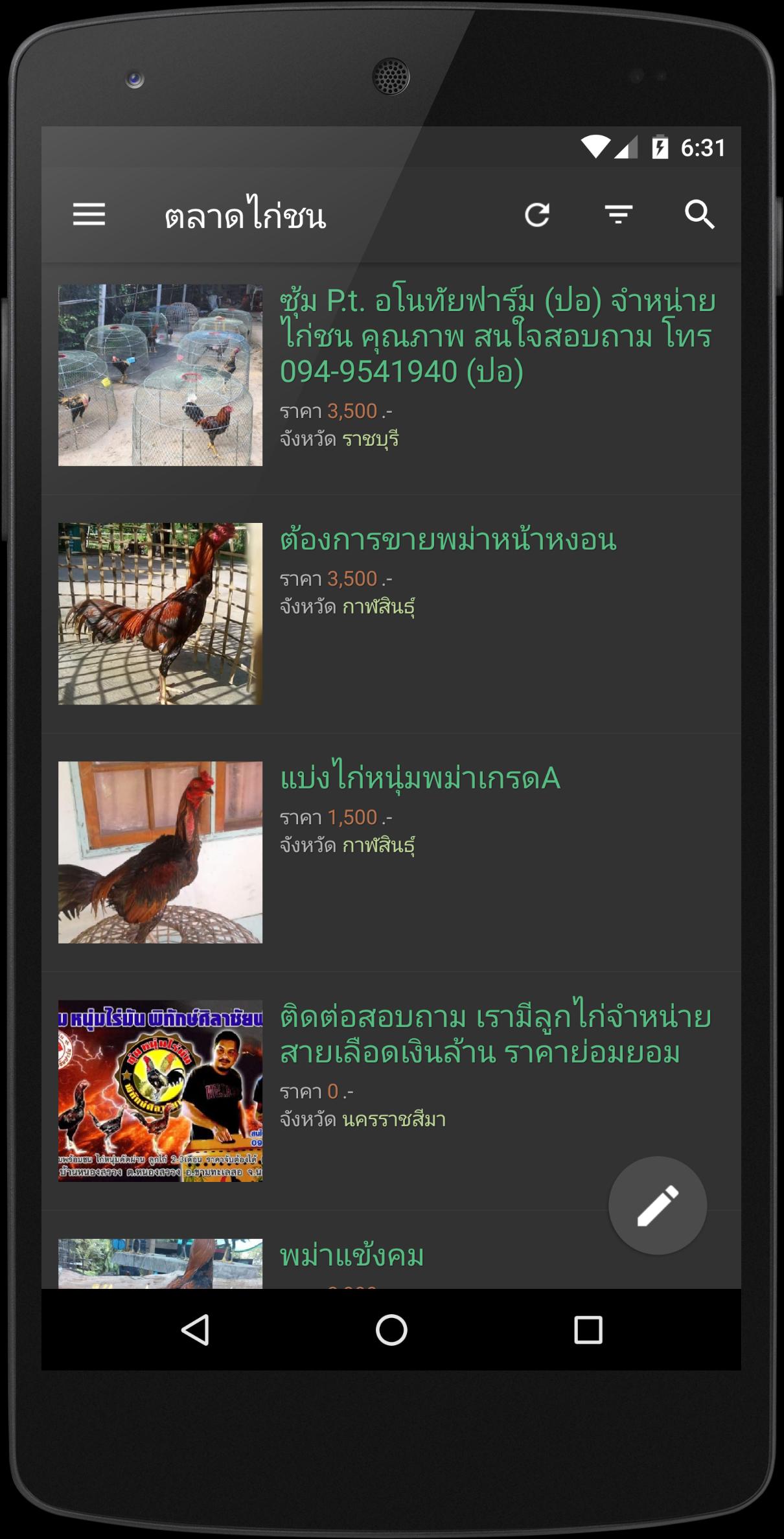
This app is an app developed to give the The Gamecocks have a favorite or trade for free. No charge The applications that are online only.
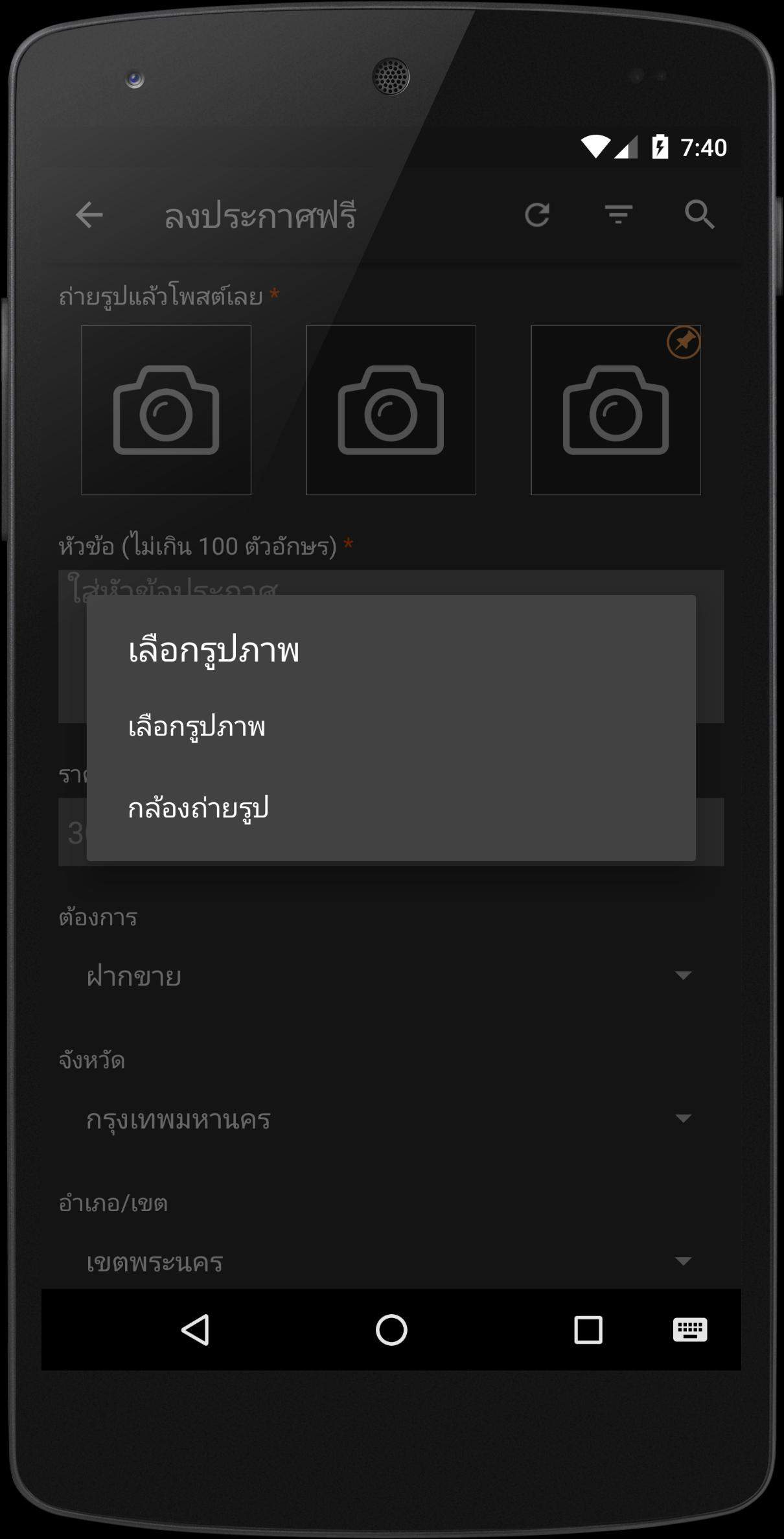
The Gamecocks marketing is an application for Listed - The The Gamecocks online for free on the Android system makes it easy to quickly take chicken, then post it yet. A precise search The system sends an email to the announcement. Message to the seller And then calling the advertised immediately. Categorize clearly The Gamecocks Browse categories as needed. The province and county / district Browse by province announced it as you like.
Must be registered and logged in to the poster. Can login via Facebook.
For Android 2.3 apps may buck the rebound. The development and use of modern techniques of writing code.
The team hopes that the app will be the choice for people who want to make money selling The Gamecocks as well.
Preview
Tags
ShoppingInformation
Developer
BirdDev
Latest Version
3.10
Last Updated
2022-03-21
Category
Shopping
Available on
Google Play
Show More
How to play Gamecocks with GameLoop on PC
1. Download GameLoop from the official website, then run the exe file to install GameLoop
2. Open GameLoop and search for “Gamecocks” , find Gamecocks in the search results and click “Install”
3. Enjoy playing Gamecocks on GameLoop
Minimum requirements
OS
Windows 8.1 64-bit or Windows 10 64-bit
GPU
GTX 1050
CPU
i3-8300
Memory
8GB RAM
Storage
1GB available space
Recommended requirements
OS
Windows 8.1 64-bit or Windows 10 64-bit
GPU
GTX 1050
CPU
i3-9320
Memory
16GB RAM
Storage
1GB available space