
Card Wallet. Keep All In One PC
Hodoz
Download Card Wallet. Keep All In One on PC With GameLoop Emulator
Card Wallet. Keep All In One on PC
Card Wallet. Keep All In One, coming from the developer Hodoz, is running on Android systerm in the past.
Now, You can play Card Wallet. Keep All In One on PC with GameLoop smoothly.
Download it in the GameLoop library or search results. No more eyeing the battery or frustrating calls at the wrong time any more.
Just enjoy Card Wallet. Keep All In One PC on the large screen for free!
Card Wallet. Keep All In One Introduction
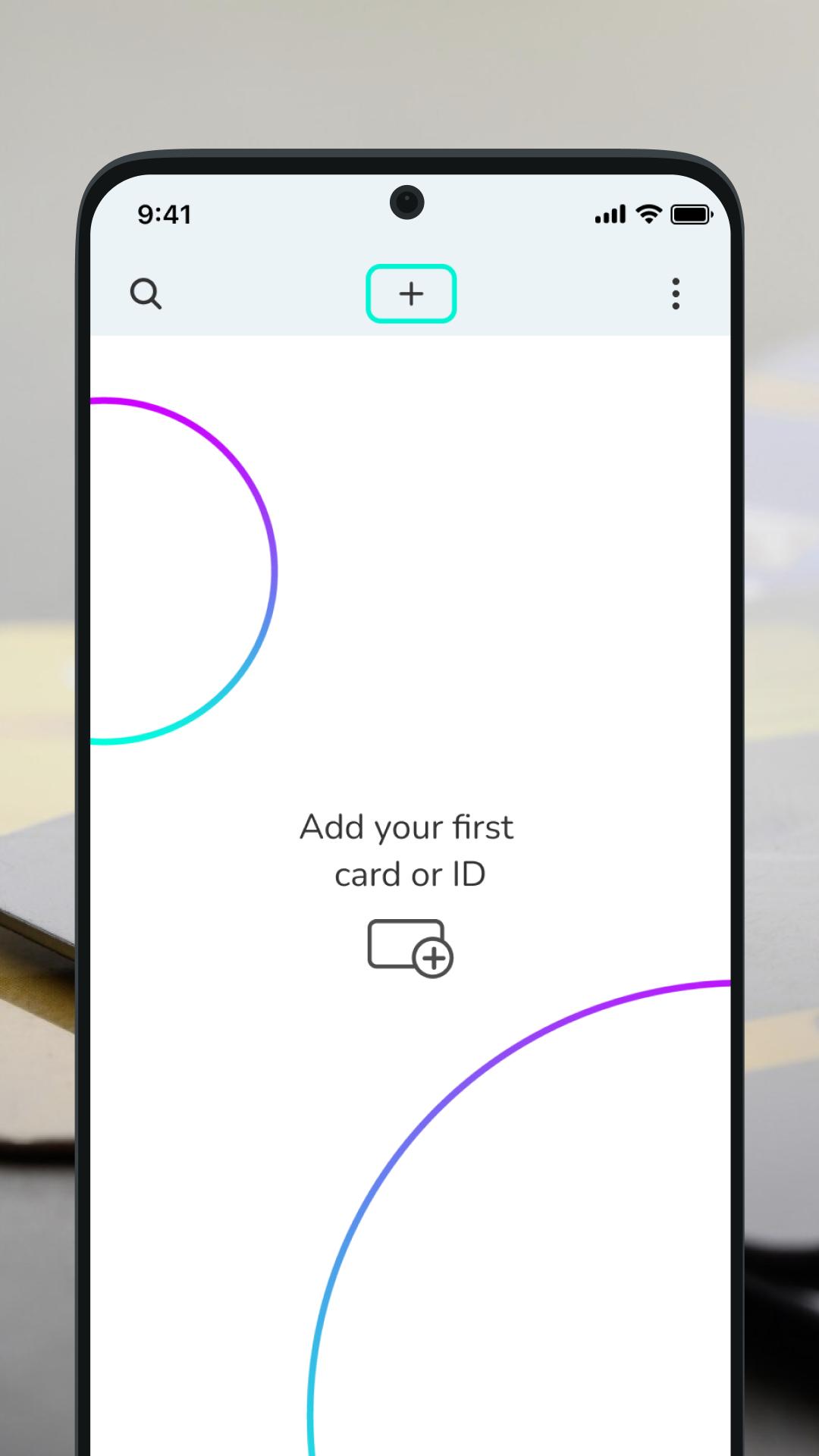
Keeper is the ultimate digital wallet app that lets you organize and access your essentials anytime, anywhere. Your secure multi-storage for cards, files, passwords, and more.
Add Cards in Seconds
✓ Snap a photo or scan your card
✓ Auto-fill details for quick saving
✓ Edit and manage cards with ease
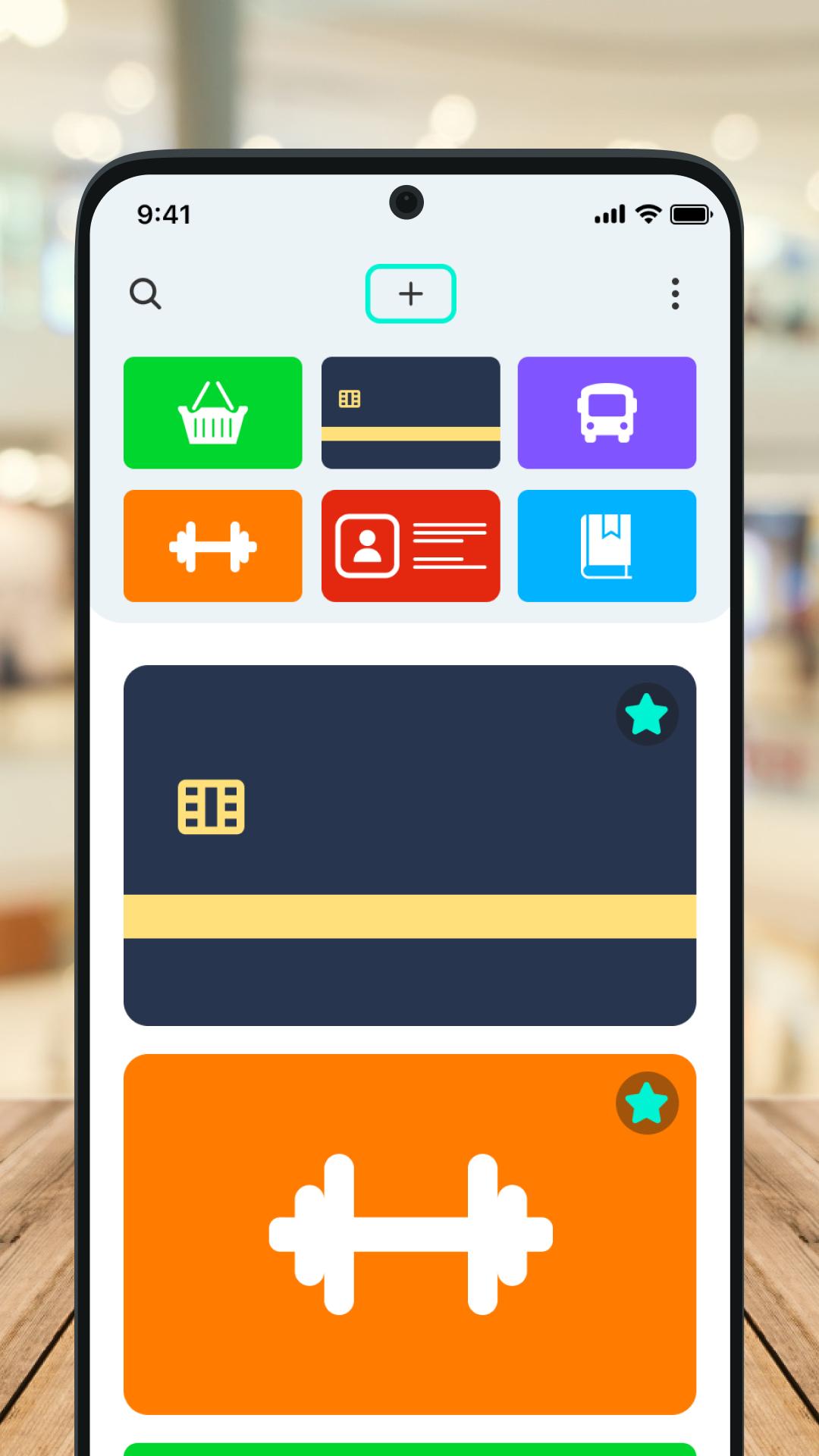
Supported Card Types:
• Loyalty & Reward Cards (Supermarkets, Cafés, Retail, Vouchers)
• Discount & Membership Cards (Gym, Clubs, Subscriptions)
• Bank & Payment Cards (Credit/Debit, Virtual Cards)
• Travel & Transit Cards (Metro, Bus, Train Passes)
• IDs & Licenses (Driver’s License, Student ID, Passport)
• Access & Key Passes (Office badges, Hotel keys, Digital door cards)
• Library & Institution Cards (Public libraries, Museums, Community centers)
• Business & Contact Cards (Networking contacts, Digital business cards)
• Vouchers & Gift Cards
And many more!
Why Choose Digital Wallet Keeper?
🔹 All-in-One Storage – Keep cards, documents, passwords, and files securely in one app.
🔹 Fast & Smart Scanning – Add cards instantly with photo recognition.
🔹 Offline Access – No internet? No problem—your data is always available.
Download Card Wallet Keeper now and simplify your digital life!
Preview
Tags
ShoppingInformation
Developer
Hodoz
Latest Version
1.0.112
Last Updated
2025-07-22
Category
Shopping
Available on
Google Play
Show More
How to play Card Wallet. Keep All In One with GameLoop on PC
1. Download GameLoop from the official website, then run the exe file to install GameLoop
2. Open GameLoop and search for “Card Wallet. Keep All In One” , find Card Wallet. Keep All In One in the search results and click “Install”
3. Enjoy playing Card Wallet. Keep All In One on GameLoop
Minimum requirements
OS
Windows 8.1 64-bit or Windows 10 64-bit
GPU
GTX 1050
CPU
i3-8300
Memory
8GB RAM
Storage
1GB available space
Recommended requirements
OS
Windows 8.1 64-bit or Windows 10 64-bit
GPU
GTX 1050
CPU
i3-9320
Memory
16GB RAM
Storage
1GB available space