
Carl Zeiss VisuStore PC
Carl Zeiss India Pvt Ltd
Download Carl Zeiss VisuStore on PC With GameLoop Emulator
Carl Zeiss VisuStore on PC
Carl Zeiss VisuStore, coming from the developer Carl Zeiss India Pvt Ltd, is running on Android systerm in the past.
Now, You can play Carl Zeiss VisuStore on PC with GameLoop smoothly.
Download it in the GameLoop library or search results. No more eyeing the battery or frustrating calls at the wrong time any more.
Just enjoy Carl Zeiss VisuStore PC on the large screen for free!
Carl Zeiss VisuStore Introduction
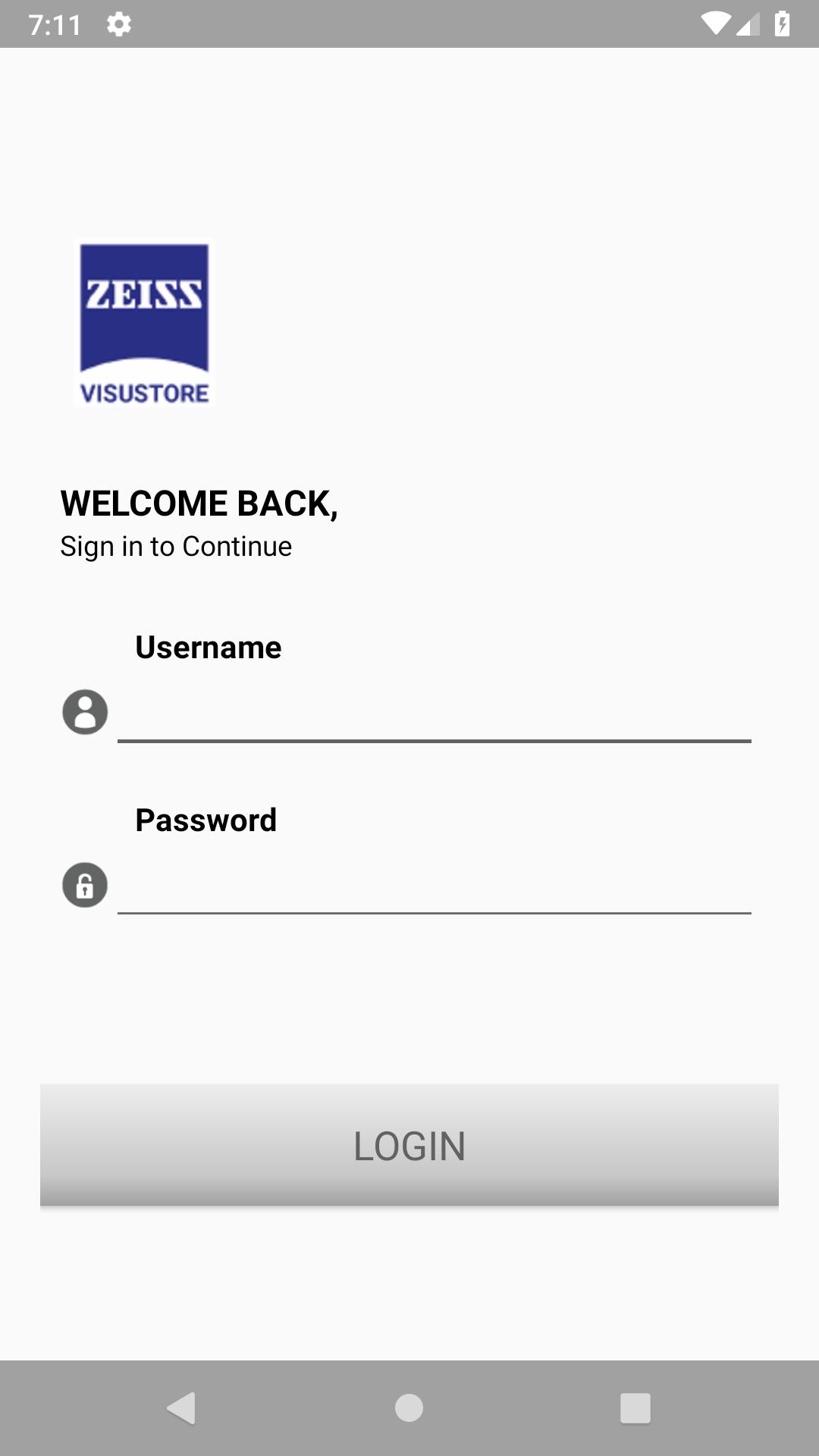
Visustore is a product of Carl Zeiss, an leading technology enterprise in the fields of Optics and Optoelectronics. Carl Zeiss founded in 1846 and operating in almost 50 Countries. Visustore app is a simpler, faster and more intelligent eyeglass lenses ordering application. We have a widest collection of modern eyeglass Lenses that fits to different frame types. Visustore lets you order Zeiss Lenses at the most convenient way by placing orders systematically.
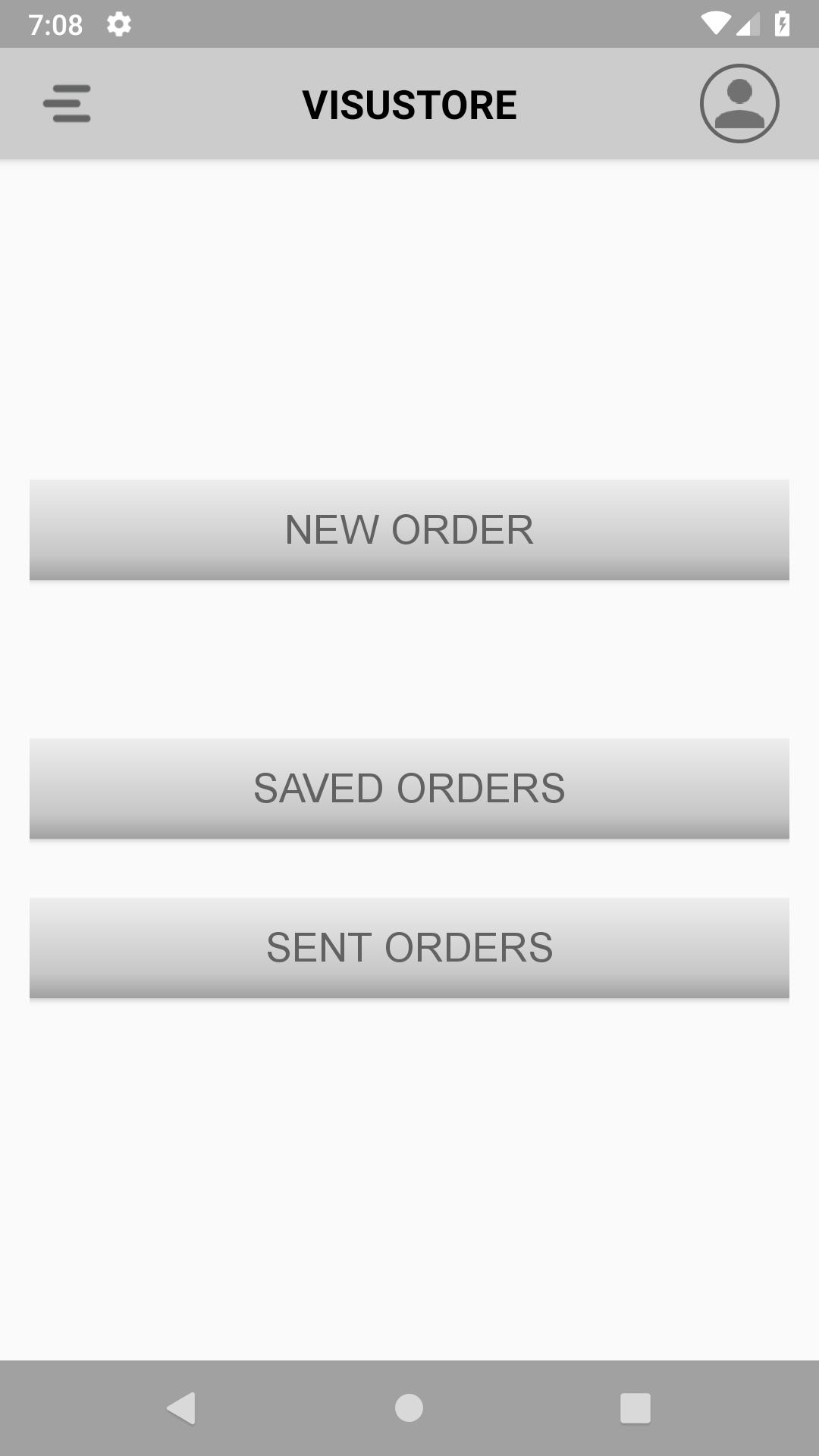
VISUSTORE makes it easy for you: the dashboard provides you with all the important information you need about your orders and all other screens are clearly named and structured. Visustore is a modern way to order lenses that lets you find precisely what you are looking for.
Features:
Order stock lenses in just 30 seconds
Simpler, faster and intelligent ordering process.
A huge selection of Lenses for frame types
Select right lenses from intuitive configuration tool
Save order for later use.
Order History lets you view all orders till date
Monitor past and current orders in a searchable, filterable form
Quick capture of all necessary order data
Download now & explore it for yourself!
Preview
Tags
ShoppingInformation
Developer
Carl Zeiss India Pvt Ltd
Latest Version
1.10
Last Updated
2021-10-02
Category
Shopping
Available on
Google Play
Show More
How to play Carl Zeiss VisuStore with GameLoop on PC
1. Download GameLoop from the official website, then run the exe file to install GameLoop
2. Open GameLoop and search for “Carl Zeiss VisuStore” , find Carl Zeiss VisuStore in the search results and click “Install”
3. Enjoy playing Carl Zeiss VisuStore on GameLoop
Minimum requirements
OS
Windows 8.1 64-bit or Windows 10 64-bit
GPU
GTX 1050
CPU
i3-8300
Memory
8GB RAM
Storage
1GB available space
Recommended requirements
OS
Windows 8.1 64-bit or Windows 10 64-bit
GPU
GTX 1050
CPU
i3-9320
Memory
16GB RAM
Storage
1GB available space