
kids hospital game PC
Ginchu Games
Download kids hospital game on PC With GameLoop Emulator
kids hospital game on PC
kids hospital game, coming from the developer Ginchu Games, is running on Android systerm in the past.
Now, You can play kids hospital game on PC with GameLoop smoothly.
Download it in the GameLoop library or search results. No more eyeing the battery or frustrating calls at the wrong time any more.
Just enjoy kids hospital game PC on the large screen for free!
kids hospital game Introduction
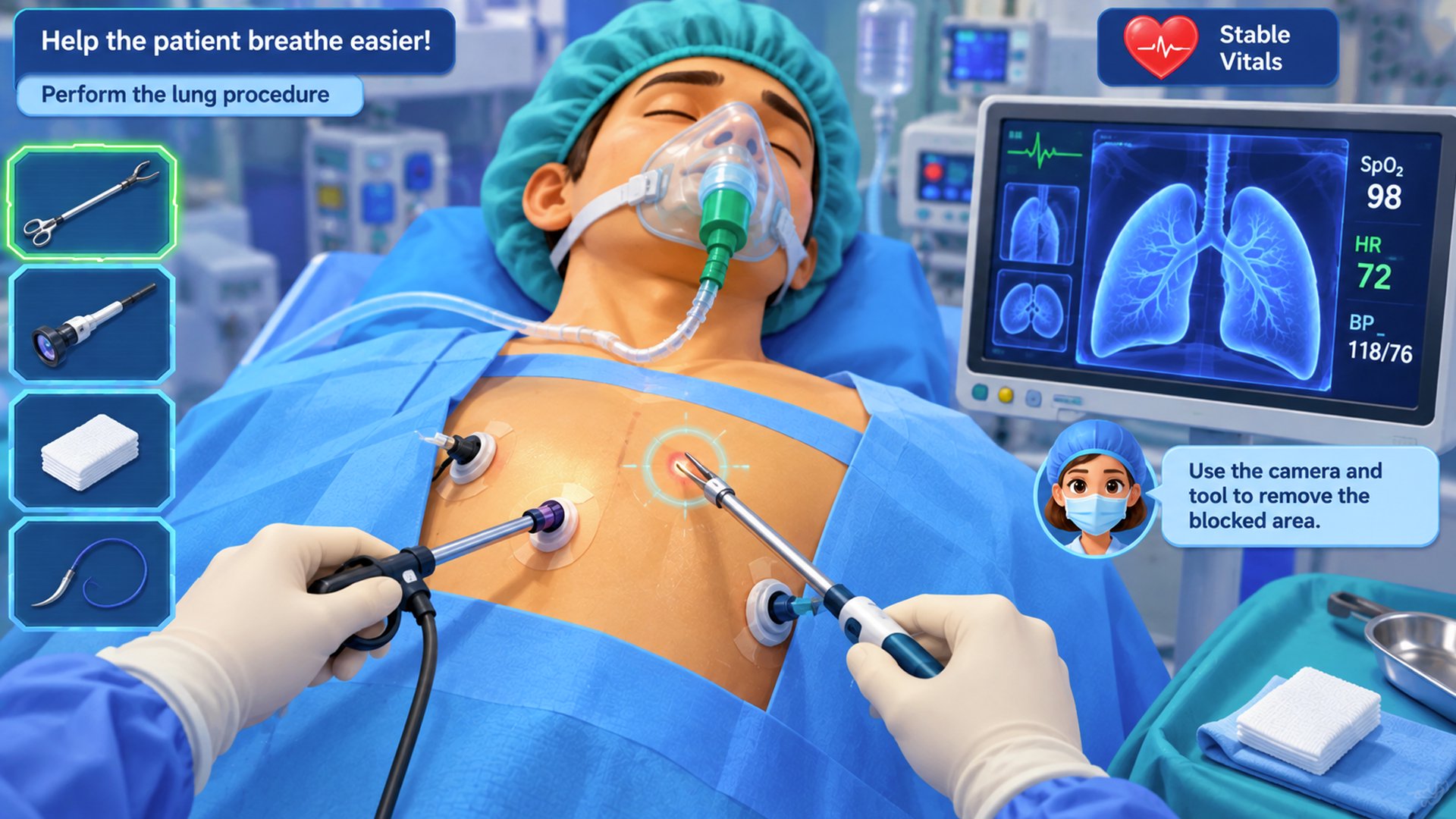
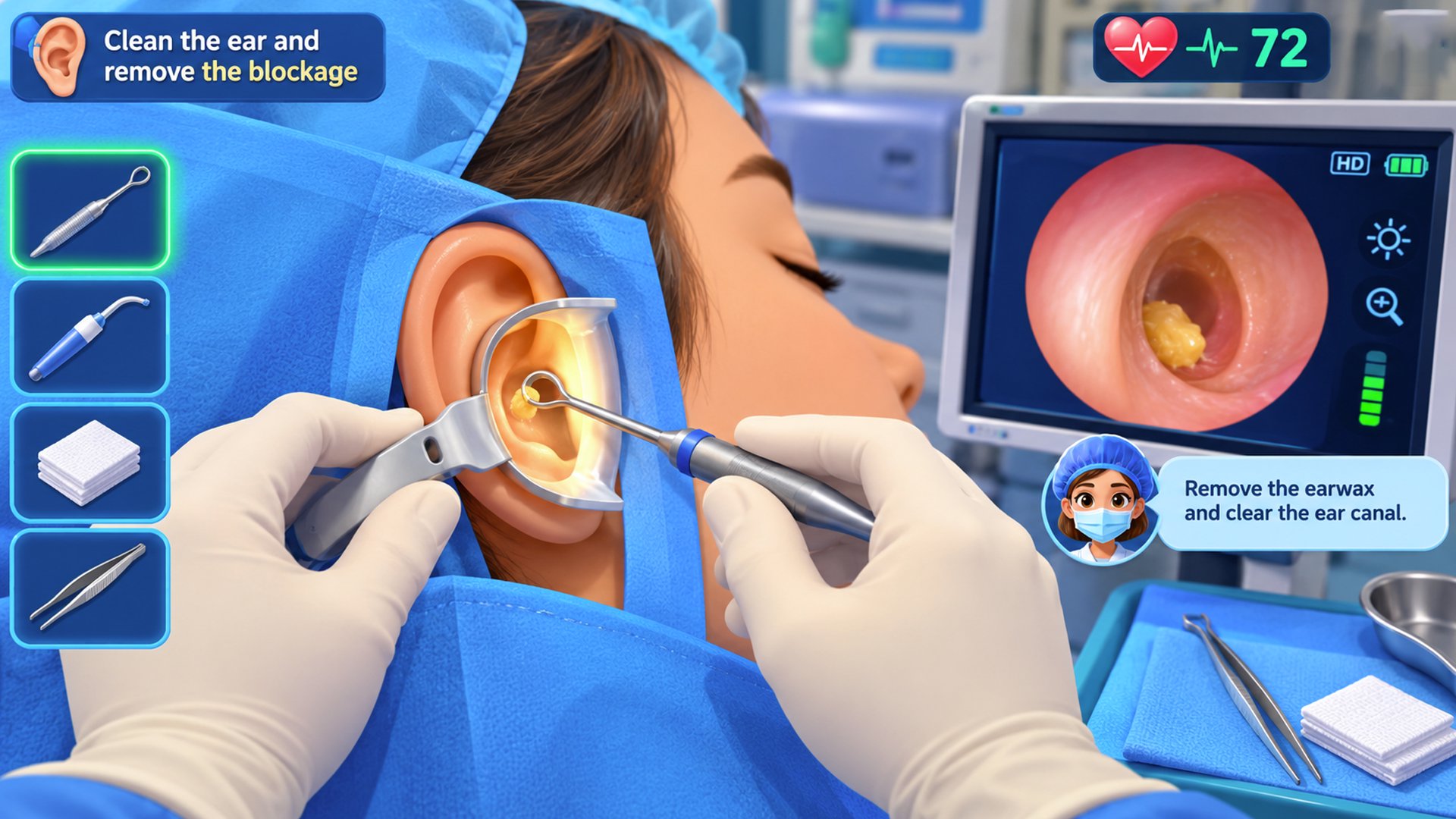
Kids doctor game with fun baby hospital surgery activities.
Baby doctor game with fun hospital surgery adventures.
Baby surgery game with fun doctor and hospital challenges.
Kids surgery game with exciting hospital treatment fun.
Baby doctor game to treat patients and perform surgeries.
Kids hospital game with fun medical and surgery activities.
Preview
Tags
Role PlayingInformation
Developer
Ginchu Games
Latest Version
37.0
Last Updated
2026-09-26
Category
Role-playing
Available on
Google Play
Show More
How to play kids hospital game with GameLoop on PC
1. Download GameLoop from the official website, then run the exe file to install GameLoop
2. Open GameLoop and search for “kids hospital game” , find kids hospital game in the search results and click “Install”
3. Enjoy playing kids hospital game on GameLoop
Minimum requirements
OS
Windows 8.1 64-bit or Windows 10 64-bit
GPU
GTX 1050
CPU
i3-8300
Memory
8GB RAM
Storage
1GB available space
Recommended requirements
OS
Windows 8.1 64-bit or Windows 10 64-bit
GPU
GTX 1050
CPU
i3-9320
Memory
16GB RAM
Storage
1GB available space