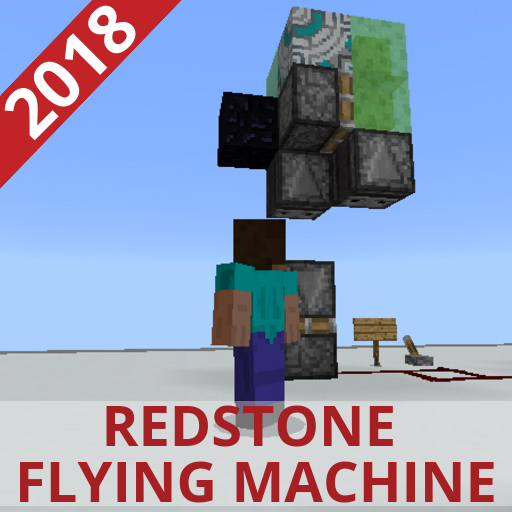
Simple Flying Machine - Redstone Creation for MCPE PC
Fun MCPE maps
Download Simple Flying Machine - Redstone Creation for MCPE on PC With GameLoop Emulator
Simple Flying Machine - Redstone Creation for MCPE on PC
Simple Flying Machine - Redstone Creation for MCPE, coming from the developer Fun MCPE maps, is running on Android systerm in the past.
Now, You can play Simple Flying Machine - Redstone Creation for MCPE on PC with GameLoop smoothly.
Download it in the GameLoop library or search results. No more eyeing the battery or frustrating calls at the wrong time any more.
Just enjoy Simple Flying Machine - Redstone Creation for MCPE PC on the large screen for free!
Simple Flying Machine - Redstone Creation for MCPE Introduction
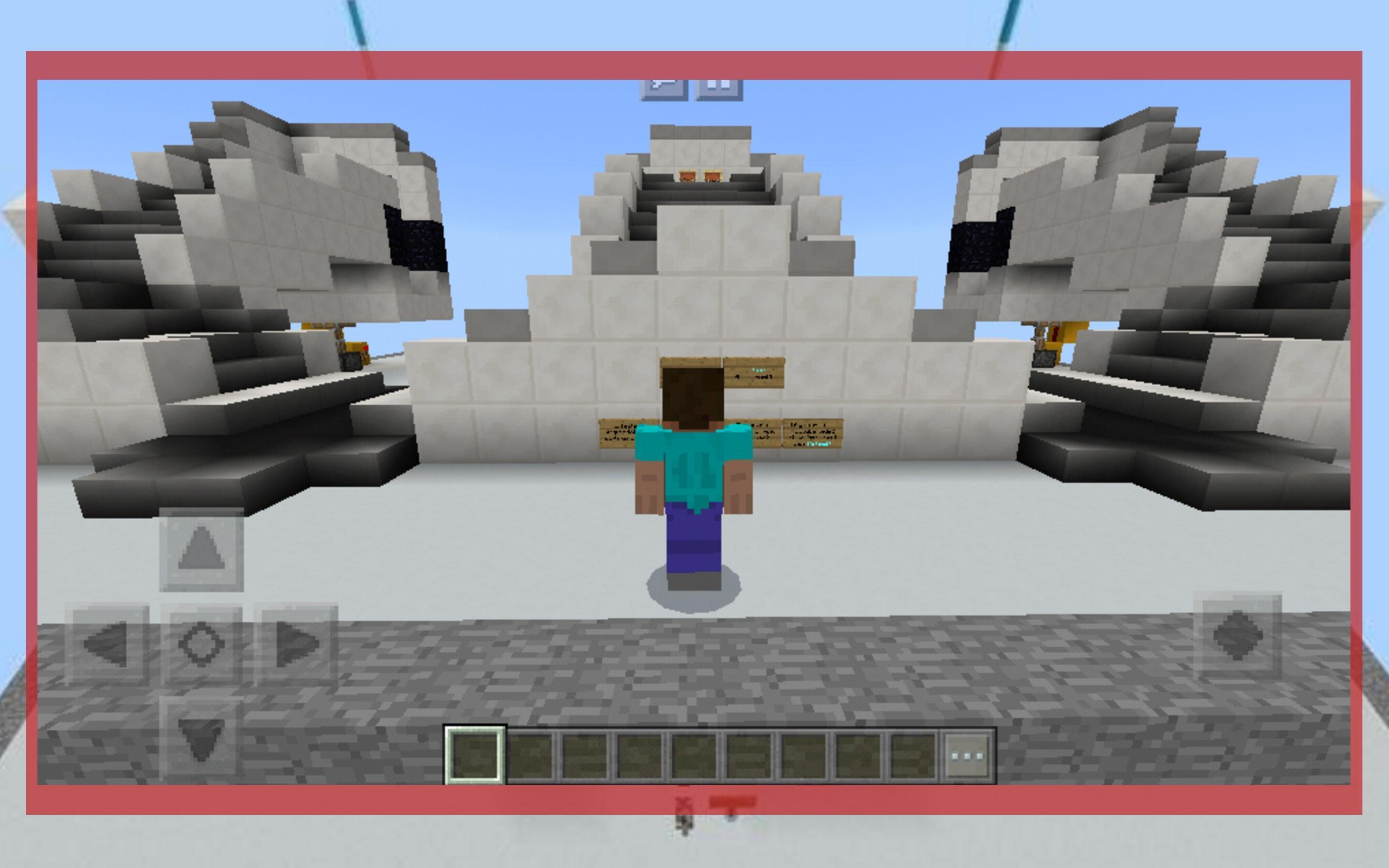
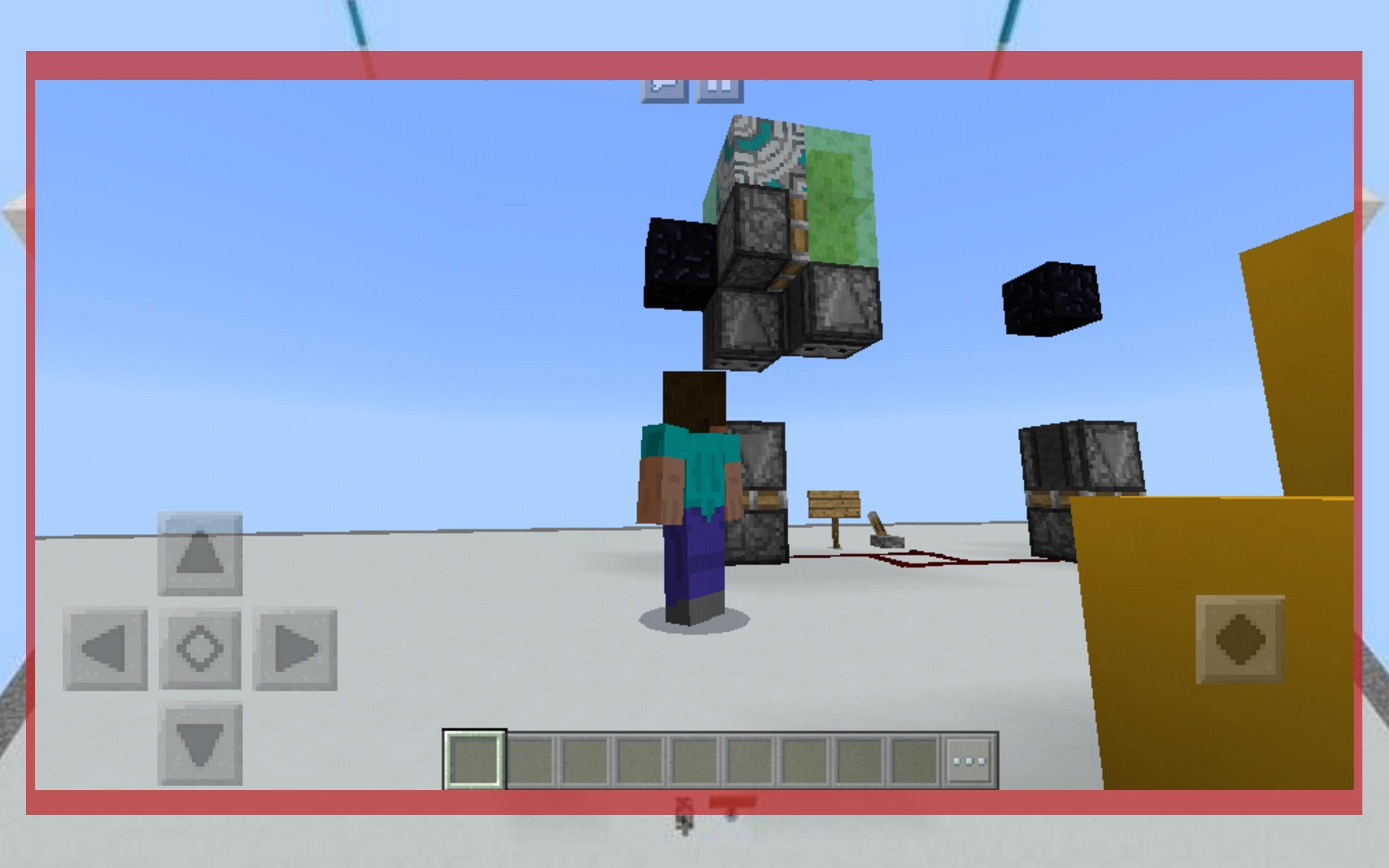
This Redstone Creations for minecraft pe map showcases the (currently) most compact and simplest two directional redstone flying machine mcpe in the Bedrock version of minecraft. This new design takes advantage of the glazed terracotta which can be pushed, but no pulled. The machine is fully automated and requires only the click of a button to get moving and you don't need looking for how to make a flying machine in minecraft. It can be expanded infinitely and provides and easy way to travel long distances.
All important redstone circuits are displayed on coloured concrete/glass so that it may be easy for you to build in your own McWorld. It may be easiest if you break some of the quartz so that you can more easily see the circuitry. There is a simplified version of the redstone flying machine for mcpe in the back of the map that also features how you can make it return on its own.
You get:
- Simplified 2 Way Flying Machine redstone map for minecraft pe;
- Download and install in one click;
- Redstone Creations map for free;
- New MCPE map of 2018;
This map work well with MCPE 0.12.1, 0.13.1, 0.14.0, 0.14.1, 0.15.0, 0.15.1, 0.15.8, 0.16.0, 0.17.0 etc.
Creator: MineDrum
DISCLAIMER: This is an unofficial application for Minecraft Pocket Edition. This application is not affiliated in any way with Mojang AB. The Minecraft Name, the Minecraft Brand and the Minecraft Assets are all property of Mojang AB or their respectful owner. All rights reserved. In accordance with http://account.mojang.com/documents/brand_guidelines
This App comply with US Copyright law guidelines of “fair use”. If you feel there is a direct copyright or trademark violation that doesn’t follow within the “fair use” guidelines, please contact us directly.
Preview
Information
Developer
Fun MCPE maps
Latest Version
v1.0
Last Updated
2018-03-21
Category
Role-playing
Available on
Google Play
Show More
How to play Simple Flying Machine - Redstone Creation for MCPE with GameLoop on PC
1. Download GameLoop from the official website, then run the exe file to install GameLoop
2. Open GameLoop and search for “Simple Flying Machine - Redstone Creation for MCPE” , find Simple Flying Machine - Redstone Creation for MCPE in the search results and click “Install”
3. Enjoy playing Simple Flying Machine - Redstone Creation for MCPE on GameLoop
Minimum requirements
OS
Windows 8.1 64-bit or Windows 10 64-bit
GPU
GTX 1050
CPU
i3-8300
Memory
8GB RAM
Storage
1GB available space
Recommended requirements
OS
Windows 8.1 64-bit or Windows 10 64-bit
GPU
GTX 1050
CPU
i3-9320
Memory
16GB RAM
Storage
1GB available space