
RPG Infinite Links PC
KEMCO
Download RPG Infinite Links on PC With GameLoop Emulator
RPG Infinite Links on PC
RPG Infinite Links, coming from the developer KEMCO, is running on Android systerm in the past.
Now, You can play RPG Infinite Links on PC with GameLoop smoothly.
Download it in the GameLoop library or search results. No more eyeing the battery or frustrating calls at the wrong time any more.
Just enjoy RPG Infinite Links PC on the large screen for free!
RPG Infinite Links Introduction
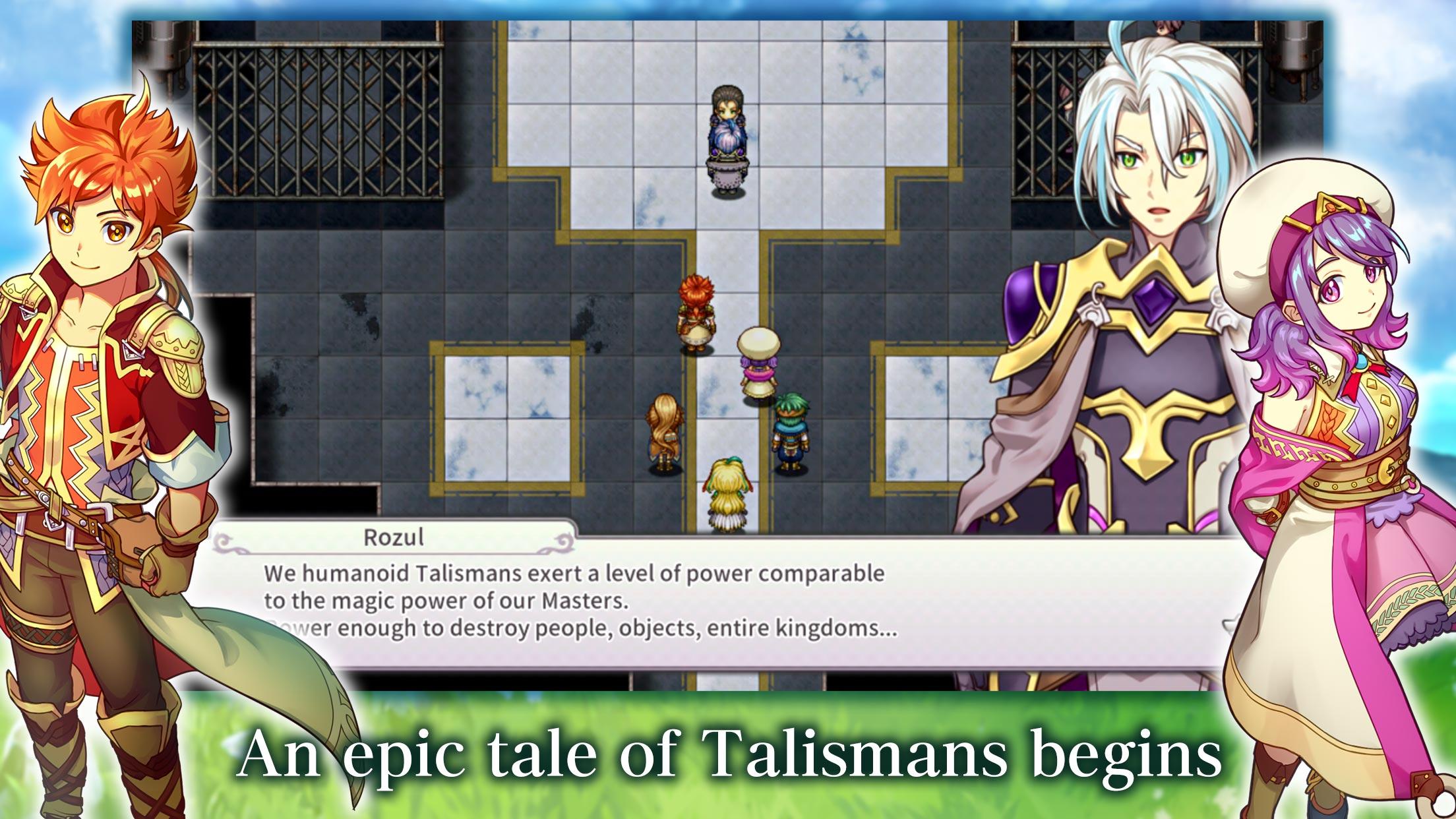
Talismans are magical items that contain great power, even with some that can grant any desire. Kronos, a boy training as a wizard, and Serene, who consider one another as siblings, become enveloped in a Talisman conspiracy. Will they be able to save themselves and the world from the threatening danger?
Equip Talismans to the Skill Board to acquire skills and fatal moves to turn the tides in turn-based battles. Forging and upgrading weapons, armor and Talismans from materials will grant you additional advantages. There are also strategic elements with battle formations and traps, and not to mention the variety of quests, arena and monster achievements that await as challenges!
* This app contains ads in some screens. The game itself can be played in its entirety for free.
* Ads can be removed through in-app purchases by purchasing the Ad Eliminator. Please note that the Ad Eliminator of the freemium edition does not include the bonus 150 Divine Gems.
* A premium edition with 150 bonus Divine Gems is also available. https://play.google.com/store/apps/details?id=kemco.execreate.infinitelinkspremium (Save data cannot be transferred between the Premium and Freemium editions.)
[IMPORTANT NOTICE]
Your use of the application requires your agreement to the following EULA and 'Privacy Policy and Notice'. If you do not agree, please do not download our application.
End User License Agreement: http://kemco.jp/eula/index.html
Privacy Policy and Notice: http://www.kemco.jp/app_pp/privacy.html
[Supported OS]
- 6.0 and up
[Game Controller]
- Partially supported
[Languages]
- English, Japanese
[SD Card Storage]
- Enabled (Save backup/transfer are not supported.)
[Non-Supported Devices]
This app has generally been tested to work on any mobile device released in Japan. We cannot guarantee full support on other devices. If you have the Developer Options enabled in your device, please turn off the "Don't keep activities" option in case of any issue. On the title screen, a banner showing latest KEMCO games may be displayed but the game doesn't have any ads from 3rd parties.
Get the latest information!
[Newsletter]
http://kemcogame.com/c8QM
[Facebook page]
https://www.facebook.com/kemco.global
* The actual price might differ depending on the region.
© 2021 KEMCO/EXE-CREATE
Preview

Tags
Turn-based-RPGCasualSingle playerStylizedPixelatedOfflineInformation
Developer
KEMCO
Latest Version
1.1.4g
Last Updated
2024-04-08
Category
Role-playing
Available on
Google Play
Show More
How to play RPG Infinite Links with GameLoop on PC
1. Download GameLoop from the official website, then run the exe file to install GameLoop
2. Open GameLoop and search for “RPG Infinite Links” , find RPG Infinite Links in the search results and click “Install”
3. Enjoy playing RPG Infinite Links on GameLoop
Minimum requirements
OS
Windows 8.1 64-bit or Windows 10 64-bit
GPU
GTX 1050
CPU
i3-8300
Memory
8GB RAM
Storage
1GB available space
Recommended requirements
OS
Windows 8.1 64-bit or Windows 10 64-bit
GPU
GTX 1050
CPU
i3-9320
Memory
16GB RAM
Storage
1GB available space