
Go Straight! PC
Light Carrier
Download Go Straight! on PC With GameLoop Emulator
Go Straight! on PC
Go Straight!, coming from the developer Light Carrier, is running on Android systerm in the past.
Now, You can play Go Straight! on PC with GameLoop smoothly.
Download it in the GameLoop library or search results. No more eyeing the battery or frustrating calls at the wrong time any more.
Just enjoy Go Straight! PC on the large screen for free!
Go Straight! Introduction
This is a racing game which runs through a straight road to the goal.
It can be played with one finger. Only touch your screen.
How to play:
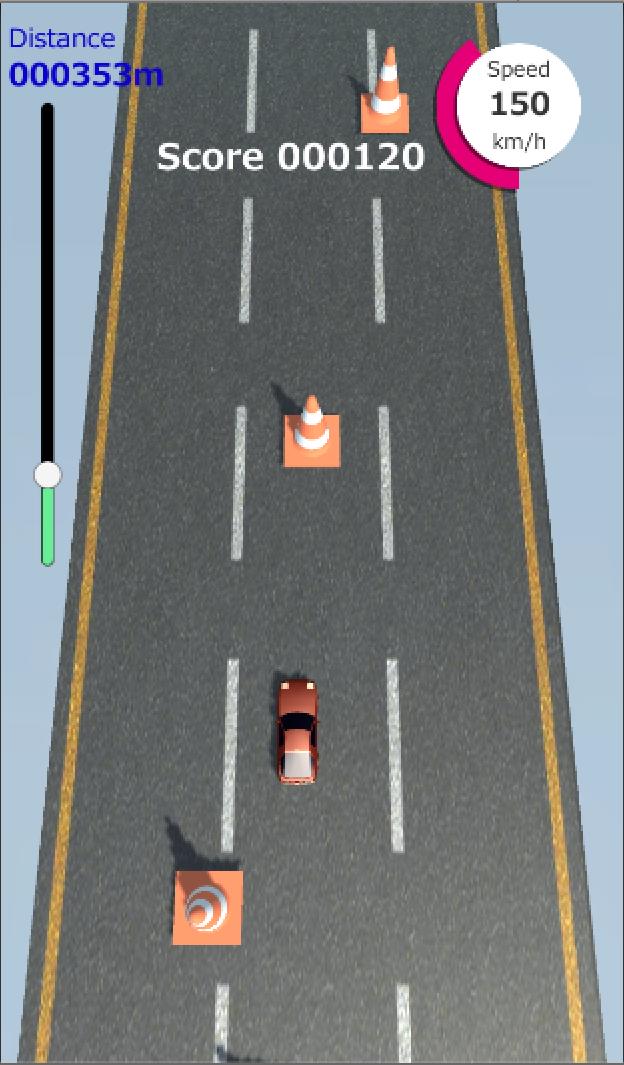
- Touching the screen, the player car will start running. (Accelerating)
- Releasing your finger from the screen, the player car will stop. (Braking)
- The player car can be steered while touching the screen only. (Steering)
- The player car will crash if hit the both of side on the road. (When crashing 3 times, Game Over)
- Even if the player car hits obstacles (cones), it is fine. (Rather, it will be got a score)
- The player car will be unstable when it hits an enemy car. Once spin it will become uncontrollable. (Spinning Status)
- The player can apply Counter-Steering if it will be swiped your finger in the same direction as the car slips before spinning. And after that, the player can return to the race.
Stage:
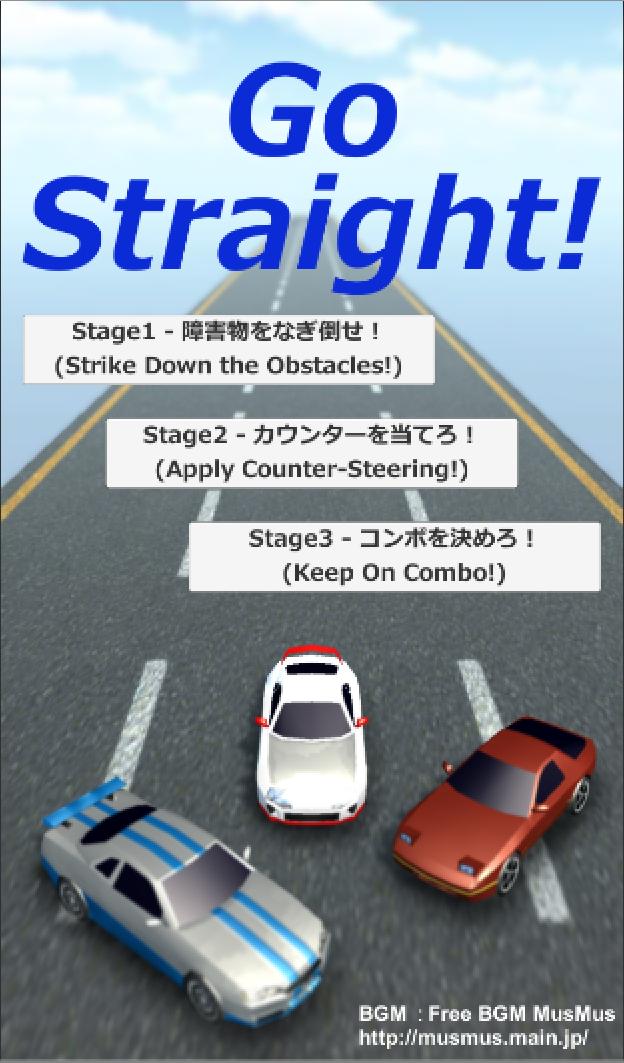
Stage1: Obstacles appear one after another. If the player hit an obstacle, it can be got a score, so let's try to strike down a lot of obstacles!
Stage2: Enemy cars appear one after another. If the player hit a enemy car, it will start drifting, so let's return to the race by applying counter-steering as same direction to drifting way.
Stage3: Let's go through the long distance straight course to the goal. The player can get a score if you could return back from the drift state after colliding with an enemy car. And when could apply counter-steering continuously, it will be "Combo", and can get a lot of scores!
Preview
Tags
RacingInformation
Developer
Light Carrier
Latest Version
0.65
Last Updated
2019-10-12
Category
Racing
Available on
Google Play
Show More
How to play Go Straight! with GameLoop on PC
1. Download GameLoop from the official website, then run the exe file to install GameLoop
2. Open GameLoop and search for “Go Straight!” , find Go Straight! in the search results and click “Install”
3. Enjoy playing Go Straight! on GameLoop
Minimum requirements
OS
Windows 8.1 64-bit or Windows 10 64-bit
GPU
GTX 1050
CPU
i3-8300
Memory
8GB RAM
Storage
1GB available space
Recommended requirements
OS
Windows 8.1 64-bit or Windows 10 64-bit
GPU
GTX 1050
CPU
i3-9320
Memory
16GB RAM
Storage
1GB available space