Offroad Car Driving Simulator PC
Pixel Burg
Download Offroad Car Driving Simulator on PC With GameLoop Emulator
Offroad Car Driving Simulator on PC
Offroad Car Driving Simulator, coming from the developer Pixel Burg, is running on Android systerm in the past.
Now, You can play Offroad Car Driving Simulator on PC with GameLoop smoothly.
Download it in the GameLoop library or search results. No more eyeing the battery or frustrating calls at the wrong time any more.
Just enjoy Offroad Car Driving Simulator PC on the large screen for free!
Offroad Car Driving Simulator Introduction
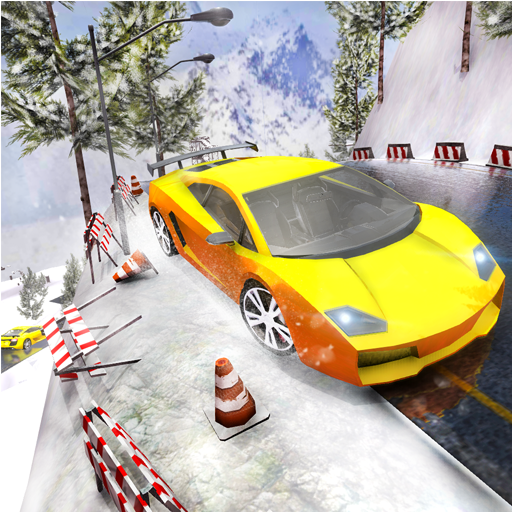
The new Offroad mountain climb car driving contains 20 levels. Offroad car driving is the new free game lunch recently by pixel burg. Now you can drive your dream car in hilly snowy mountains for hours.
You can drive, off-road car for free! Accurate physics engine that can deliver the most realistic racing fun possible. It's time to drive various sports cars all over the hills and mountains This is your chance to experience the thrill of driving offroad mountain simulator. It contains up to 7 free driving luxury cars to choose from. Burn the asphalt in this extreme car simulator. This game lets you enjoy the fun of controlling the luxury cars to become the real driver.
Control your car by tilting your device, or use touch control for steering. Test this great car in free mode to check each car's performance, strengths, weaknesses. Or just drive them to enjoy offroad simulation.
If you're a car enthusiast, this game is definitely for you!
Play the best offroad car simulation driving game now.
Install now for free and give us your valuable comments Thanks. Regards Pixel burg
★★★ GAMEPLAY FEATURES ★★★
Smooth controllers
3d graphics
open world
Realistic graphics
traffic rules
Upto 7 free driving luxury cars.
Accurate physics.
Realistic sounds effects
Beautiful car interior
Enjoy Driving both interior and exterior
Endless Driving
Preview


Tags
RacingInformation
Developer
Pixel Burg
Latest Version
1.0
Last Updated
2019-03-30
Category
Racing
Available on
Google Play
Show More
How to play Offroad Car Driving Simulator with GameLoop on PC
1. Download GameLoop from the official website, then run the exe file to install GameLoop
2. Open GameLoop and search for “Offroad Car Driving Simulator” , find Offroad Car Driving Simulator in the search results and click “Install”
3. Enjoy playing Offroad Car Driving Simulator on GameLoop
Minimum requirements
OS
Windows 8.1 64-bit or Windows 10 64-bit
GPU
GTX 1050
CPU
i3-8300
Memory
8GB RAM
Storage
1GB available space
Recommended requirements
OS
Windows 8.1 64-bit or Windows 10 64-bit
GPU
GTX 1050
CPU
i3-9320
Memory
16GB RAM
Storage
1GB available space