WoodBlockXD | Align Blocks Fre PC
Block Puzzle Brain Games
Download WoodBlockXD | Align Blocks Fre on PC With GameLoop Emulator
WoodBlockXD | Align Blocks Fre on PC
WoodBlockXD | Align Blocks Fre, coming from the developer Block Puzzle Brain Games, is running on Android systerm in the past.
Now, You can play WoodBlockXD | Align Blocks Fre on PC with GameLoop smoothly.
Download it in the GameLoop library or search results. No more eyeing the battery or frustrating calls at the wrong time any more.
Just enjoy WoodBlockXD | Align Blocks Fre PC on the large screen for free!
WoodBlockXD | Align Blocks Fre Introduction
WoodblockXD is a simple puzzle game that fits blocks within the frame.
It's simple and easy, but it has various modes, so you can play it all the time without getting bored.
Especially recommended for those who like puzzle games such as Brain Training, Sudoku, Nampre, Minesweeper, etc.!
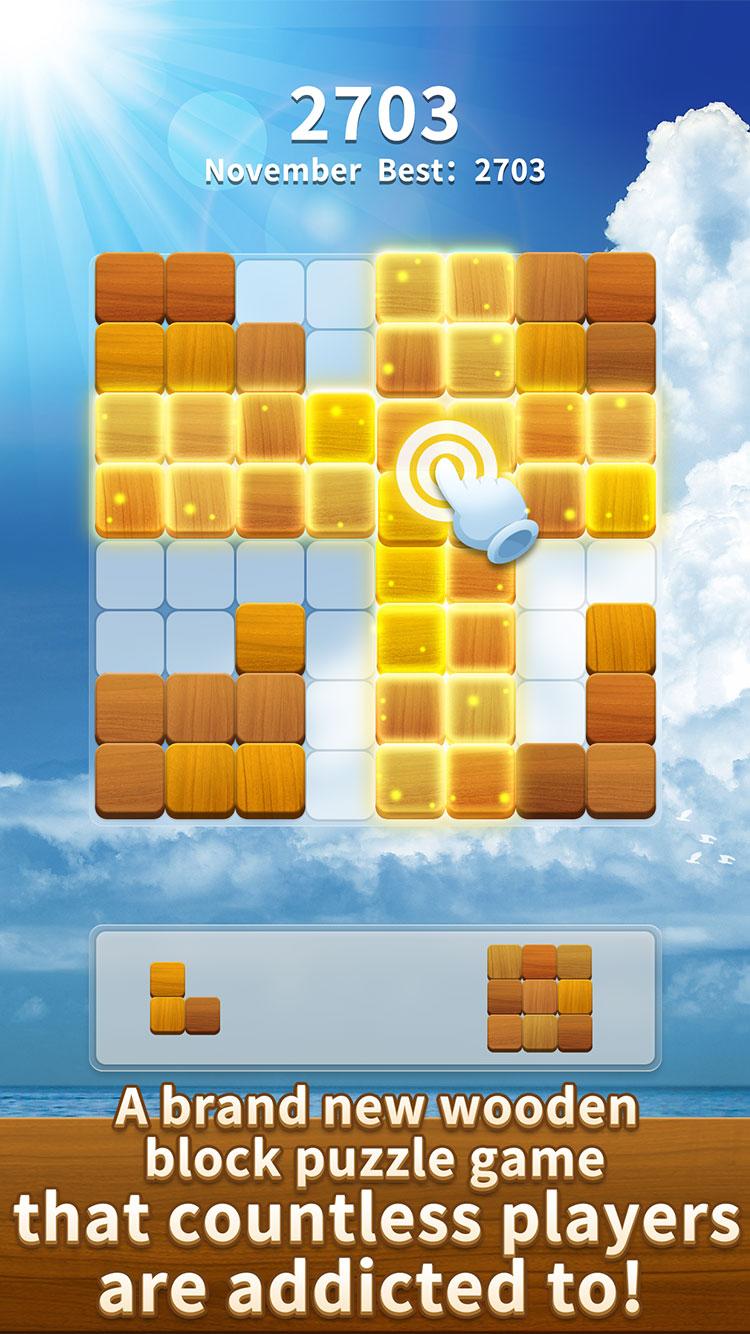
■ Basic way to play
Move blocks of various shapes within the frame.
You can erase it by aligning the blocks vertically or horizontally.
The game is over when there is no space to put the blocks.
Aligning multiple columns at once will increase your score!
■ Abundant game modes
WoodBlockXD has many game modes.
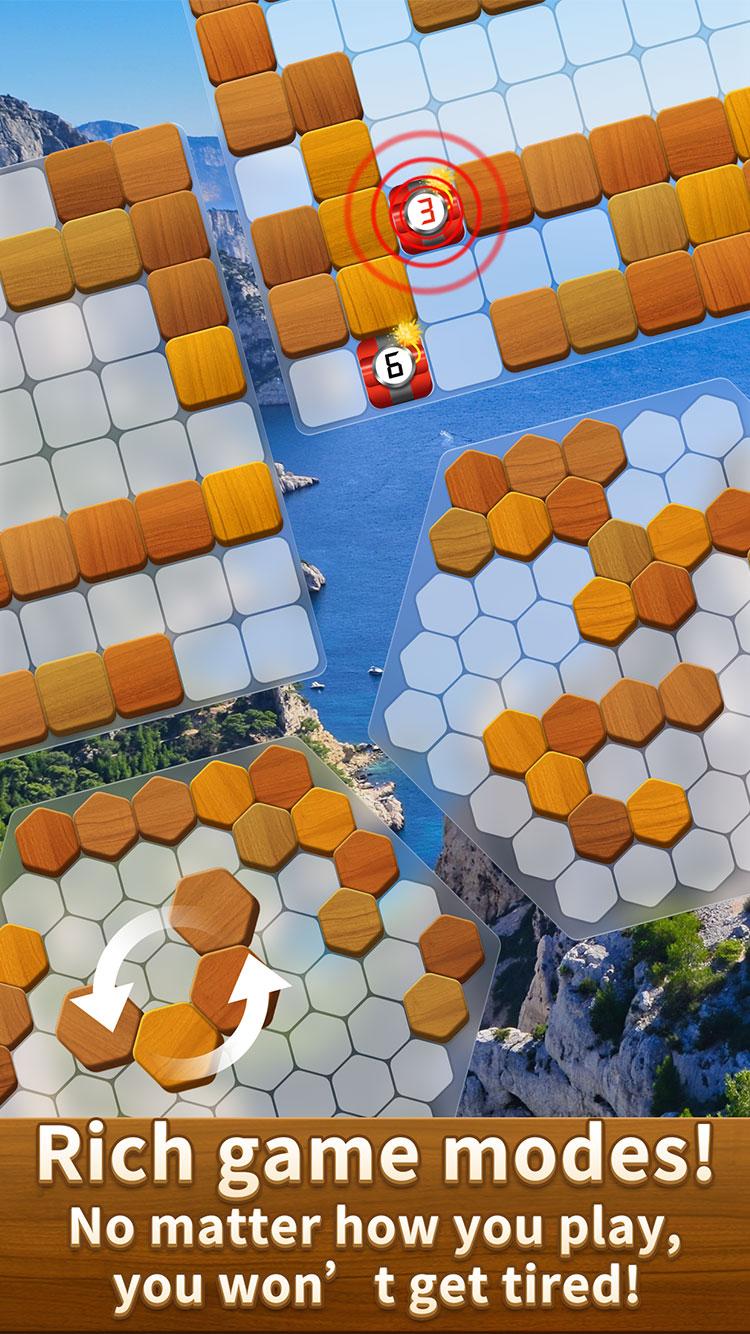
▼ Rectangle mode / Hexagon mode
There is a "square mode" with a frame size of 8x8 and a "hexagon mode" with a hexagonal frame shape.
Hexagon mode is more complicated with more patterns for placing blocks.
First, let's try from "Rectangle mode".
▼ Classic mode
This is the basic way to play.
Let's erase the randomly displayed blocks by aligning them vertically or horizontally.
▼ Rotation mode
You can rotate the block.
Since the pattern of how to place blocks increases, it is important to think more carefully when arranging blocks.
▼ Hardcore mode
The pattern of blocks increases.
If you don't think carefully and arrange the blocks, you may be confused by the appearance of unexpected blocks!
▼ Bomb mode
Some of the placed blocks will turn into timer-type bombs.
Each time you place a block, the timer will decrease, so be sure to line up the bombs before they explode!
■ Over 100 backgrounds
There are over 100 different game backgrounds.
You can get a background every time you level up, so let's do our best to complete it!
■ WoodBlockXD is interesting here!
Play completely free!
You can play offline anytime, anywhere!
There is no time limit, so you can play all the time!
Easy operation with simple rules
Beautiful backgrounds and background music make the gaming experience even more enjoyable.
Let's aim for the top ranking with a high score!
Preview
Tags
BlockCasualSingle playerRealisticOfflineInformation
Developer
Block Puzzle Brain Games
Latest Version
1.5
Last Updated
2021-06-08
Category
Puzzle
Available on
Google Play
Show More
How to play WoodBlockXD | Align Blocks Fre with GameLoop on PC
1. Download GameLoop from the official website, then run the exe file to install GameLoop
2. Open GameLoop and search for “WoodBlockXD | Align Blocks Fre” , find WoodBlockXD | Align Blocks Fre in the search results and click “Install”
3. Enjoy playing WoodBlockXD | Align Blocks Fre on GameLoop
Minimum requirements
OS
Windows 8.1 64-bit or Windows 10 64-bit
GPU
GTX 1050
CPU
i3-8300
Memory
8GB RAM
Storage
1GB available space
Recommended requirements
OS
Windows 8.1 64-bit or Windows 10 64-bit
GPU
GTX 1050
CPU
i3-9320
Memory
16GB RAM
Storage
1GB available space