Tile Legend - Classic Match 3 PC
1GRAM
Download Tile Legend - Classic Match 3 on PC With GameLoop Emulator
Tile Legend - Classic Match 3 on PC
Tile Legend - Classic Match 3, coming from the developer 1GRAM, is running on Android systerm in the past.
Now, You can play Tile Legend - Classic Match 3 on PC with GameLoop smoothly.
Download it in the GameLoop library or search results. No more eyeing the battery or frustrating calls at the wrong time any more.
Just enjoy Tile Legend - Classic Match 3 PC on the large screen for free!
Tile Legend - Classic Match 3 Introduction
Features
• Various skins! _ Jungle🏞, beach🏖, baking table🍪 You can play in various backgrounds you want!
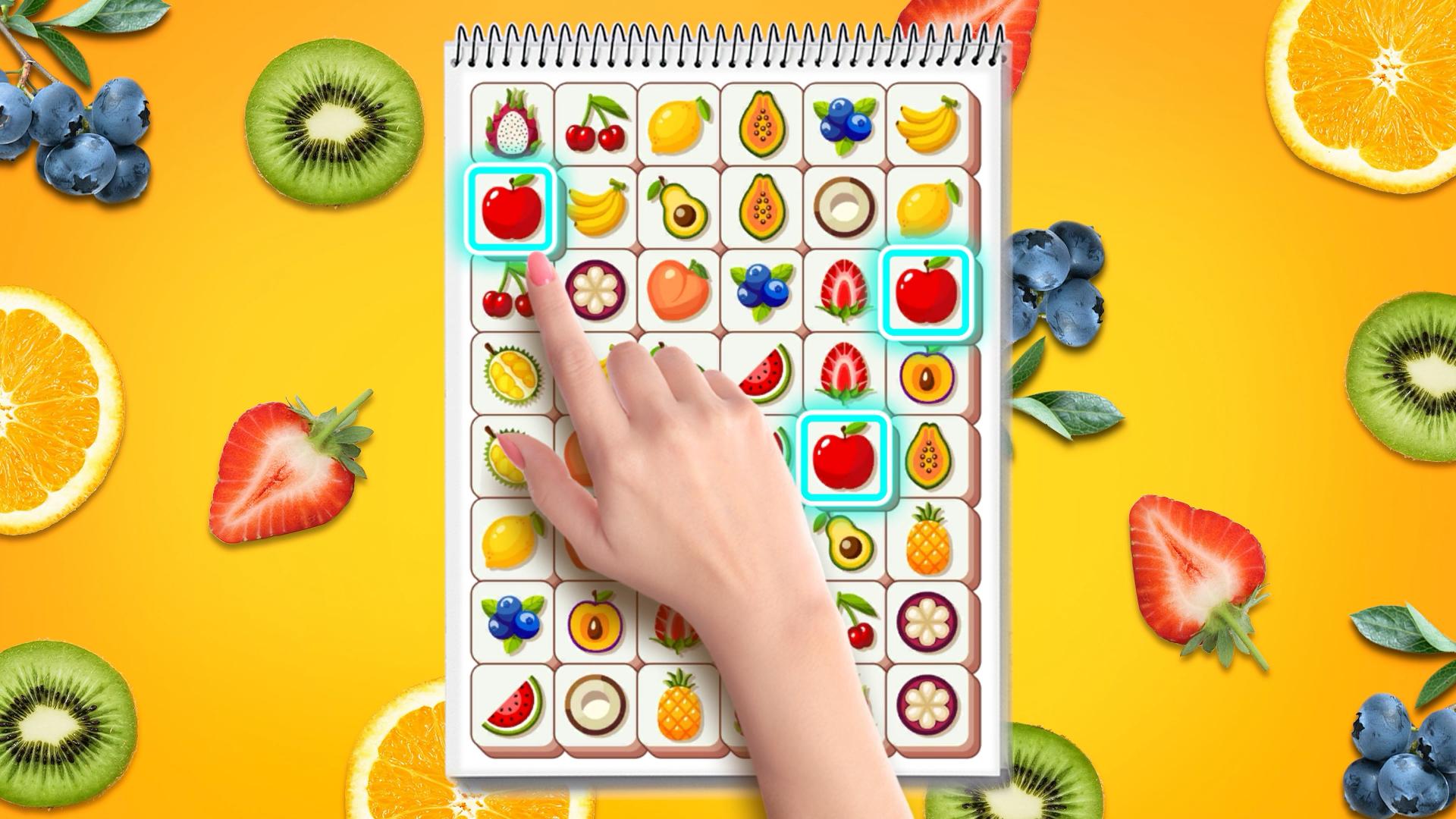
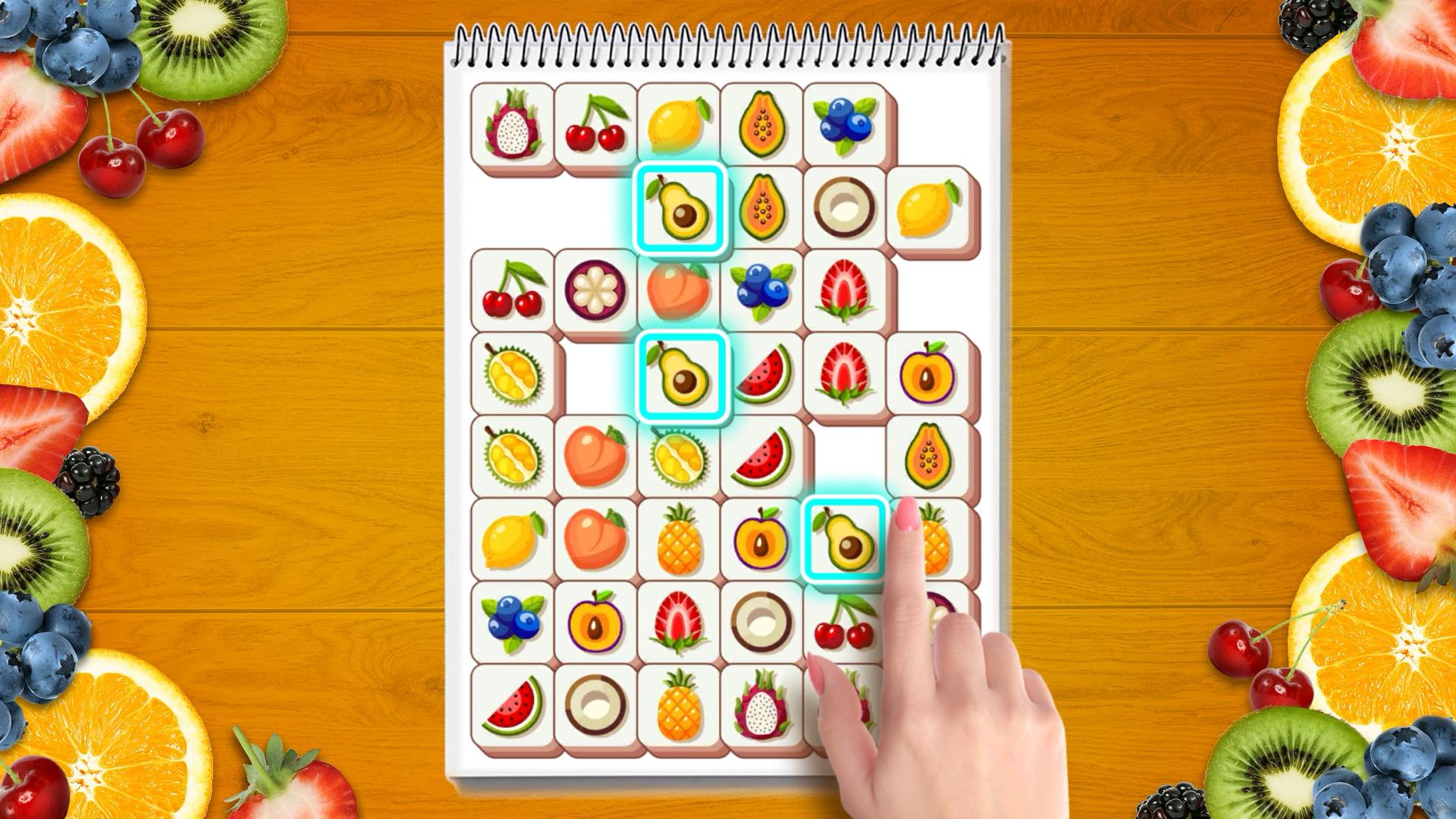
• More than 100 tiles!! 8 themes!! Flowers🌹, fruits🍊, desserts🧁, animals🐶, toys🧸... each tile board is different.
• Find(👀) 3 tiles and tap(👆) to remove them! Train your brain🎓!
• Use Hint & shuffle & undo items to help you beat levels
• NO WIFI? NO PROBLEM! You can play offline.
• Multiple Choice! Supported on both phones and tablets.
• 100% free to play.
How to Play
• Just tap to place the tiles into the box.
• It disappears when you collect 3 tiles of the same picture in the box.
• If you get stuck with 7 tiles in the box, you lose!
• Collect all the tiles to win!🏆
Preview
Tags
Match 3CasualSingle playerStylizedOfflineInformation
Developer
1GRAM
Latest Version
1.4.5
Last Updated
2024-10-30
Category
Puzzle
Available on
Google Play
Show More
How to play Tile Legend - Classic Match 3 with GameLoop on PC
1. Download GameLoop from the official website, then run the exe file to install GameLoop
2. Open GameLoop and search for “Tile Legend - Classic Match 3” , find Tile Legend - Classic Match 3 in the search results and click “Install”
3. Enjoy playing Tile Legend - Classic Match 3 on GameLoop
Minimum requirements
OS
Windows 8.1 64-bit or Windows 10 64-bit
GPU
GTX 1050
CPU
i3-8300
Memory
8GB RAM
Storage
1GB available space
Recommended requirements
OS
Windows 8.1 64-bit or Windows 10 64-bit
GPU
GTX 1050
CPU
i3-9320
Memory
16GB RAM
Storage
1GB available space