Sudoku: Classic Number Puzzle PC
DoPuz Games
Download Sudoku: Classic Number Puzzle on PC With GameLoop Emulator
Sudoku: Classic Number Puzzle on PC
Sudoku: Classic Number Puzzle, coming from the developer DoPuz Games, is running on Android systerm in the past.
Now, You can play Sudoku: Classic Number Puzzle on PC with GameLoop smoothly.
Download it in the GameLoop library or search results. No more eyeing the battery or frustrating calls at the wrong time any more.
Just enjoy Sudoku: Classic Number Puzzle PC on the large screen for free!
Sudoku: Classic Number Puzzle Introduction
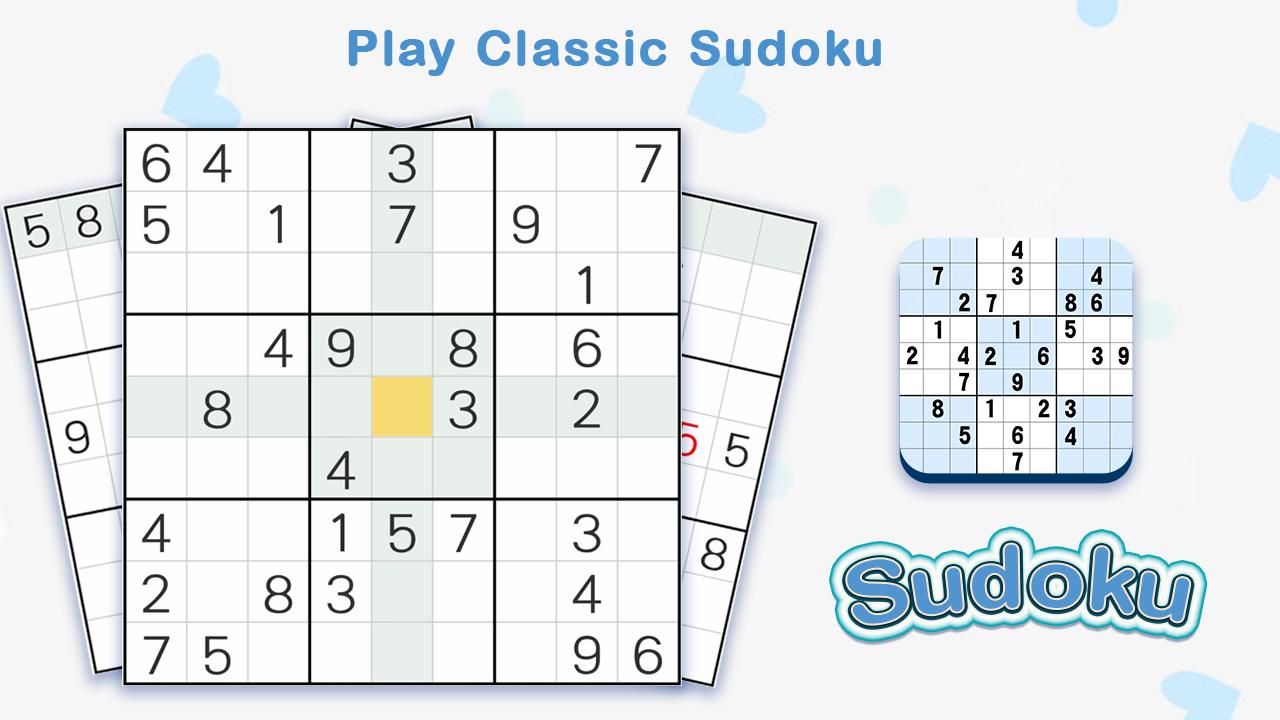
Sudoku is the most popular logic based number-placement puzzle in the world. Our sudoku game contains endless Sudoku number puzzles of various difficulty levels for sudoku game beginners and professionals alike. With well-crafted sudoku puzzles, intuitive user interface and detailed instructions, this outstanding sudoku number puzzle game will sure be your favorite!
How To Play:
- The 9x9 sudoku board has nine 3x3 sub-grids.
- In the 9x9 playing board, each of the nine 3x3 sub-grid, each column and row contains all of the digits from 1 to 9 with no duplicate numbers.
- Fill the 9×9 grid with digits so that each column, each row, and each of the nine 3×3 sub-grids contains all of the digits from 1 to 9!
Sudoku Game Features:
★ 4 difficulty sudoku levels ranging from easy to expert.
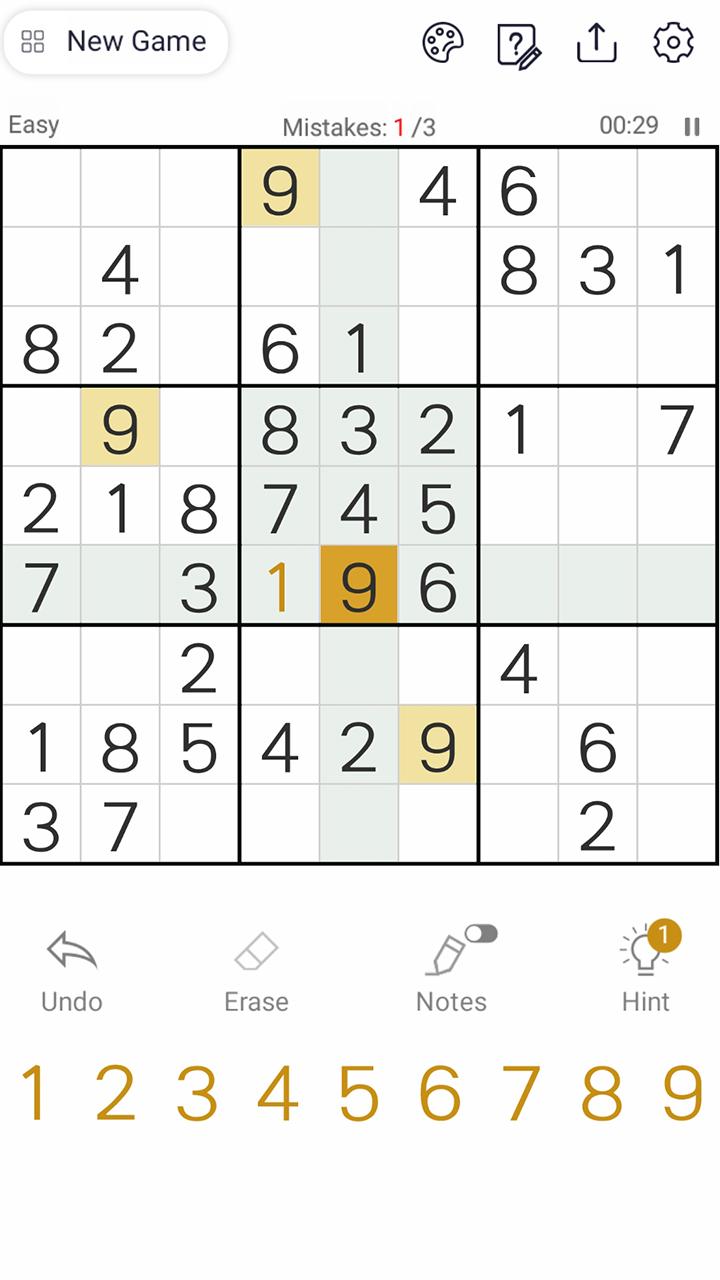
★Take notes:Help you keep track of possible numbers.
★Detailed rules:Teach you play sudoku game step by step.
★Intelligent hints:guide you through the sudoku puzzle when you get stuck.
★ Detailed Statistics so you can keep track of your progress and personal records (Winning Rate, Best Time, Best Winning Streak and so on)!
★ Multiple customized options so you can choose the conditions which suit you the best (4 Colour Themes, Dark Mode, Sound Effects, Vibrations and so on) !
★ Tons of sudoku game preferences will adapt to Your playstyle (You can choose to hide used numbers, highlight the unique number, highlight identical numbers, highlight areas or auto-undo mistakes).
Are you ready to play the #1 free SUDOKU puzzle game on Android? Come to play our sudoku game, show your sudoku skills and have fun!
Preview
Tags
CasualInformation
Developer
DoPuz Games
Latest Version
1.2501
Last Updated
2022-09-20
Category
Puzzle
Available on
Google Play
Show More
How to play Sudoku: Classic Number Puzzle with GameLoop on PC
1. Download GameLoop from the official website, then run the exe file to install GameLoop
2. Open GameLoop and search for “Sudoku: Classic Number Puzzle” , find Sudoku: Classic Number Puzzle in the search results and click “Install”
3. Enjoy playing Sudoku: Classic Number Puzzle on GameLoop
Minimum requirements
OS
Windows 8.1 64-bit or Windows 10 64-bit
GPU
GTX 1050
CPU
i3-8300
Memory
8GB RAM
Storage
1GB available space
Recommended requirements
OS
Windows 8.1 64-bit or Windows 10 64-bit
GPU
GTX 1050
CPU
i3-9320
Memory
16GB RAM
Storage
1GB available space