Onet Connect Classic PC
Games Of Day
Download Onet Connect Classic on PC With GameLoop Emulator
Onet Connect Classic on PC
Onet Connect Classic, coming from the developer Games Of Day, is running on Android systerm in the past.
Now, You can play Onet Connect Classic on PC with GameLoop smoothly.
Download it in the GameLoop library or search results. No more eyeing the battery or frustrating calls at the wrong time any more.
Just enjoy Onet Connect Classic PC on the large screen for free!
Onet Connect Classic Introduction
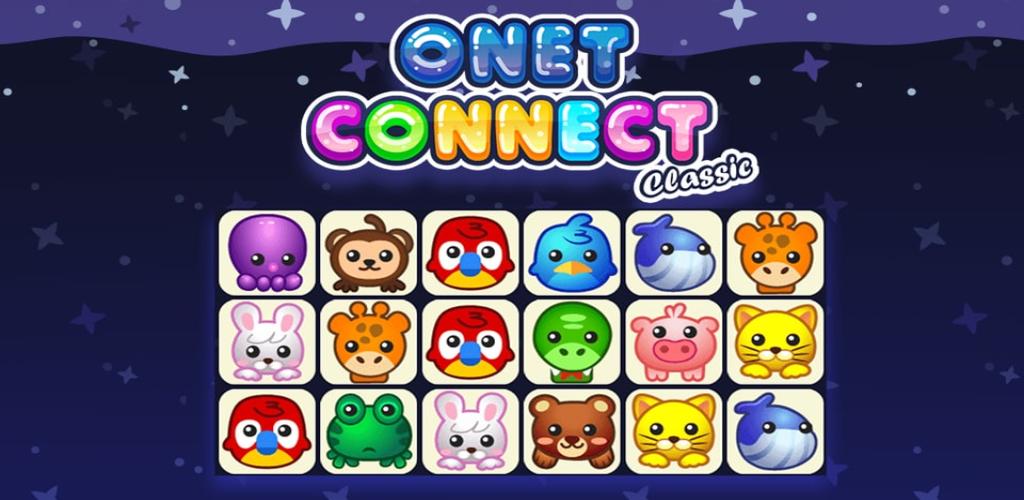
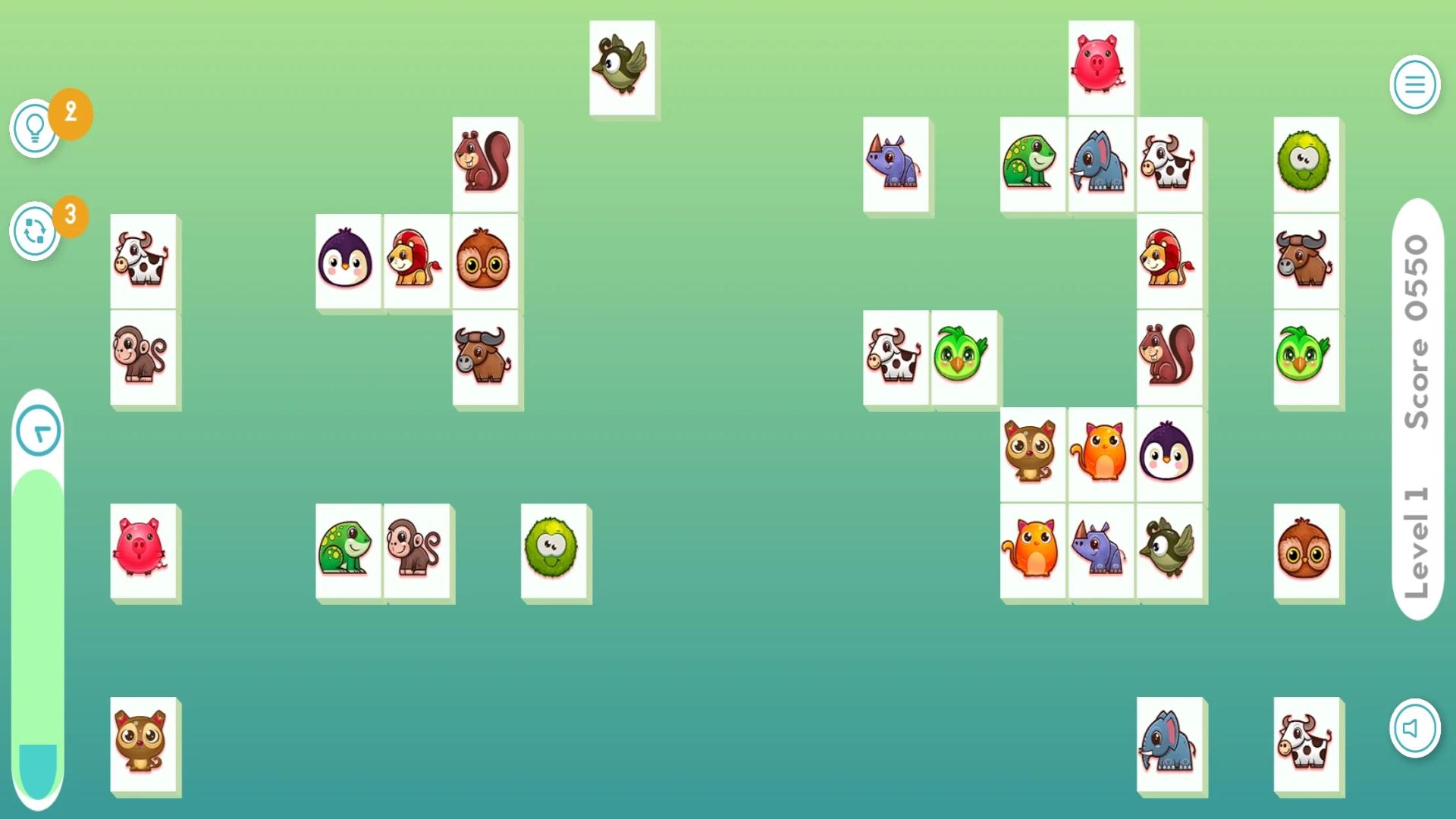
Onet Connect Classic game Similar to Match 3 games the main goal is to connect two identical animals or fruits. In Onet you draw a line between them. However there are two very important rules you need to follow Onet Connect Classic:
There can’t be any obstacles in the way between two similar tiles.
The line that connects two tiles can change direction only twice. (Or less, of course).
Onet Connect Classic, and there is a time limit. You have five minutes to clear each level. This makes this animal and fruit connect game stand out from the crowd of countless other Match 3 or Connect 4 games.
Onet Connect Classic Similar to those games your main goal is to clear the whole playing field from all tiles. As cute as it looks, there may be quite some strategic thinking and coordination skills involved to solve the game.
But fear not onet connect classic unblocked, because if you get stuck there is help. On the upper right side of the screen you find two icons. A magnifying glass and a shuffle button.
The onet connect classic unblocked magnifier helps you identify the next possible connecting option. But the real joker of this Onet Connect Classic game is the shuffle function. What it does? Well, it does exactly what it says. It shuffles the tiles on the field so that new Onet Connect Classic connection options will be presented.
Preview
Tags
PuzzleInformation
Developer
Games Of Day
Latest Version
1.0
Last Updated
2023-03-08
Category
Puzzle
Available on
Google Play
Show More
How to play Onet Connect Classic with GameLoop on PC
1. Download GameLoop from the official website, then run the exe file to install GameLoop
2. Open GameLoop and search for “Onet Connect Classic” , find Onet Connect Classic in the search results and click “Install”
3. Enjoy playing Onet Connect Classic on GameLoop
Minimum requirements
OS
Windows 8.1 64-bit or Windows 10 64-bit
GPU
GTX 1050
CPU
i3-8300
Memory
8GB RAM
Storage
1GB available space
Recommended requirements
OS
Windows 8.1 64-bit or Windows 10 64-bit
GPU
GTX 1050
CPU
i3-9320
Memory
16GB RAM
Storage
1GB available space