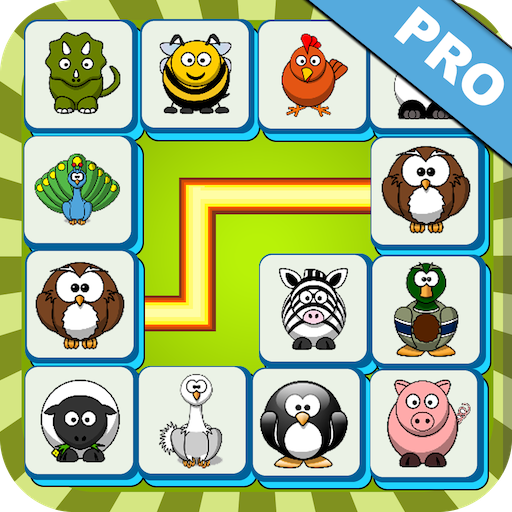
Onet Connect Pro PC
CraDiff Studio
Download Onet Connect Pro on PC With GameLoop Emulator
Onet Connect Pro on PC
Onet Connect Pro, coming from the developer CraDiff Studio, is running on Android systerm in the past.
Now, You can play Onet Connect Pro on PC with GameLoop smoothly.
Download it in the GameLoop library or search results. No more eyeing the battery or frustrating calls at the wrong time any more.
Just enjoy Onet Connect Pro PC on the large screen for free!
Onet Connect Pro Introduction
Onet Connect Pro is a relaxing pair matching puzzle game inspired by classic connect gameplay. It is easy to learn and suitable for players of all ages.
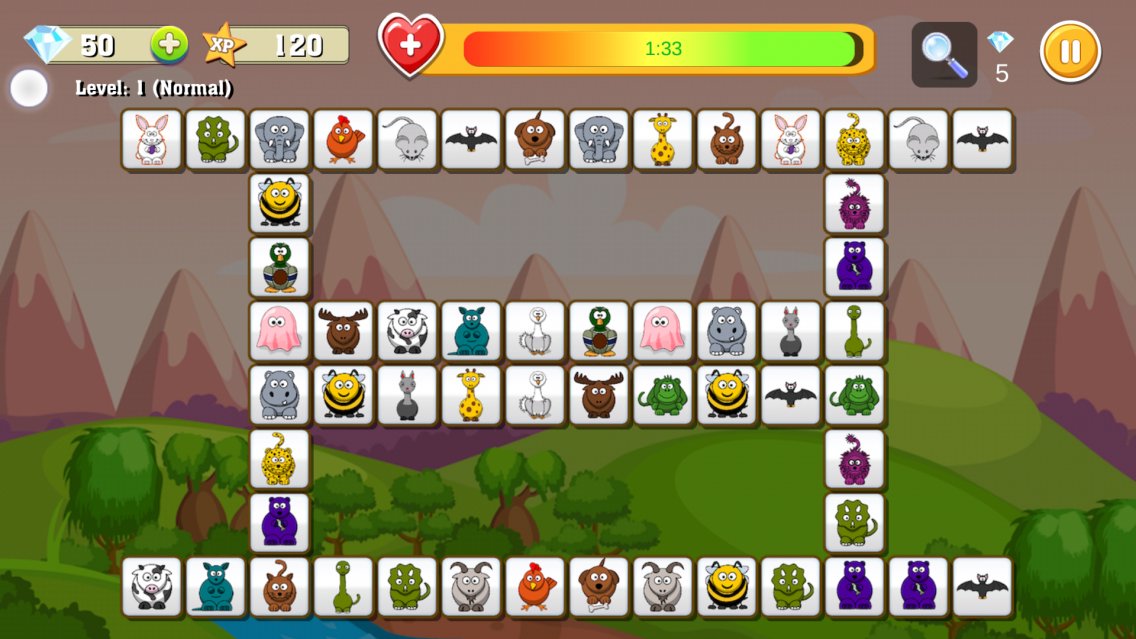
In this game, your objective is to match two identical images by connecting them with no more than three straight lines. Clear all tiles on the board to complete each level.
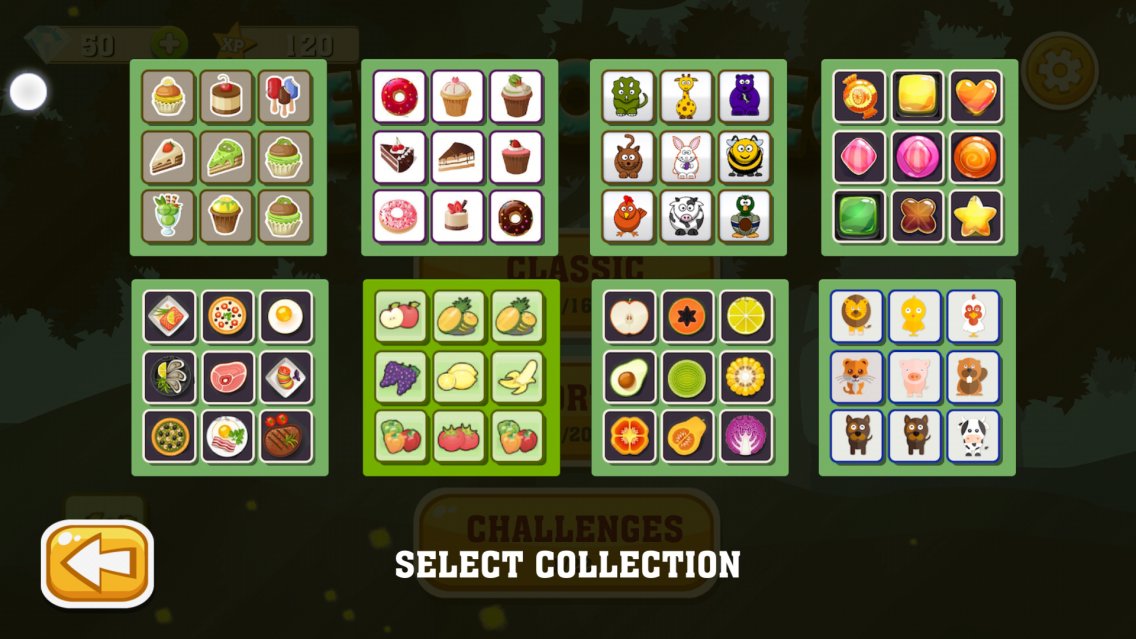
Game Collections
The game includes multiple image collections to keep the experience fresh:
- Animal collections
- Food collections
- Cake collections
- Candy collections
Difficulty Levels
Choose from five levels of difficulty:
- Easy
- Normal
- Hard
- Very Hard
- Super Hard
Difficulty is based on time limits and the number of images on the board, providing a balanced challenge for both casual and experienced players.
Game Modes
Different modes are available to suit your play style:
- Classic Mode: Complete levels within a time limit
- Comfort Mode: Play without time pressure
- Challenge Mode: Experience varied board layouts and conditions
Each mode includes all difficulty levels, offering multiple ways to enjoy the game.
In-Game Support
Earn rewards by completing levels and use them to assist your progress when facing more difficult challenges.
Features
- Simple and easy-to-understand gameplay
- Clean and user-friendly design
- Multiple difficulty levels and game modes
- Various image collections
- Rewards for completing levels
Onet Connect Pro is designed to provide a relaxing and enjoyable puzzle experience that you can play anytime. The game is continuously improved to deliver a better experience for all players.
Preview
Tags
Pair matchingCasualSingle playerStylizedOfflineInformation
Developer
CraDiff Studio
Latest Version
2.0.3
Last Updated
2026-09-10
Category
Puzzle
Available on
Google Play
Show More
How to play Onet Connect Pro with GameLoop on PC
1. Download GameLoop from the official website, then run the exe file to install GameLoop
2. Open GameLoop and search for “Onet Connect Pro” , find Onet Connect Pro in the search results and click “Install”
3. Enjoy playing Onet Connect Pro on GameLoop
Minimum requirements
OS
Windows 8.1 64-bit or Windows 10 64-bit
GPU
GTX 1050
CPU
i3-8300
Memory
8GB RAM
Storage
1GB available space
Recommended requirements
OS
Windows 8.1 64-bit or Windows 10 64-bit
GPU
GTX 1050
CPU
i3-9320
Memory
16GB RAM
Storage
1GB available space