Extreme Sudoku: Classic Puzzle PC
Stas Apps
Download Extreme Sudoku: Classic Puzzle on PC With GameLoop Emulator
Extreme Sudoku: Classic Puzzle on PC
Extreme Sudoku: Classic Puzzle, coming from the developer Stas Apps, is running on Android systerm in the past.
Now, You can play Extreme Sudoku: Classic Puzzle on PC with GameLoop smoothly.
Download it in the GameLoop library or search results. No more eyeing the battery or frustrating calls at the wrong time any more.
Just enjoy Extreme Sudoku: Classic Puzzle PC on the large screen for free!
Extreme Sudoku: Classic Puzzle Introduction
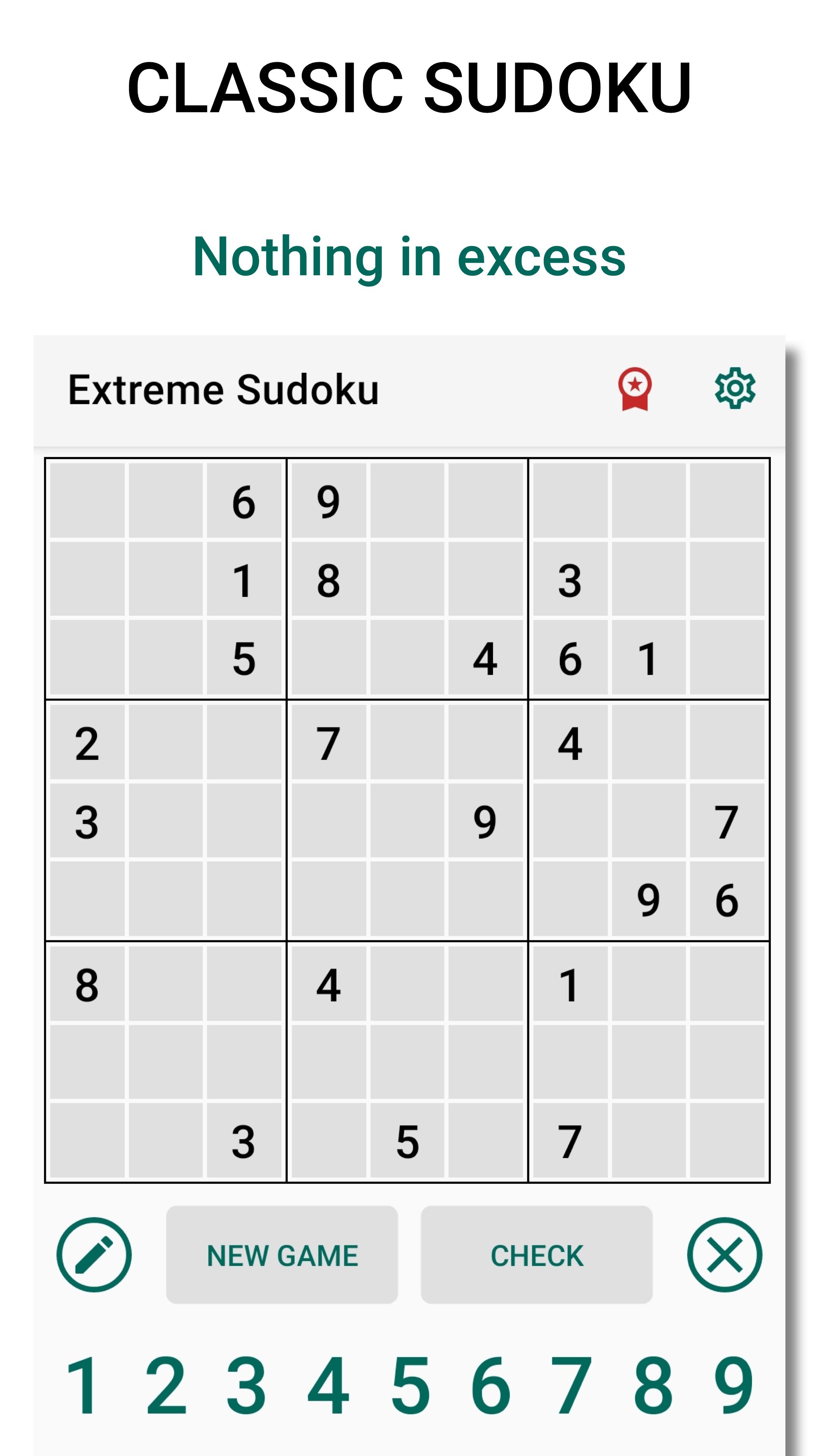
Extreme Sudoku: Logic Puzzle Game - is a classic Sudoku without any extra game elements. Train your brain, mind and logic without prompts! This exciting brain training game with numbers has all you need to have a useful rest. Our free numbers crosswords will help you keep your brain in good shape and escape from the daily routine. With our app you can play Hard Sudoku offline or online. The Extreme Sudoku welcomes not only experienced players, but also the newbies. Use your time wisely playing Sudoku for free!
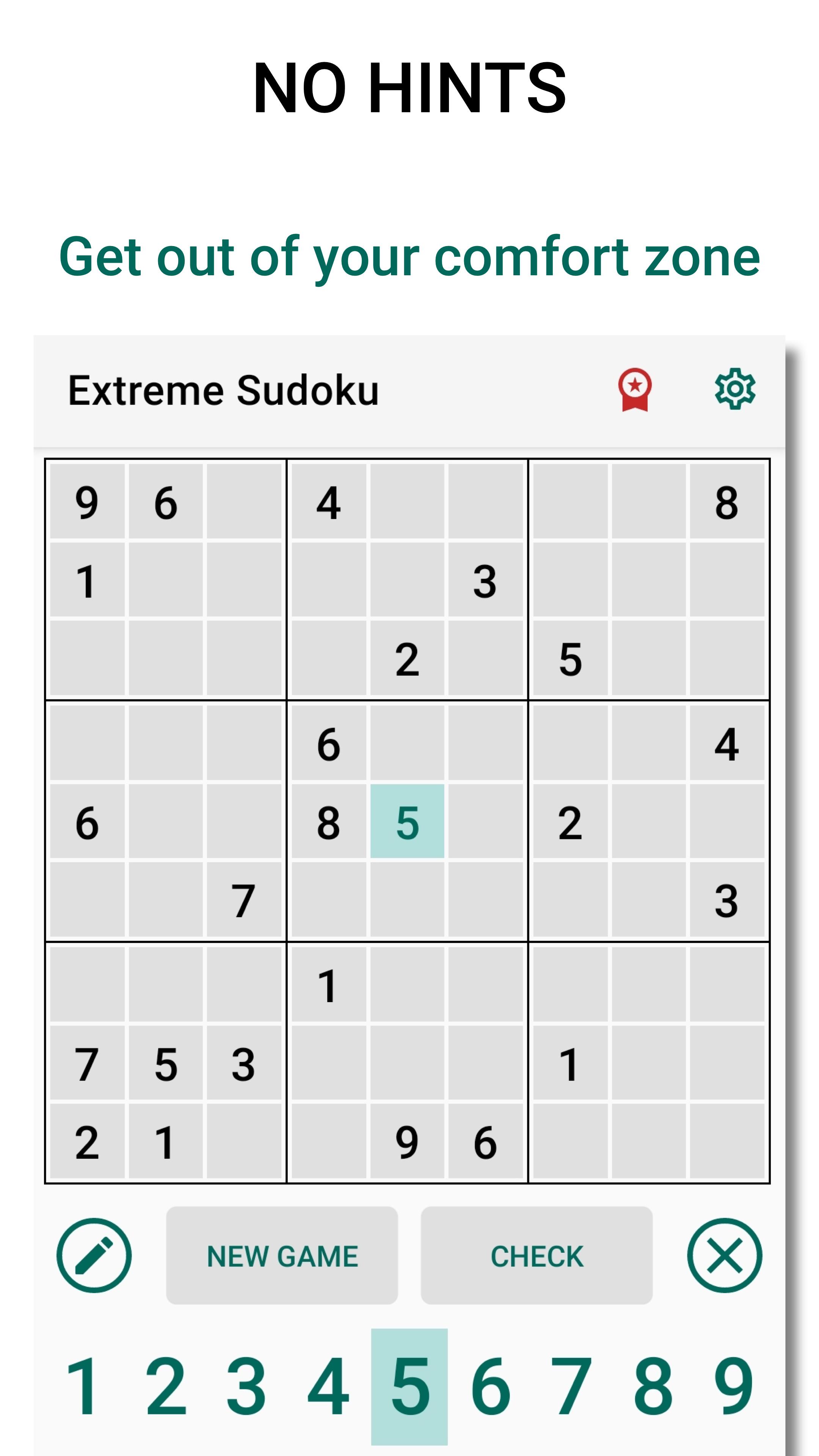
Play free Sudoku by selecting the game level you need: beginner or expert. You can make notes, delete incorrect numbers and check Sudoku in the app. But you never get a hint. We have brought the gaming experience as close as possible to the classic numbers puzzles drawn on a piece of paper. Only this way can you concentrate your mind to its full potential!
Features:
- thousands of logic sudoku puzzles
- the app is available to both experienced players and beginners
- intuitive interface
- support smartphones and tablets
- offline and online
- you can play Hard Sudoku without ads
- classic 9x9 grid and nothing else
If you are fond of puzzles, logic games and free number crosswords, this Extreme Sudoku is for you! Play regularly and you are sure to become a Sudoku expert.
Extreme Sudoku: Logic Puzzle Game - is the best brain training game!
Preview
Tags
PuzzleInformation
Developer
Stas Apps
Latest Version
4.0.5
Last Updated
2025-08-31
Category
Puzzle
Available on
Google Play
Show More
How to play Extreme Sudoku: Classic Puzzle with GameLoop on PC
1. Download GameLoop from the official website, then run the exe file to install GameLoop
2. Open GameLoop and search for “Extreme Sudoku: Classic Puzzle” , find Extreme Sudoku: Classic Puzzle in the search results and click “Install”
3. Enjoy playing Extreme Sudoku: Classic Puzzle on GameLoop
Minimum requirements
OS
Windows 8.1 64-bit or Windows 10 64-bit
GPU
GTX 1050
CPU
i3-8300
Memory
8GB RAM
Storage
1GB available space
Recommended requirements
OS
Windows 8.1 64-bit or Windows 10 64-bit
GPU
GTX 1050
CPU
i3-9320
Memory
16GB RAM
Storage
1GB available space