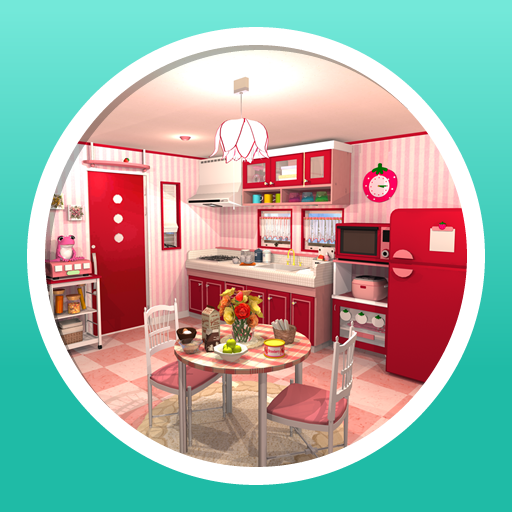
Escape Fruit Kitchens PC
FUNKYLAND
Download Escape Fruit Kitchens on PC With GameLoop Emulator
Escape Fruit Kitchens on PC
Escape Fruit Kitchens, coming from the developer FUNKYLAND, is running on Android systerm in the past.
Now, You can play Escape Fruit Kitchens on PC with GameLoop smoothly.
Download it in the GameLoop library or search results. No more eyeing the battery or frustrating calls at the wrong time any more.
Just enjoy Escape Fruit Kitchens PC on the large screen for free!
Escape Fruit Kitchens Introduction
Escape from a lovely kitchen!
The popular FUNKYLAND game of escaping to the patio by collecting fruit is now available as an App!
It has the same charming and healing atmosphere as "Candy Rooms", the sister game.
Solve the mysteries in the fruit-themed kitchen to escape.
How to Play:
- Just tap
- Tap the [+] button in the upper right hand corner to display the settings screen.
Game Features:
- Beautiful graphics!
- Easy and fun, even for those not keen on escape games!
- Perfect game length to kill time!
- You can enjoy each charming fruit-themed kitchen!
- Enjoy teatime on a gorgeous patio after escaping!
The Save Function:
Cleared rooms will be saved in the list so you can play them anytime.
In the case that cleared rooms have not been saved in the list, please check your device settings as there may not be enough storage space.
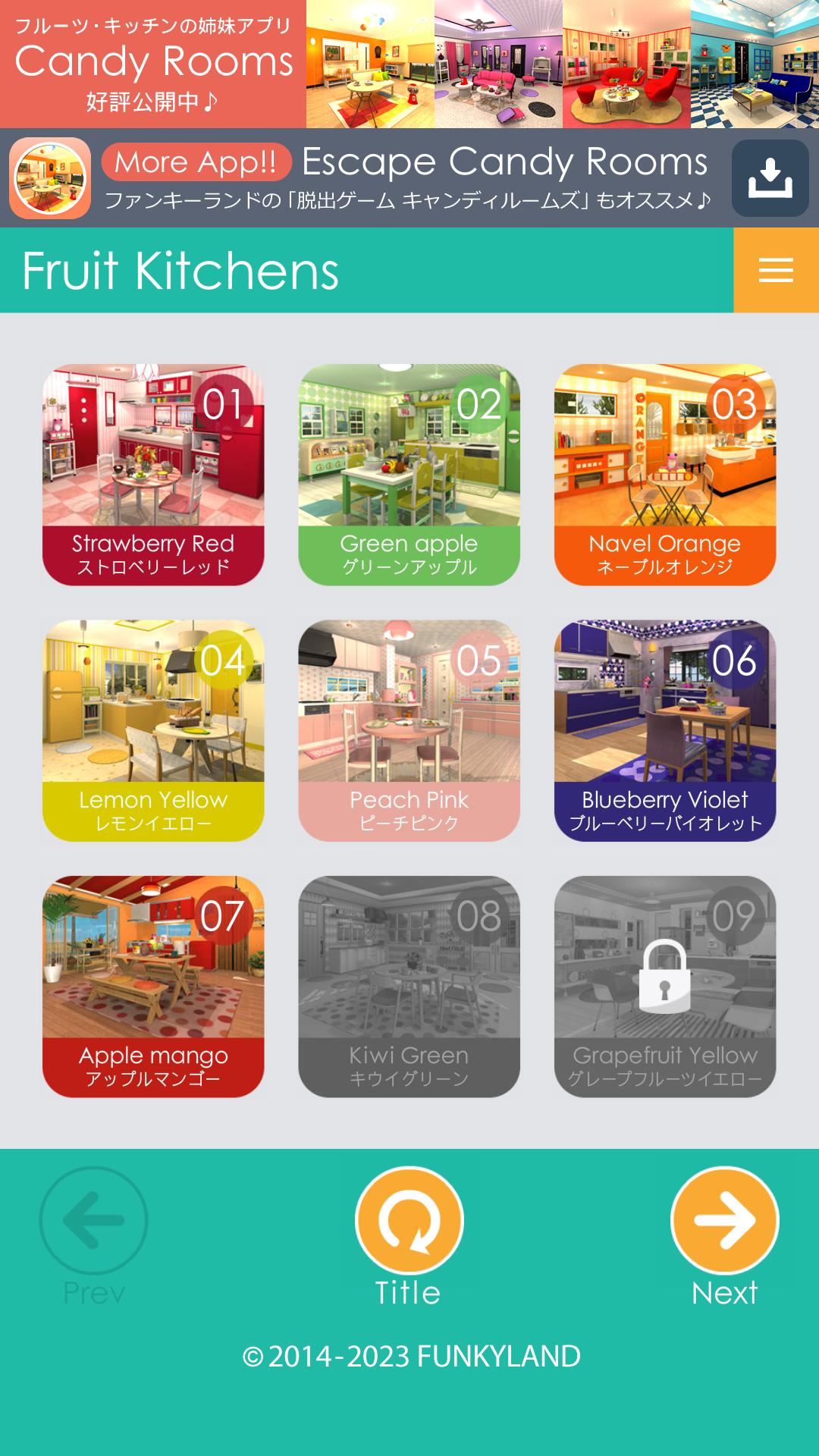
The list of kitchens:
No.01 Strawberry Red
No.02 Green apple
No.03 Navel Orange
No.04 Lemon Yellow
No.05 Peach Pink
No.06 Blueberry Violet
No.07 Apple mango
No.08 Kiwi Green
No.09 Grapefruit Yellow
No.10 Grape Purple
No.11 Pineapple Yellow
No.12 Cacao Brown
No.13 Cherry Pink
No.14 Muscat Green
No.15 Apricot Orange
No.16 Banana Yellow
No.17 Prune Violet
No.18 Pomegranate Red
No.19 Lime Green
No.20 Chinese quince Yellow
No.21 Chocolate vine Violet
No.22 Raspberry Red
No.23 Watermelon Green
No.24 Papaya Yellow
No.25 Melon Green
No.26 Fig Purple
No.27 Apple Red
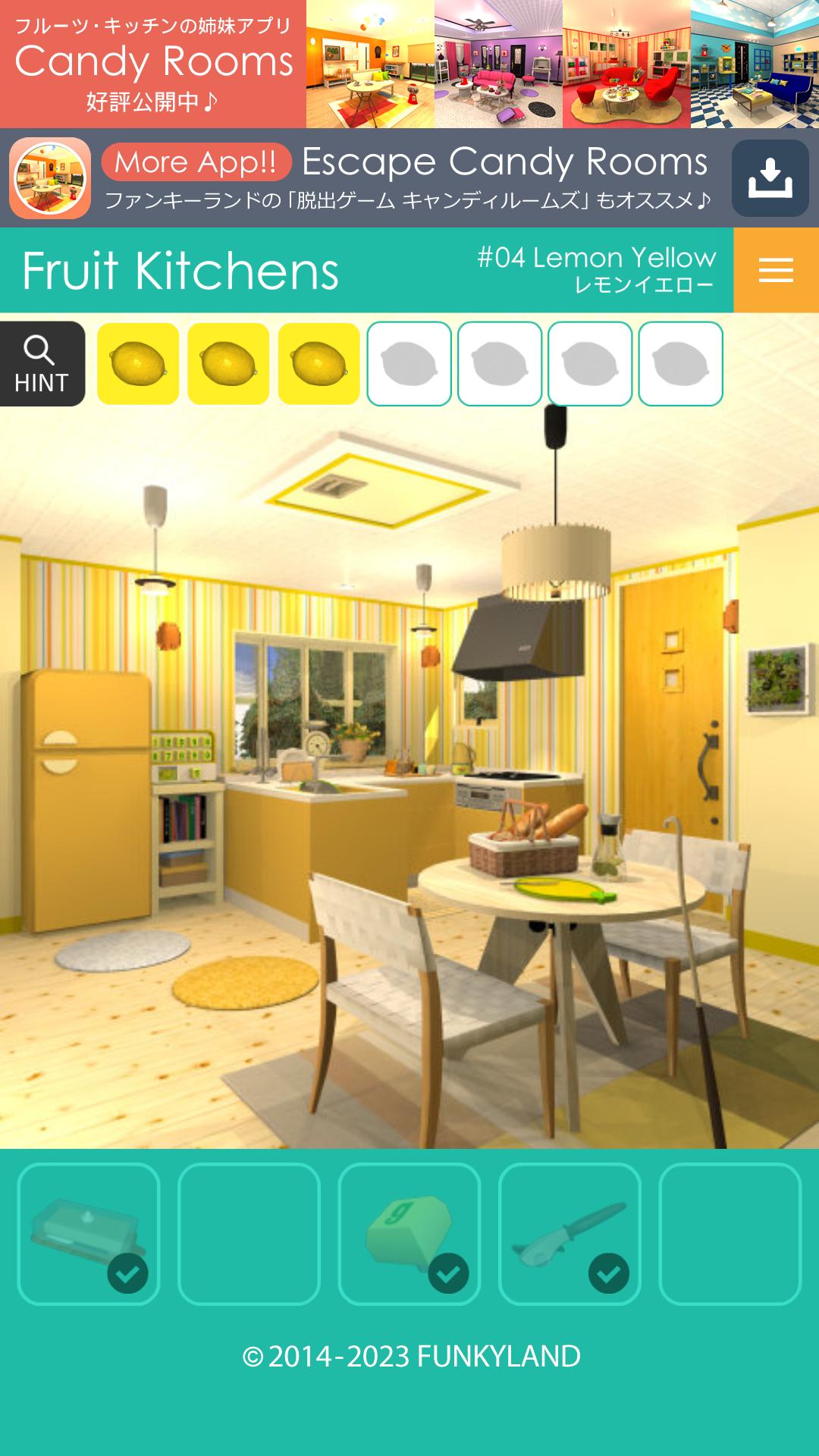
Preview
Tags
PuzzleInformation
Developer
FUNKYLAND
Latest Version
2.2.1
Last Updated
2024-09-14
Category
Puzzle
Available on
Google Play
Show More
How to play Escape Fruit Kitchens with GameLoop on PC
1. Download GameLoop from the official website, then run the exe file to install GameLoop
2. Open GameLoop and search for “Escape Fruit Kitchens” , find Escape Fruit Kitchens in the search results and click “Install”
3. Enjoy playing Escape Fruit Kitchens on GameLoop
Minimum requirements
OS
Windows 8.1 64-bit or Windows 10 64-bit
GPU
GTX 1050
CPU
i3-8300
Memory
8GB RAM
Storage
1GB available space
Recommended requirements
OS
Windows 8.1 64-bit or Windows 10 64-bit
GPU
GTX 1050
CPU
i3-9320
Memory
16GB RAM
Storage
1GB available space