Dot Connect PC
Bizzy Bee Games
Download Dot Connect on PC With GameLoop Emulator
Dot Connect on PC
Dot Connect, coming from the developer Bizzy Bee Games, is running on Android systerm in the past.
Now, You can play Dot Connect on PC with GameLoop smoothly.
Download it in the GameLoop library or search results. No more eyeing the battery or frustrating calls at the wrong time any more.
Just enjoy Dot Connect PC on the large screen for free!
Dot Connect Introduction
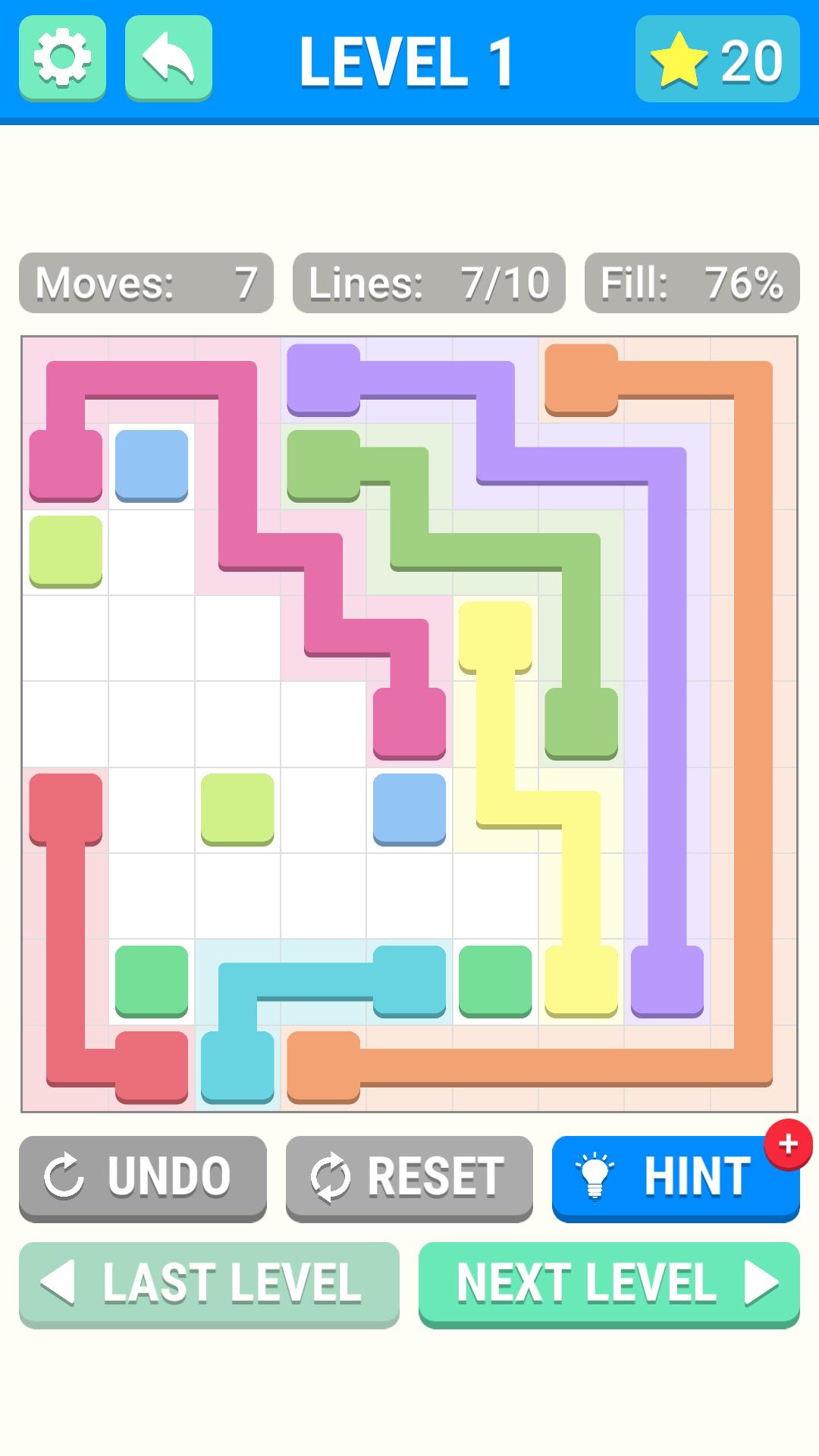
Dot Connect is an exciting line puzzle game where you must connect the dots on the game board. Draw a line from one dot to the other dot of the same color to connect them, connect all the dots and win the game!
Features
- Hundreds of levels! Never get bored, there are lots of levels to keep you busy all day!
- Blockers! Play levels with blocks in them that prevent you from drawing lines in that position of the board. Adds a bit of difficulty to the levels.
- Shapes! Play levels that are shaped like things other than squares to keep things interesting!
- Hints! Stuck on a hard level? Use a hint to help you along! Get more hints by completing levels!
- Stars! Complete a level with as few moves as possible to earn a gold star! Collect enough gold stars to unlock more level packs!
Interested in more of our work? Check us out at https://www.bizzybeegames.com 🐝
Preview

Tags
PuzzleInformation
Developer
Bizzy Bee Games
Latest Version
1.0
Last Updated
2019-06-04
Category
Puzzle
Available on
Google Play
Show More
How to play Dot Connect with GameLoop on PC
1. Download GameLoop from the official website, then run the exe file to install GameLoop
2. Open GameLoop and search for “Dot Connect” , find Dot Connect in the search results and click “Install”
3. Enjoy playing Dot Connect on GameLoop
Minimum requirements
OS
Windows 8.1 64-bit or Windows 10 64-bit
GPU
GTX 1050
CPU
i3-8300
Memory
8GB RAM
Storage
1GB available space
Recommended requirements
OS
Windows 8.1 64-bit or Windows 10 64-bit
GPU
GTX 1050
CPU
i3-9320
Memory
16GB RAM
Storage
1GB available space