MakHos Thai PC
sengpedman
Download MakHos Thai on PC With GameLoop Emulator
MakHos Thai on PC
MakHos Thai, coming from the developer sengpedman, is running on Android systerm in the past.
Now, You can play MakHos Thai on PC with GameLoop smoothly.
Download it in the GameLoop library or search results. No more eyeing the battery or frustrating calls at the wrong time any more.
Just enjoy MakHos Thai PC on the large screen for free!
MakHos Thai Introduction
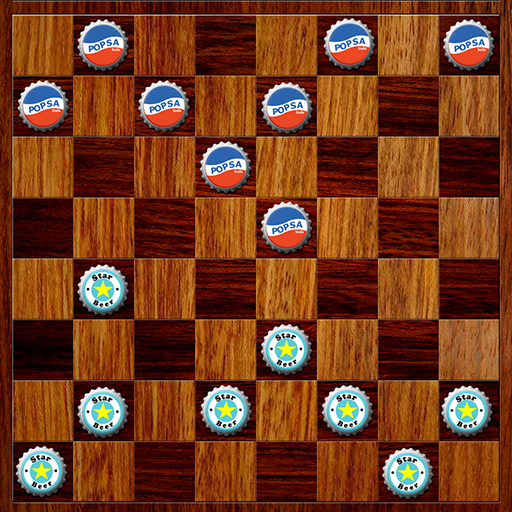
Makhos is a traditional Thai strategy board game.
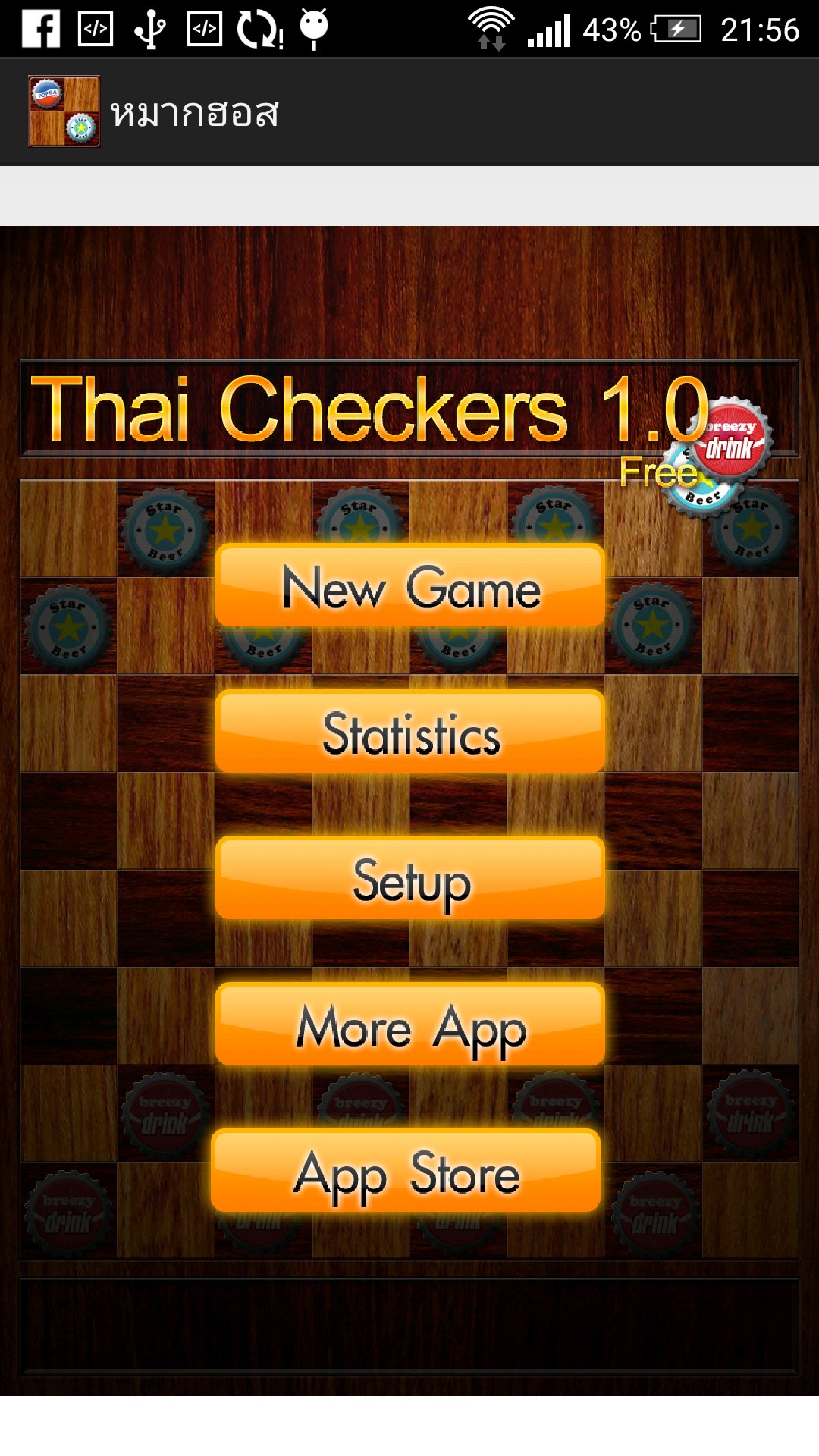
## MakHos Thai 1.0 {Beta}
Authentic Thai Checkers. Once a piece becomes a king, it can move diagonally forward and backward all the way to the edge of the board. The current version is still in beta.
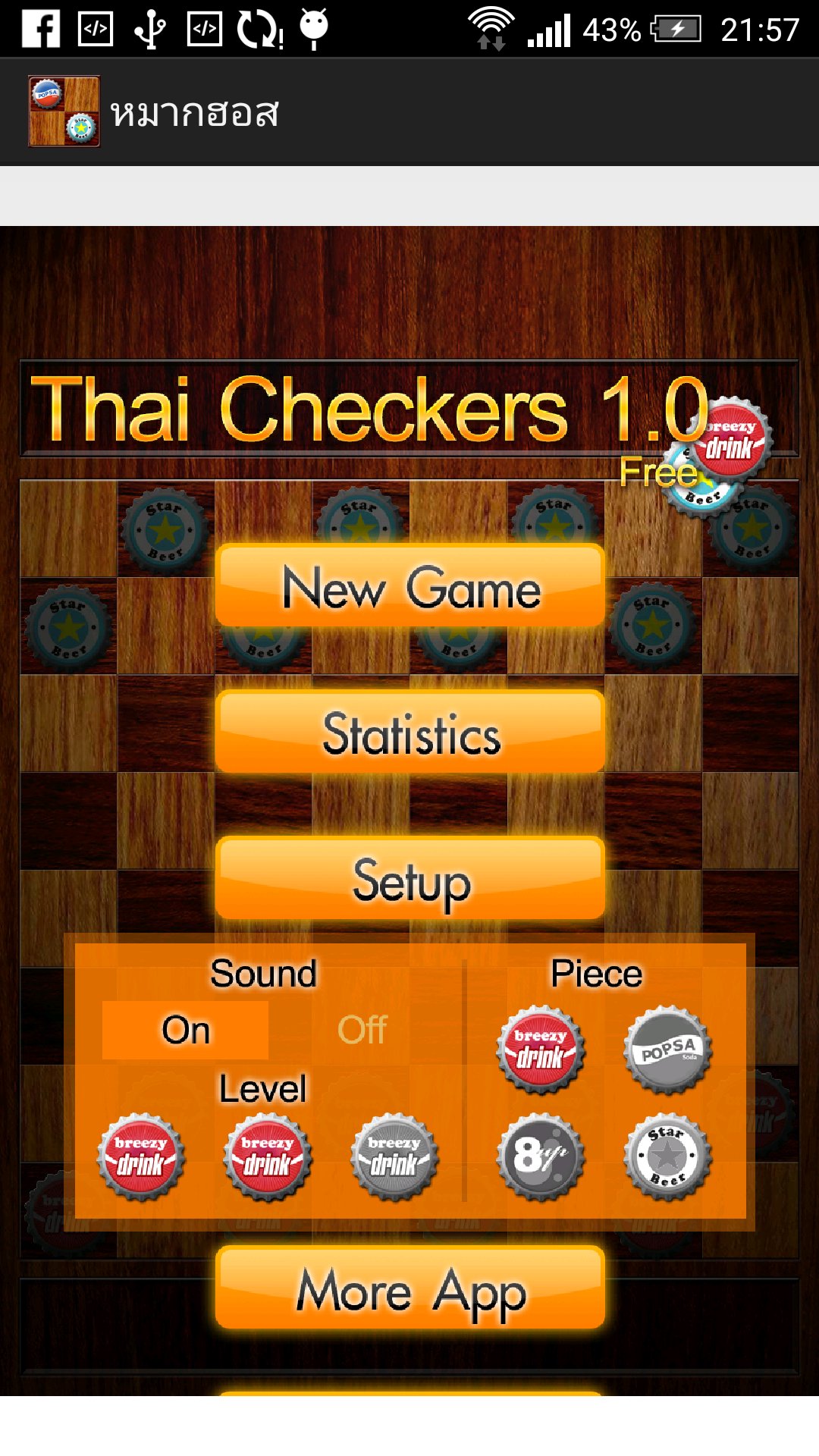
* Play against the computer with 3 difficulty levels.
* Capturing is mandatory. If a capture is available, you must capture. You cannot move another piece instead. (No huffing rule, but capturing is compulsory.)
* Two-player mode available
* Added sound effects [Can be turned on/off in Setup]
* Movement uses a tap system. Tap the piece, then tap the destination square. Dragging is not supported. (On some devices, regular pieces may be draggable, but kings cannot be dragged.)
* If you cannot make a move, check whether there is a mandatory capture. You must capture first before making a normal move.
*** Some older devices are currently not supported due to compatibility issues. Support may be added again in a future update.
Preview
Tags
BoardAbstract strategyCheckersCasualMultiplayerCompetitive multiplayerSingle playerRealisticOfflineInformation
Developer
sengpedman
Latest Version
0.250
Last Updated
2026-07-22
Category
Puzzle
Available on
Google Play
Show More
How to play MakHos Thai with GameLoop on PC
1. Download GameLoop from the official website, then run the exe file to install GameLoop
2. Open GameLoop and search for “MakHos Thai” , find MakHos Thai in the search results and click “Install”
3. Enjoy playing MakHos Thai on GameLoop
Minimum requirements
OS
Windows 8.1 64-bit or Windows 10 64-bit
GPU
GTX 1050
CPU
i3-8300
Memory
8GB RAM
Storage
1GB available space
Recommended requirements
OS
Windows 8.1 64-bit or Windows 10 64-bit
GPU
GTX 1050
CPU
i3-9320
Memory
16GB RAM
Storage
1GB available space