Brain Challenge - Game Trainer PC
GFK Studio
Download Brain Challenge - Game Trainer on PC With GameLoop Emulator
Brain Challenge - Game Trainer on PC
Brain Challenge - Game Trainer, coming from the developer GFK Studio, is running on Android systerm in the past.
Now, You can play Brain Challenge - Game Trainer on PC with GameLoop smoothly.
Download it in the GameLoop library or search results. No more eyeing the battery or frustrating calls at the wrong time any more.
Just enjoy Brain Challenge - Game Trainer PC on the large screen for free!
Brain Challenge - Game Trainer Introduction
Brain Challenge is the best game to Train Your Brain.
Try to Challenge your Memory, Reactive, Attention, Speed, and more.
Brain Challenge Featured:
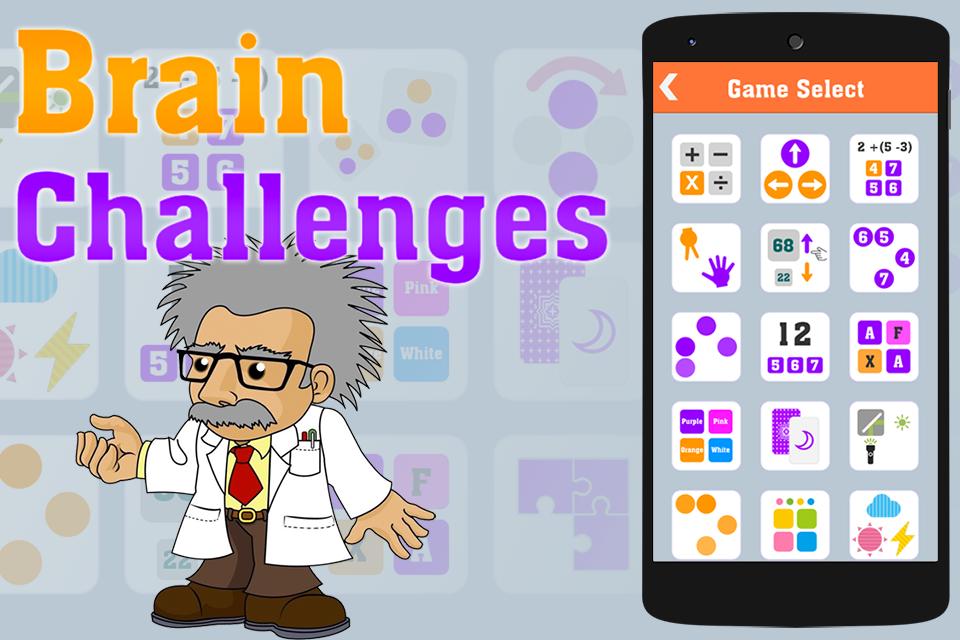
- 18 minigame.
- Free to play.
- 2 game mode: Challenge and Kids mode.
- Report for each minigame.
Minigame Details:
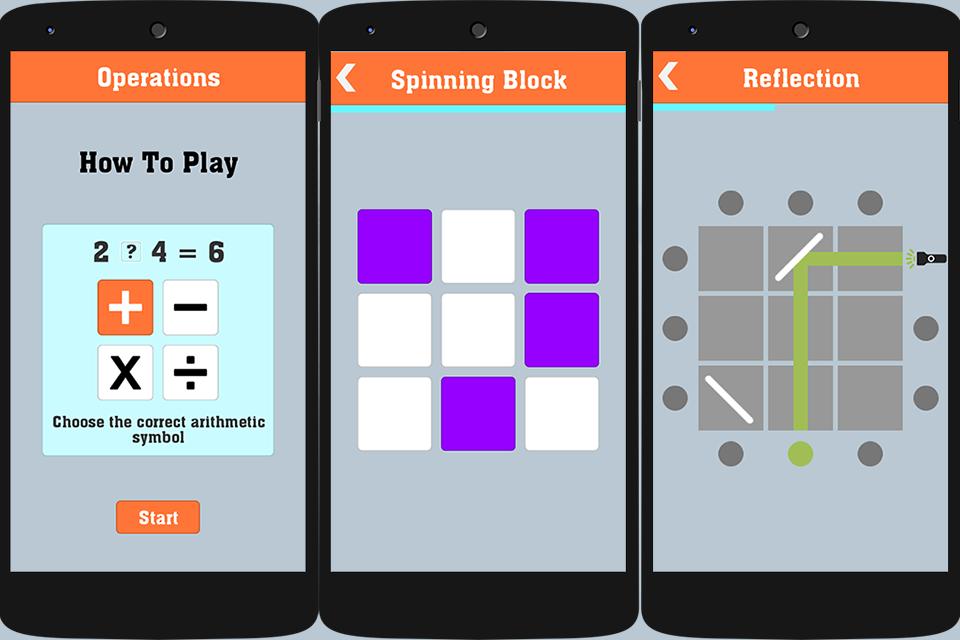
- Operations: Choose the correct arithmetic symbol for expression.
- Swipe Master: swipe by arrow direction.
- Simplicity: select the correct answer for expression.
- One Two Three.
- High or Low: compare 2 numbers.
- Touch Number: touch number in ascending or descending order.
- Follow The Leader: memorize and touch the blocks in the order they appeared.
- Addition: sum up panels equal to the indicated number.
- Matching: find the matching pair.
- Color Deception: choose the color that doesn’t match text.
- Concentration: memorize and select the same card.
- Reflection: touch the spot where the light is reflected on.
- Unfollow The Leader: memorize and touch the blocks in the opposite order that they appeared.
- Touch The Color: memorize and tap in the displayed order.
- Weathercast.
- Spinning Block: memorize and tap after the blocks spin.
- Missing Pieces: choose the missing pieces.
- Speed Match: memorize and compare with previous card.
Follow Us: https://www.facebook.com/brainchallengegame/
Please feel free to contact us for any questions, to add a specific sound, to fix a bug or any other improvements you think will help this making a great app.
Preview
Information
Developer
GFK Studio
Latest Version
1.2
Last Updated
2016-12-20
Category
Puzzle
Available on
Google Play
Show More
How to play Brain Challenge - Game Trainer with GameLoop on PC
1. Download GameLoop from the official website, then run the exe file to install GameLoop
2. Open GameLoop and search for “Brain Challenge - Game Trainer” , find Brain Challenge - Game Trainer in the search results and click “Install”
3. Enjoy playing Brain Challenge - Game Trainer on GameLoop
Minimum requirements
OS
Windows 8.1 64-bit or Windows 10 64-bit
GPU
GTX 1050
CPU
i3-8300
Memory
8GB RAM
Storage
1GB available space
Recommended requirements
OS
Windows 8.1 64-bit or Windows 10 64-bit
GPU
GTX 1050
CPU
i3-9320
Memory
16GB RAM
Storage
1GB available space