
Block Puzzle Wood 88 PC
BP Game Studio
Download Block Puzzle Wood 88 on PC With GameLoop Emulator
Block Puzzle Wood 88 on PC
Block Puzzle Wood 88, coming from the developer BP Game Studio, is running on Android systerm in the past.
Now, You can play Block Puzzle Wood 88 on PC with GameLoop smoothly.
Download it in the GameLoop library or search results. No more eyeing the battery or frustrating calls at the wrong time any more.
Just enjoy Block Puzzle Wood 88 PC on the large screen for free!
Block Puzzle Wood 88 Introduction
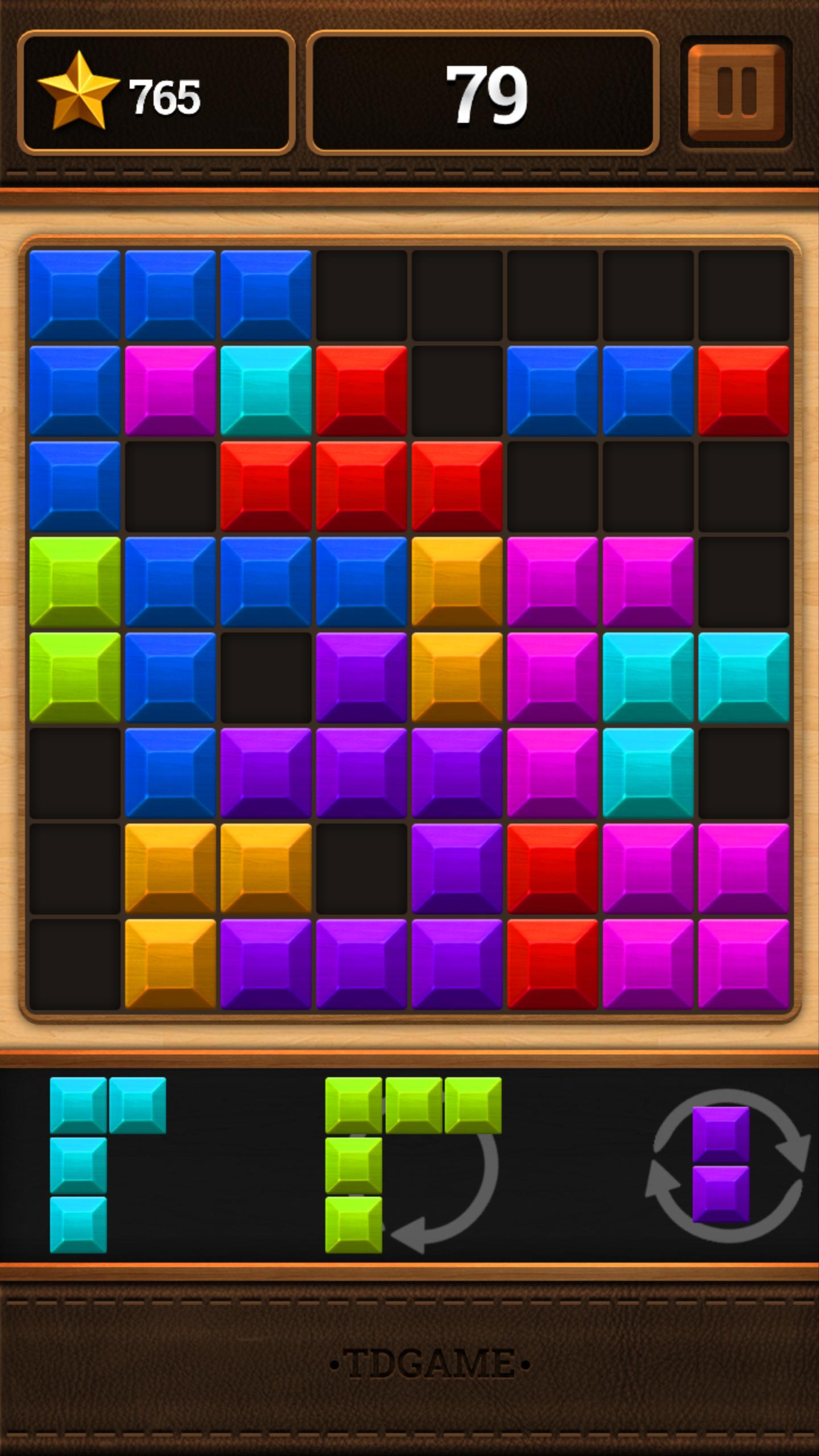
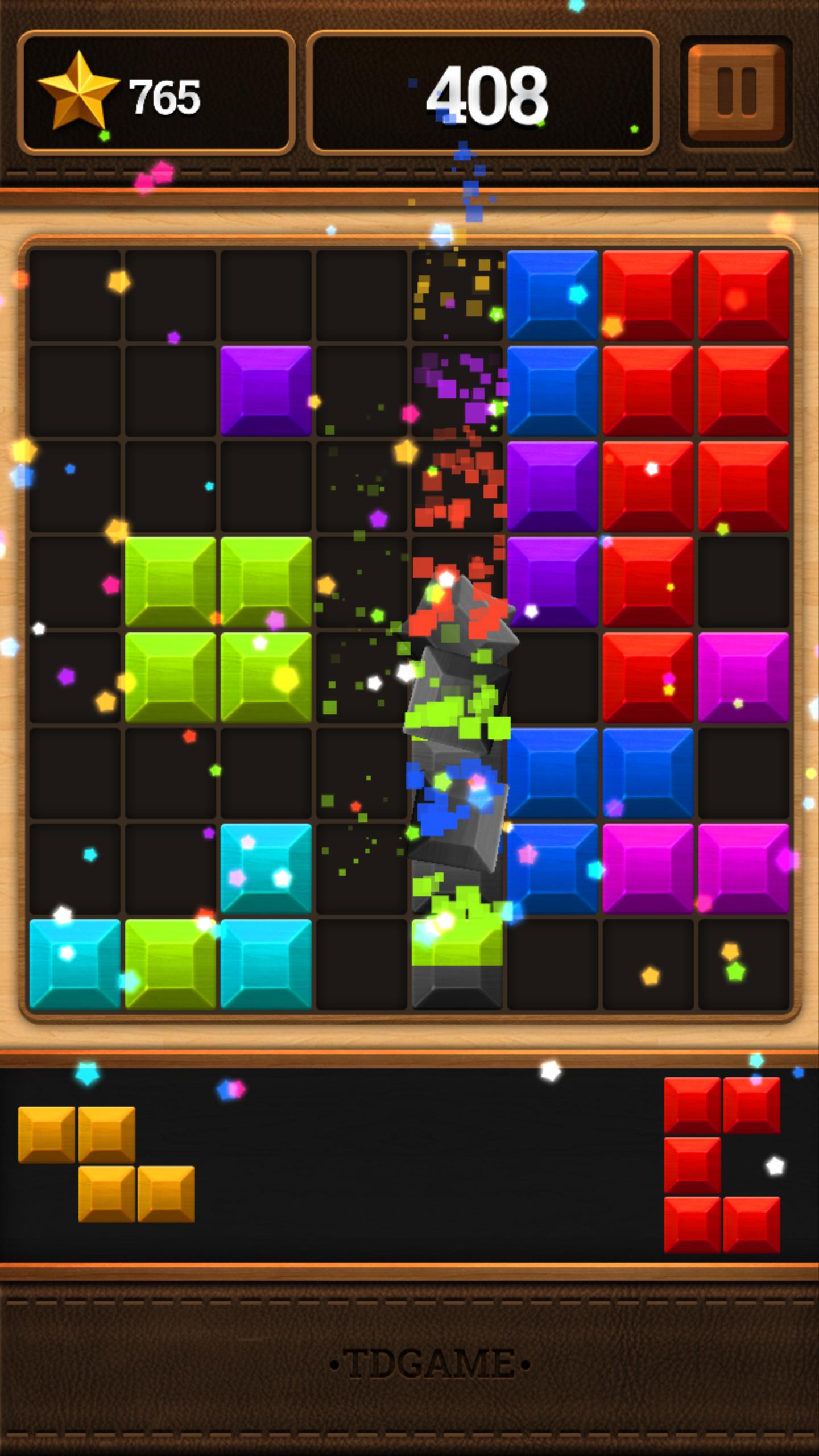
Block Puzzle Wood 88 is block puzzle game in square 8x8
Easy to play and pleasurable game for all age. Simply Drag the blocks, and fill up all grids.
From now on, let's enjoy a simple and addictive puzzle game! Once you start, you'll be hooked.
You can play games for FREE!
HOW TO PLAY
• Drag the blocks to move them.
• Try to fit them all in the row or column. Then the block will be clear and you get the point. Game will be over if there are no room for any the shapes below the grid.
• Blocks can't be rotated.
• Don't worry! No time limits!
FEATURES
• Simple rules and Easy control
• Various Blocks and colorful graphic
• Smooth and delicate animation
• Funny sound effects
• Hours of fun, exciting play
• Support leaderboard
• You can rotate the block to fill easier!
If you have some recommend, please mail to us via mail: yamstudio2604@gmail.com
Just easy and play carefully.
Enjoy Block Puzzle Wood 88!
Thank you so much!
Preview
Tags
PuzzleInformation
Developer
BP Game Studio
Latest Version
1.0.8
Last Updated
2017-01-03
Category
Puzzle
Available on
Google Play
Show More
How to play Block Puzzle Wood 88 with GameLoop on PC
1. Download GameLoop from the official website, then run the exe file to install GameLoop
2. Open GameLoop and search for “Block Puzzle Wood 88” , find Block Puzzle Wood 88 in the search results and click “Install”
3. Enjoy playing Block Puzzle Wood 88 on GameLoop
Minimum requirements
OS
Windows 8.1 64-bit or Windows 10 64-bit
GPU
GTX 1050
CPU
i3-8300
Memory
8GB RAM
Storage
1GB available space
Recommended requirements
OS
Windows 8.1 64-bit or Windows 10 64-bit
GPU
GTX 1050
CPU
i3-9320
Memory
16GB RAM
Storage
1GB available space