ZingHR Onboarding PC
Zing HR
Download ZingHR Onboarding on PC With GameLoop Emulator
ZingHR Onboarding on PC
ZingHR Onboarding, coming from the developer Zing HR, is running on Android systerm in the past.
Now, You can play ZingHR Onboarding on PC with GameLoop smoothly.
Download it in the GameLoop library or search results. No more eyeing the battery or frustrating calls at the wrong time any more.
Just enjoy ZingHR Onboarding PC on the large screen for free!
ZingHR Onboarding Introduction
To cover employee’s entire Hire to Retire cycle there was need to digitally onboard employees using mobile apps and web portal. More than 80 % of employees leave organization before completion of six months with organization. To reduce attrition rate, an onboarding system came up as requirement to help both employees and employer.
Goals
1. To interactively engage employees from day offer letter is received
2. To reduce attrition rates of organization
3. To make entire documentation process paperless
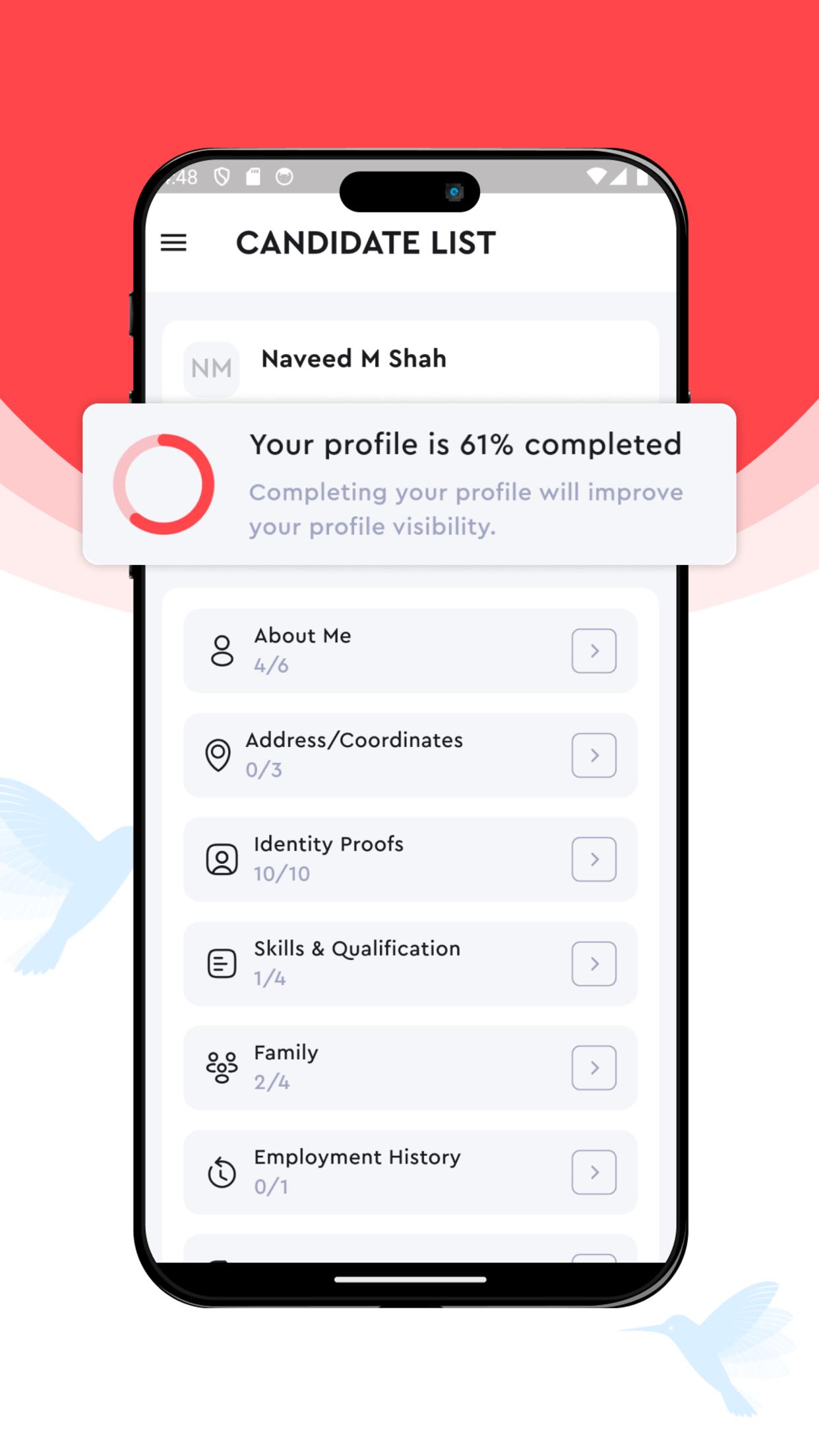
4. To enable task management on mobile. Task can be document submission, questionnaire or non document task
5. To be able to chat with company team members even before joining organization
To experience Onboarding web experience, visit https://tinyurl.com/3nmhxfaj
Preview
Tags
ProductivityInformation
Developer
Zing HR
Latest Version
5.1.9
Last Updated
2025-06-13
Category
Productivity
Available on
Google Play
Show More
How to play ZingHR Onboarding with GameLoop on PC
1. Download GameLoop from the official website, then run the exe file to install GameLoop
2. Open GameLoop and search for “ZingHR Onboarding” , find ZingHR Onboarding in the search results and click “Install”
3. Enjoy playing ZingHR Onboarding on GameLoop
Minimum requirements
OS
Windows 8.1 64-bit or Windows 10 64-bit
GPU
GTX 1050
CPU
i3-8300
Memory
8GB RAM
Storage
1GB available space
Recommended requirements
OS
Windows 8.1 64-bit or Windows 10 64-bit
GPU
GTX 1050
CPU
i3-9320
Memory
16GB RAM
Storage
1GB available space