
WebMentor UI UX AI Chat PC
Starlab Studios
Download WebMentor UI UX AI Chat on PC With GameLoop Emulator
WebMentor UI UX AI Chat on PC
WebMentor UI UX AI Chat, coming from the developer Starlab Studios, is running on Android systerm in the past.
Now, You can play WebMentor UI UX AI Chat on PC with GameLoop smoothly.
Download it in the GameLoop library or search results. No more eyeing the battery or frustrating calls at the wrong time any more.
Just enjoy WebMentor UI UX AI Chat PC on the large screen for free!
WebMentor UI UX AI Chat Introduction
WebMentor: Elementor WebDesign is an awesome app for web designers, developers, marketers, agencies, etc. Elementor is a perfect fit for WordPress users who want to take advantage of the most popular drag and drop WordPress website builder, but don’t want to spend a lot of time figuring out the complex coding behind the scenes. You can easily create a website and customize it with the Elementor drag and drop interface.
There are plenty of options to choose from. You can start by choosing a pre-built template, or you can start from scratch. The Elementor drag and drop interface is very intuitive, meaning that you can quickly edit anything on your website. The website builder is a very simple and easy to use solution that will allow you to create and edit your website, without having any coding knowledge. Get started and experience the power of a no code web builder!
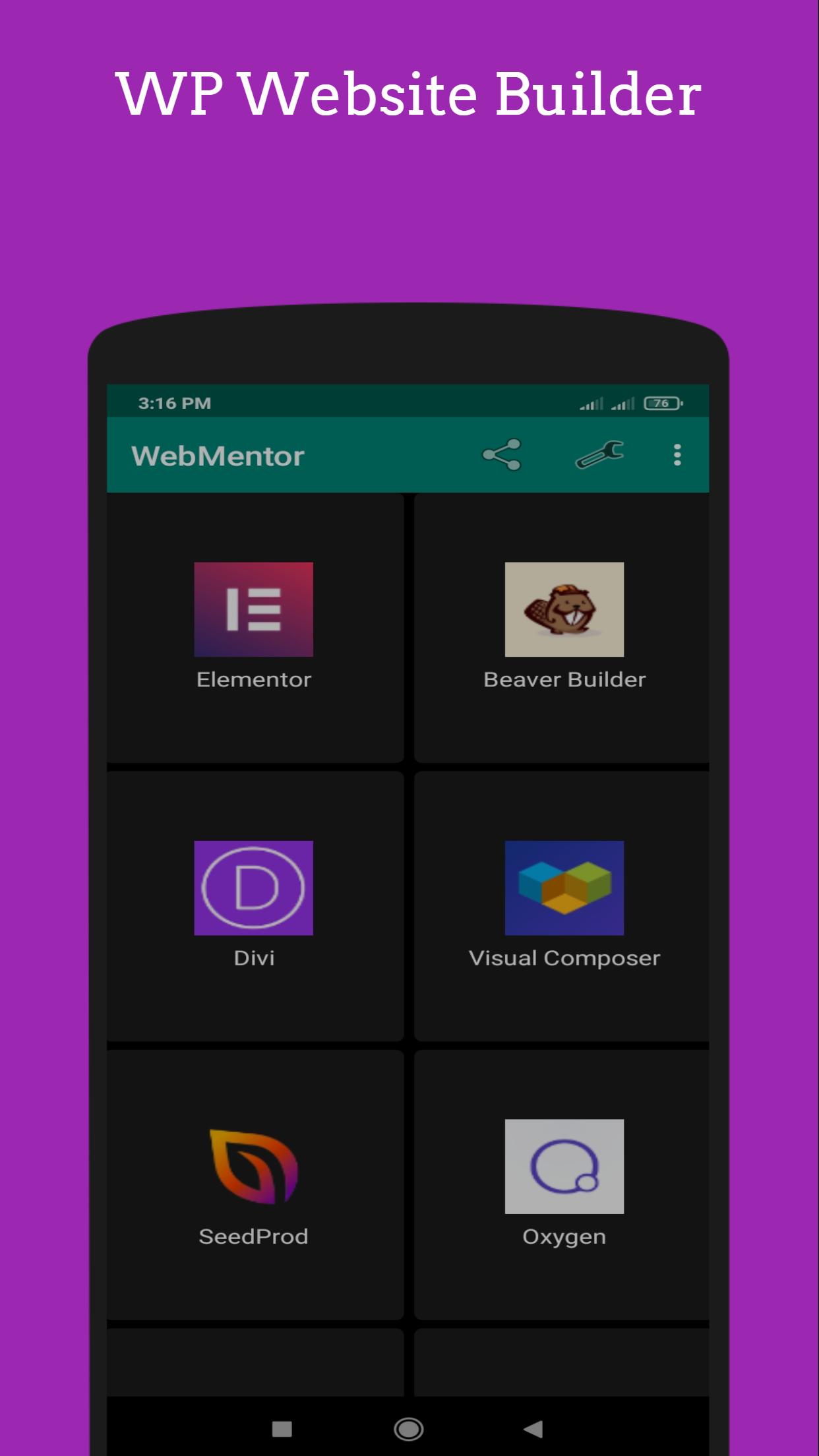
This app provide links to some of the best no code web development tools & sites including beaver builder, divi, visual composer, seedprod, oxygen, brizy, siteorigin, thrive architect, themify builder.
WebMentor is a very feature rich & lightweight app. Developer doesn't collect or store any personal information from this app. Additionally, Internet connection may be required for experiencing a fully functioning application.
DISCLAIMER:
*WebMentor is not affiliated with Elementor or, others mentioned inside the app.
*App icon made by Freepik from www.flaticon.com
Preview

Tags
ProductivityInformation
Developer
Starlab Studios
Latest Version
1.7
Last Updated
2022-07-09
Category
Productivity
Available on
Google Play
Show More
How to play WebMentor UI UX AI Chat with GameLoop on PC
1. Download GameLoop from the official website, then run the exe file to install GameLoop
2. Open GameLoop and search for “WebMentor UI UX AI Chat” , find WebMentor UI UX AI Chat in the search results and click “Install”
3. Enjoy playing WebMentor UI UX AI Chat on GameLoop
Minimum requirements
OS
Windows 8.1 64-bit or Windows 10 64-bit
GPU
GTX 1050
CPU
i3-8300
Memory
8GB RAM
Storage
1GB available space
Recommended requirements
OS
Windows 8.1 64-bit or Windows 10 64-bit
GPU
GTX 1050
CPU
i3-9320
Memory
16GB RAM
Storage
1GB available space