
Vuforia Vantage PC
PTC Inc.
Download Vuforia Vantage on PC With GameLoop Emulator
Vuforia Vantage on PC
Vuforia Vantage, coming from the developer PTC Inc., is running on Android systerm in the past.
Now, You can play Vuforia Vantage on PC with GameLoop smoothly.
Download it in the GameLoop library or search results. No more eyeing the battery or frustrating calls at the wrong time any more.
Just enjoy Vuforia Vantage PC on the large screen for free!
Vuforia Vantage Introduction
Optimize the delivery of augmented work instructions to frontline workers, when and where they need it most, with Vuforia Vantage.
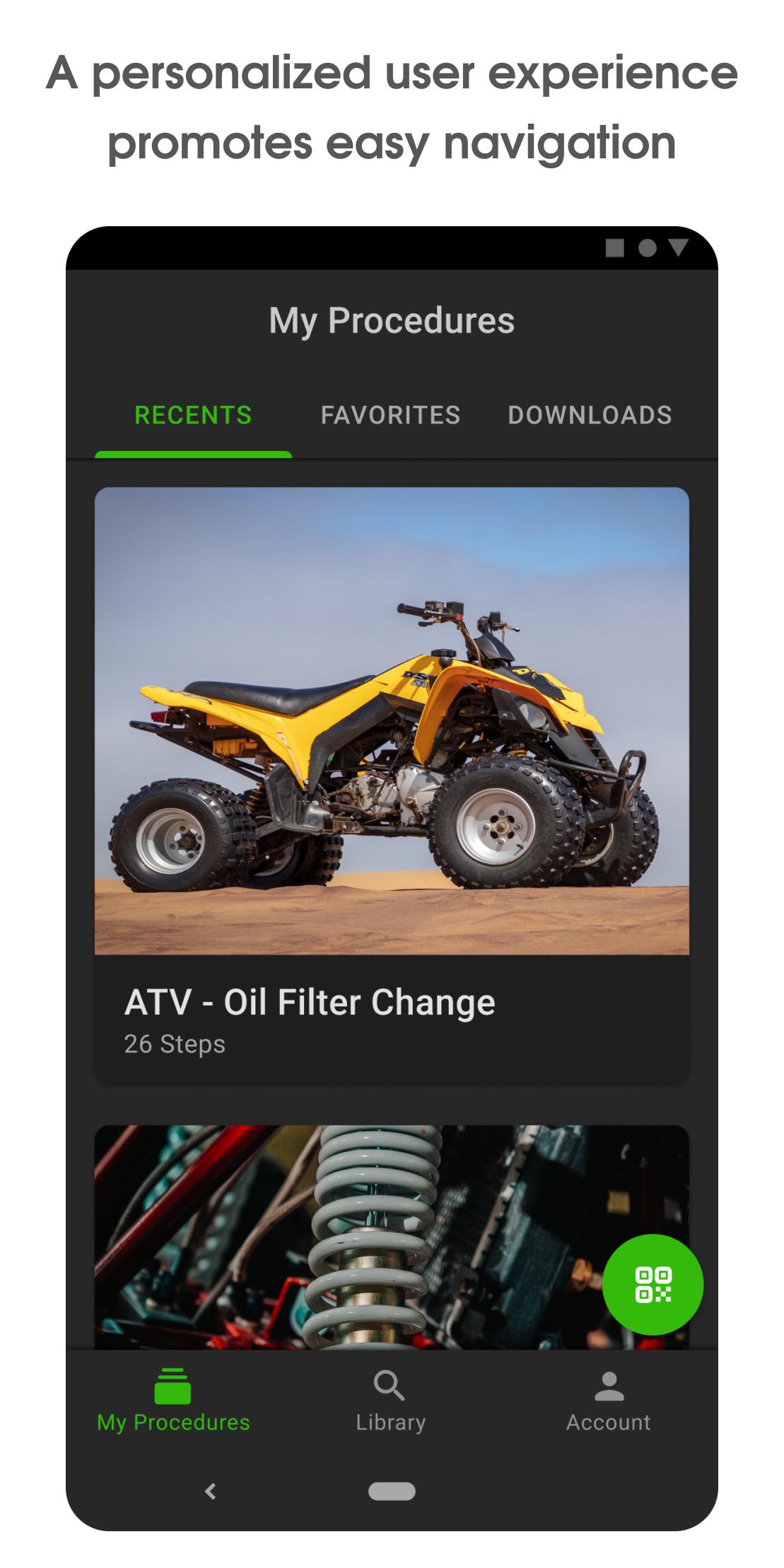
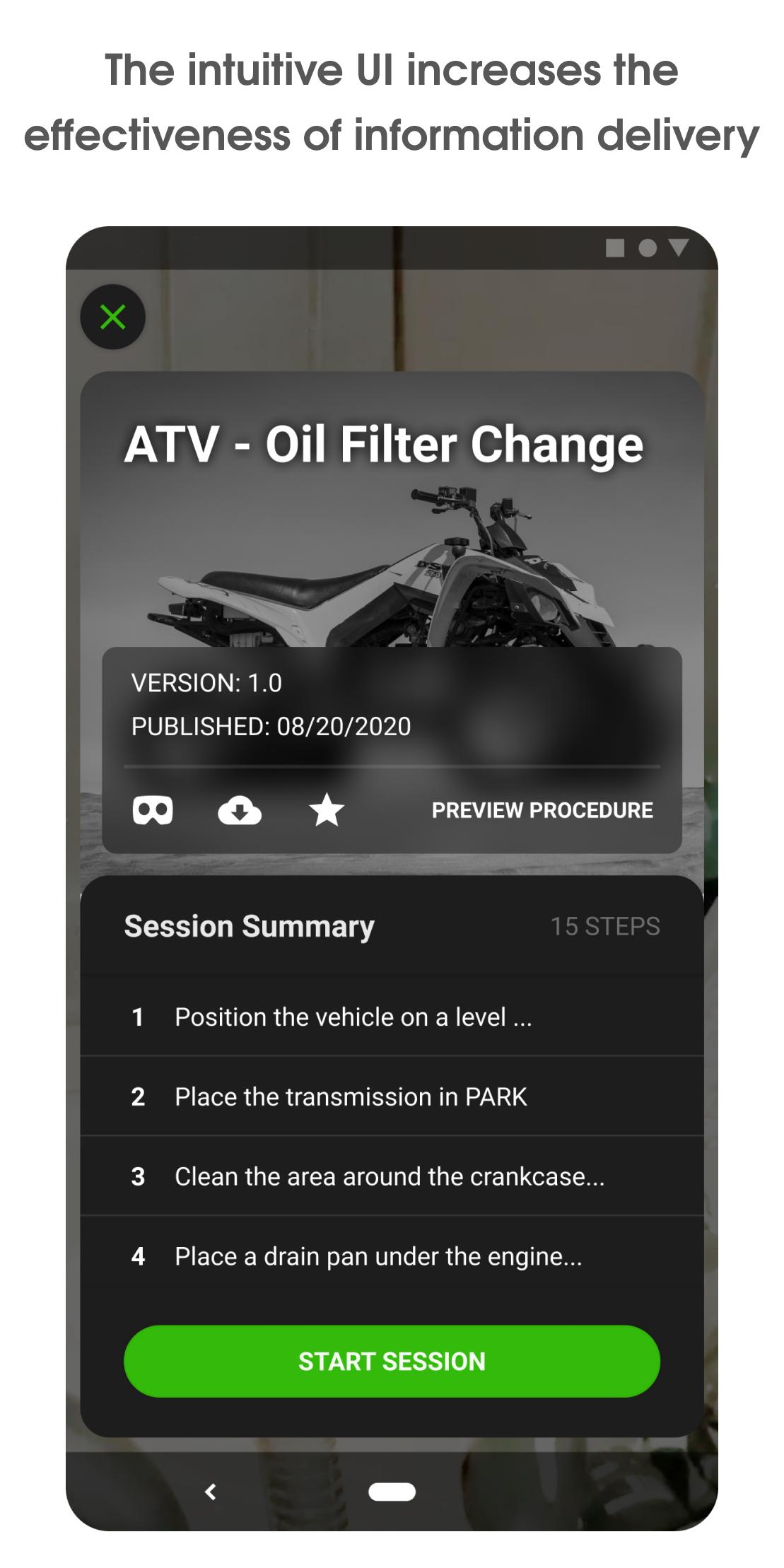
Vuforia Vantage features an intuitive user interface which provides a modern, personalized user experience for accessing, discovering, and consuming procedures created with Vuforia Expert Capture. Visually clear and concise step-by-step instructions delivered in-context with Vuforia Vantage increases the effectiveness of knowledge transfer and retention. Traceability and analysis of frontline procedure execution is facilitated through digital data capture which promotes better communication and process improvement. Vuforia Vantage helps users get started faster, consume information more effectively, and ultimately increase productivity. Vuforia Vantage is the right choice for bringing the value of Vuforia augmented work instructions to frontline teams.
Copyright © 2025 PTC Inc., Its Subsidiary Companies, and /or its Partners. All Rights Reserved.
Preview
Tags
ProductivityInformation
Developer
PTC Inc.
Latest Version
3.23.0.8115
Last Updated
2025-08-14
Category
Productivity
Available on
Google Play
Show More
How to play Vuforia Vantage with GameLoop on PC
1. Download GameLoop from the official website, then run the exe file to install GameLoop
2. Open GameLoop and search for “Vuforia Vantage” , find Vuforia Vantage in the search results and click “Install”
3. Enjoy playing Vuforia Vantage on GameLoop
Minimum requirements
OS
Windows 8.1 64-bit or Windows 10 64-bit
GPU
GTX 1050
CPU
i3-8300
Memory
8GB RAM
Storage
1GB available space
Recommended requirements
OS
Windows 8.1 64-bit or Windows 10 64-bit
GPU
GTX 1050
CPU
i3-9320
Memory
16GB RAM
Storage
1GB available space