
Video Lite PC
Video Lite Group
Download Video Lite on PC With GameLoop Emulator
Video Lite on PC
Video Lite, coming from the developer Video Lite Group, is running on Android systerm in the past.
Now, You can play Video Lite on PC with GameLoop smoothly.
Download it in the GameLoop library or search results. No more eyeing the battery or frustrating calls at the wrong time any more.
Just enjoy Video Lite PC on the large screen for free!
Video Lite Introduction
🌟 Discover Video Lite: Your Ultimate Media Manager 🌟
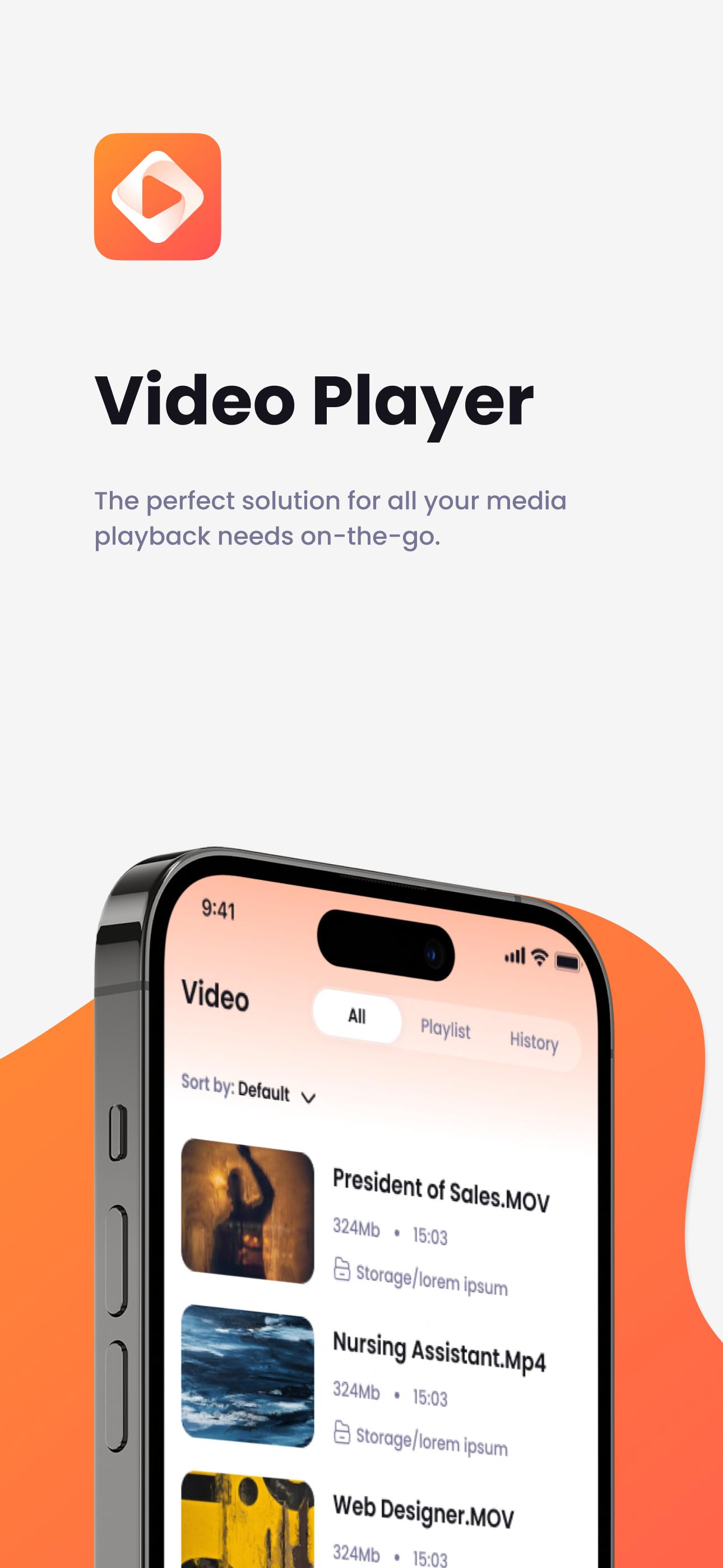
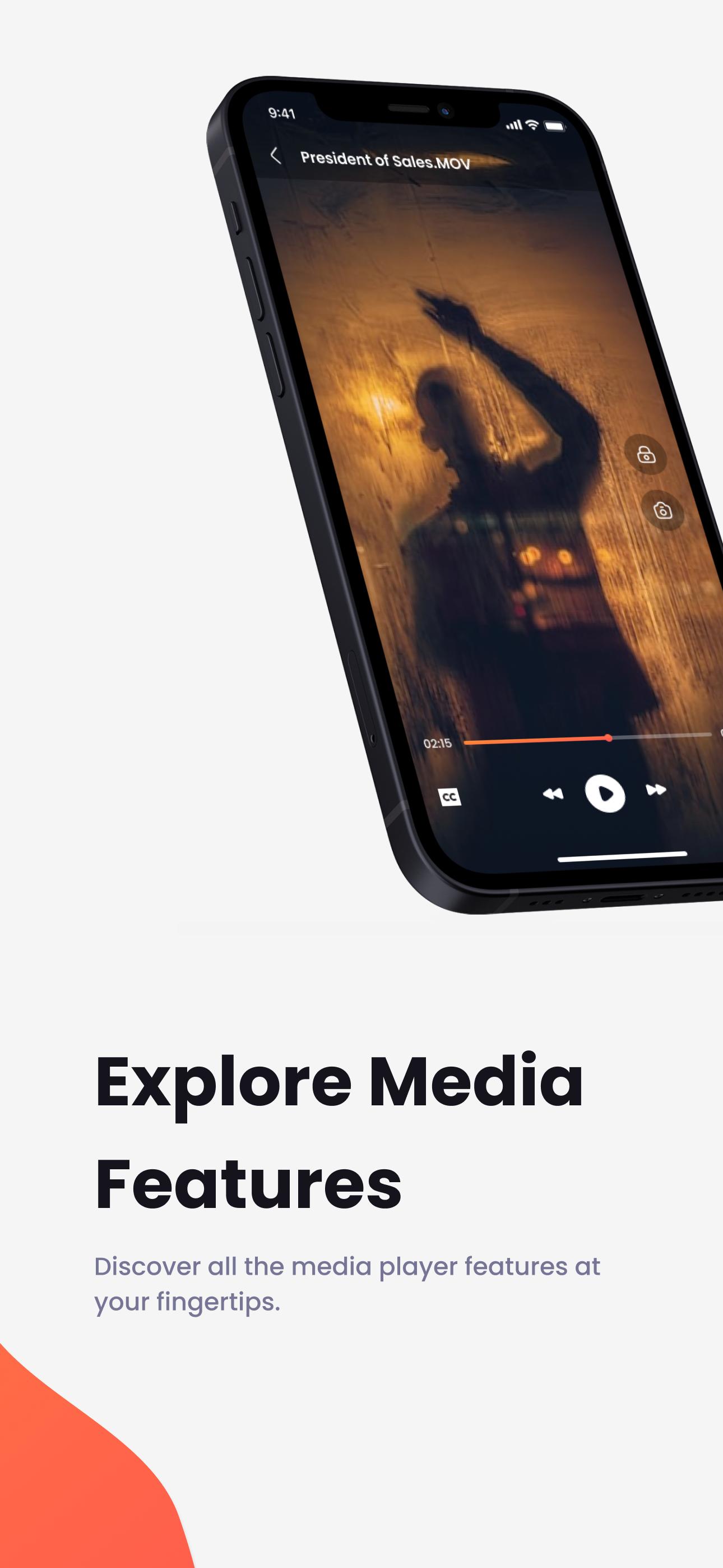
Are you in need of an all-in-one solution for your media files? Video Lite is here to revolutionize how you experience video, music, and photos on your device. Play videos offline, listen to your favorite songs, or relive magical moments through your saved photos—all in one app!
🔑 Outstanding Features 🔑
🎬 Unparalleled Video Playback: Seamlessly play a variety of formats including MP4 and AVI, even when you're offline. Video Lite is more than just a video player; it's an experience.
🎶 Immersive Music Listening: With MP3 support and offline playback, enjoy your favorite tracks without any interruption. Switching between a music player and Video Lite? That's a thing of the past.
🖼️ Photo Gallery Management: Don't just view photos; experience them. Video Lite makes it easy to browse through your photo collection.
📂 Efficient File Management: Keeping your videos, music, and photos organized has never been this easy.
🎯 Why Video Lite is a Game Changer 🎯
✅ Multi-Functional: Not just a video player or a music player, Video Lite is your all-in-one media manager.
✅ User-Centric Design: Our intuitive interface ensures that you won't have to jump through hoops to enjoy your media.
✅ Offline Capabilities: Whether it's music offline or video offline, Video Lite has got you covered. Access your media anytime, anywhere.
✅ Top-Quality Experience: Don't compromise on quality. Experience HD videos and high-fidelity audio.
💡 Getting Started is Easy 💡
Download Video Lite from the Google Play Store.
Grant the app access to your device storage.
Dive into your media files and start experiencing them like never before!
Download Video Lite now for the ultimate media management experience!
Preview
Tags
ProductivityInformation
Developer
Video Lite Group
Latest Version
5.2
Last Updated
2025-01-08
Category
Productivity
Available on
Google Play
Show More
How to play Video Lite with GameLoop on PC
1. Download GameLoop from the official website, then run the exe file to install GameLoop
2. Open GameLoop and search for “Video Lite” , find Video Lite in the search results and click “Install”
3. Enjoy playing Video Lite on GameLoop
Minimum requirements
OS
Windows 8.1 64-bit or Windows 10 64-bit
GPU
GTX 1050
CPU
i3-8300
Memory
8GB RAM
Storage
1GB available space
Recommended requirements
OS
Windows 8.1 64-bit or Windows 10 64-bit
GPU
GTX 1050
CPU
i3-9320
Memory
16GB RAM
Storage
1GB available space