Typing Test App for Exams PC
FairSoftTech
Download Typing Test App for Exams on PC With GameLoop Emulator
Typing Test App for Exams on PC
Typing Test App for Exams, coming from the developer FairSoftTech, is running on Android systerm in the past.
Now, You can play Typing Test App for Exams on PC with GameLoop smoothly.
Download it in the GameLoop library or search results. No more eyeing the battery or frustrating calls at the wrong time any more.
Just enjoy Typing Test App for Exams PC on the large screen for free!
Typing Test App for Exams Introduction
"Typing Test App for Exams" is an android app to practice the typing test using a mobile phone. This app will be very useful for those who are appearing for various exams like SSC(CGL, CHSL), Railway(NTPC), Banking, Stenographer, School Clerk and many more. The app is also helpful to those who want to learn and increase typing speed for working in computer in various typing projects. To use this app you do not need a desktop or laptop. Just need an External Keyboard and an OTG Cable. Connecting your mobile with keyboard, you will be able to type as fast as a computer, increasing typing speed quickly as per your requirements.
Some special features of this app:
-Easy to use app
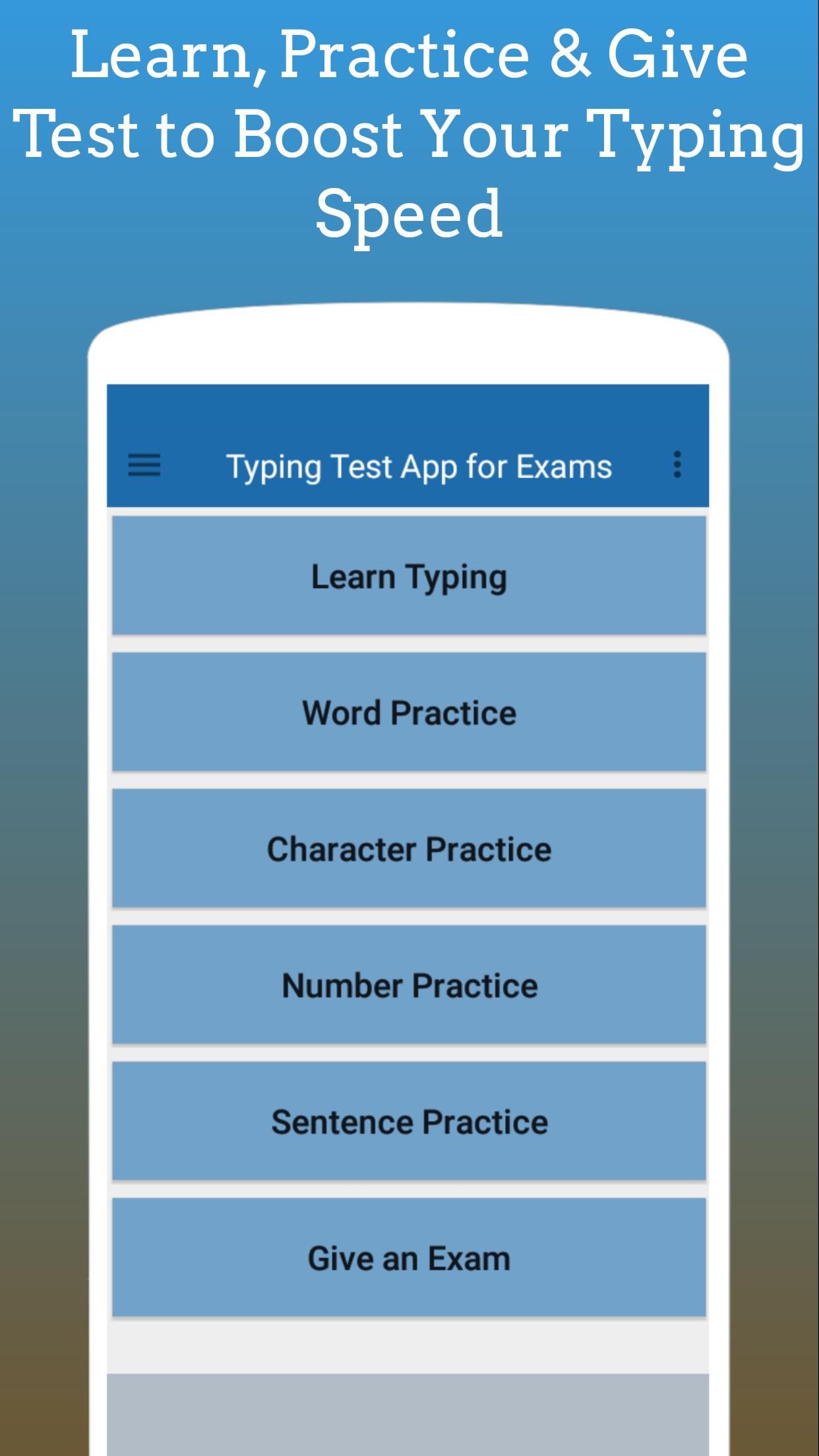
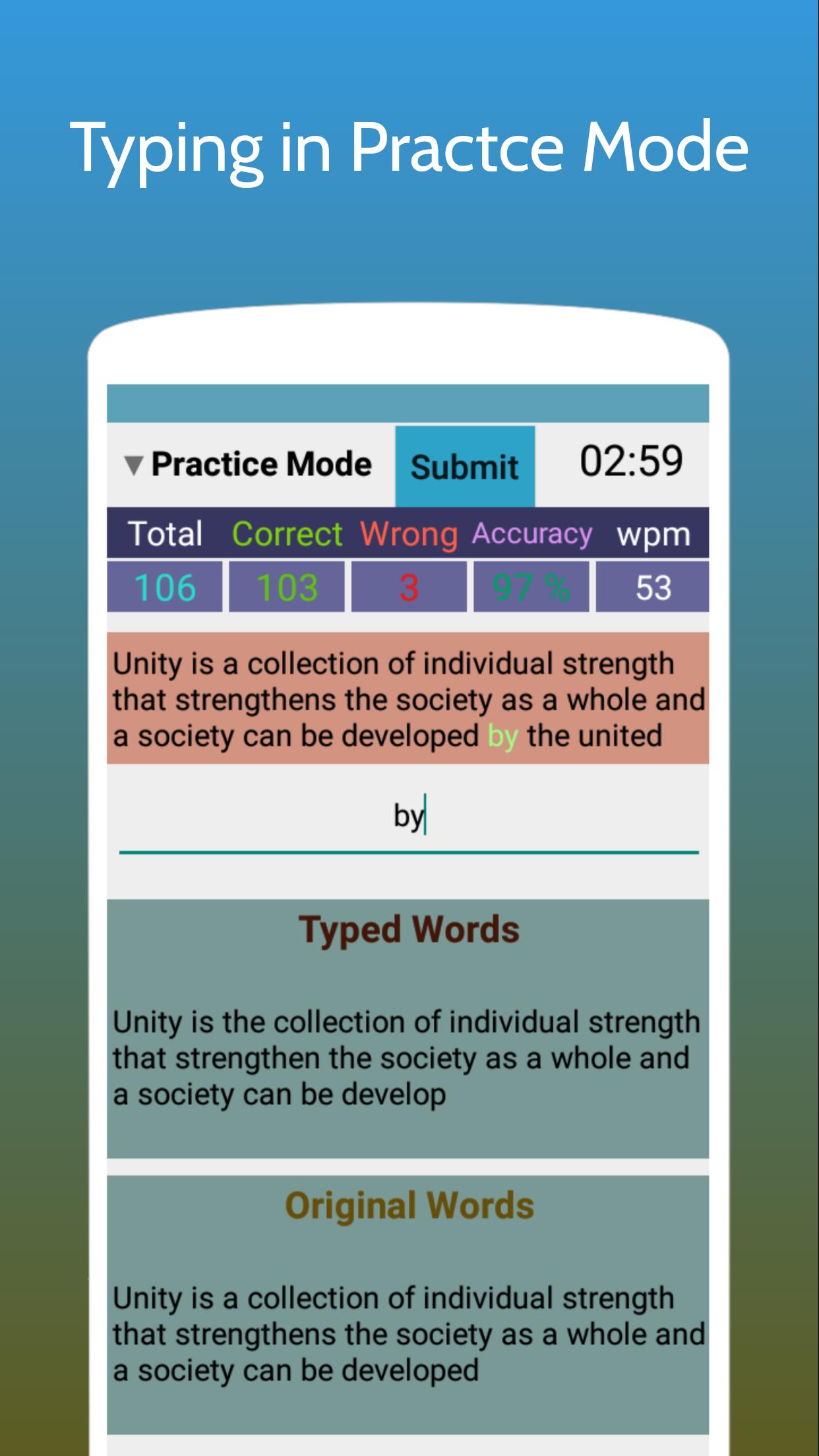
-Learning Mode for beginners, Practice Mode and Exam Mode typing features for increasing typing speed and accuracy.
-Text highlight & non highlight facility while typing.
-Auto Scroll & Manual Scroll in the typing paragraph
-Able to see and hide instant results like speed(WPM), total correct, total wrong, accuracy etc.
-Various level of typing difficulty in the paragraph
-Many paragraphs.
-Various text sizes facility.
-Can give a test like in real Exam Mode with applying the exam oriented features.
-Typing rules(How to type, Dos and Don't).
-Various types of practice like characters practice, words practice, number practice and sentence practice.
-Typing history. See your previous history and analyze and improve the speed and accuracy.
Besides the above list, many more features are available inside the app. So use and enjoy the application.
Subscription: This app has subscription facility to use the premium features. There are four plans such as Monthly, Half-Yearly, Yearly and LifeTime. Subscription will be charged according to your subscription terms. If you turn on the auto-renewal while make a subscription then the subscription automatically renews unless canceled at least 24 hours before the renewal date. Account will be charged for renewal within 24-hours before the end of the current period of subscription plan. You can manage Subscriptions (such as cancel or re-subscribe or upgrade or downgrade) and Turn Off auto-renewal by going to your Play Store Account's subscription section.
Trial: Some plans may have trial period and some plans may not. A trial period is a specific duration during which you can access the premium features for free before being charged. It allows you to experience the app's Premium Features or content before deciding whether to subscribe. You will not be charged during the trial period. At the end of the trial period, the subscription typically converts to a paid subscription unless you cancels.
If you have any questions or concerns, please contact us at support@fairsofttech.com
Preview
Tags
ProductivityInformation
Developer
FairSoftTech
Latest Version
v9.8.3
Last Updated
2025-07-10
Category
Productivity
Available on
Google Play
Show More
How to play Typing Test App for Exams with GameLoop on PC
1. Download GameLoop from the official website, then run the exe file to install GameLoop
2. Open GameLoop and search for “Typing Test App for Exams” , find Typing Test App for Exams in the search results and click “Install”
3. Enjoy playing Typing Test App for Exams on GameLoop
Minimum requirements
OS
Windows 8.1 64-bit or Windows 10 64-bit
GPU
GTX 1050
CPU
i3-8300
Memory
8GB RAM
Storage
1GB available space
Recommended requirements
OS
Windows 8.1 64-bit or Windows 10 64-bit
GPU
GTX 1050
CPU
i3-9320
Memory
16GB RAM
Storage
1GB available space