TimeDock - QR Code Time Clock PC
TimeDock.com
Download TimeDock - QR Code Time Clock on PC With GameLoop Emulator
TimeDock - QR Code Time Clock on PC
TimeDock - QR Code Time Clock, coming from the developer TimeDock.com, is running on Android systerm in the past.
Now, You can play TimeDock - QR Code Time Clock on PC with GameLoop smoothly.
Download it in the GameLoop library or search results. No more eyeing the battery or frustrating calls at the wrong time any more.
Just enjoy TimeDock - QR Code Time Clock PC on the large screen for free!
TimeDock - QR Code Time Clock Introduction
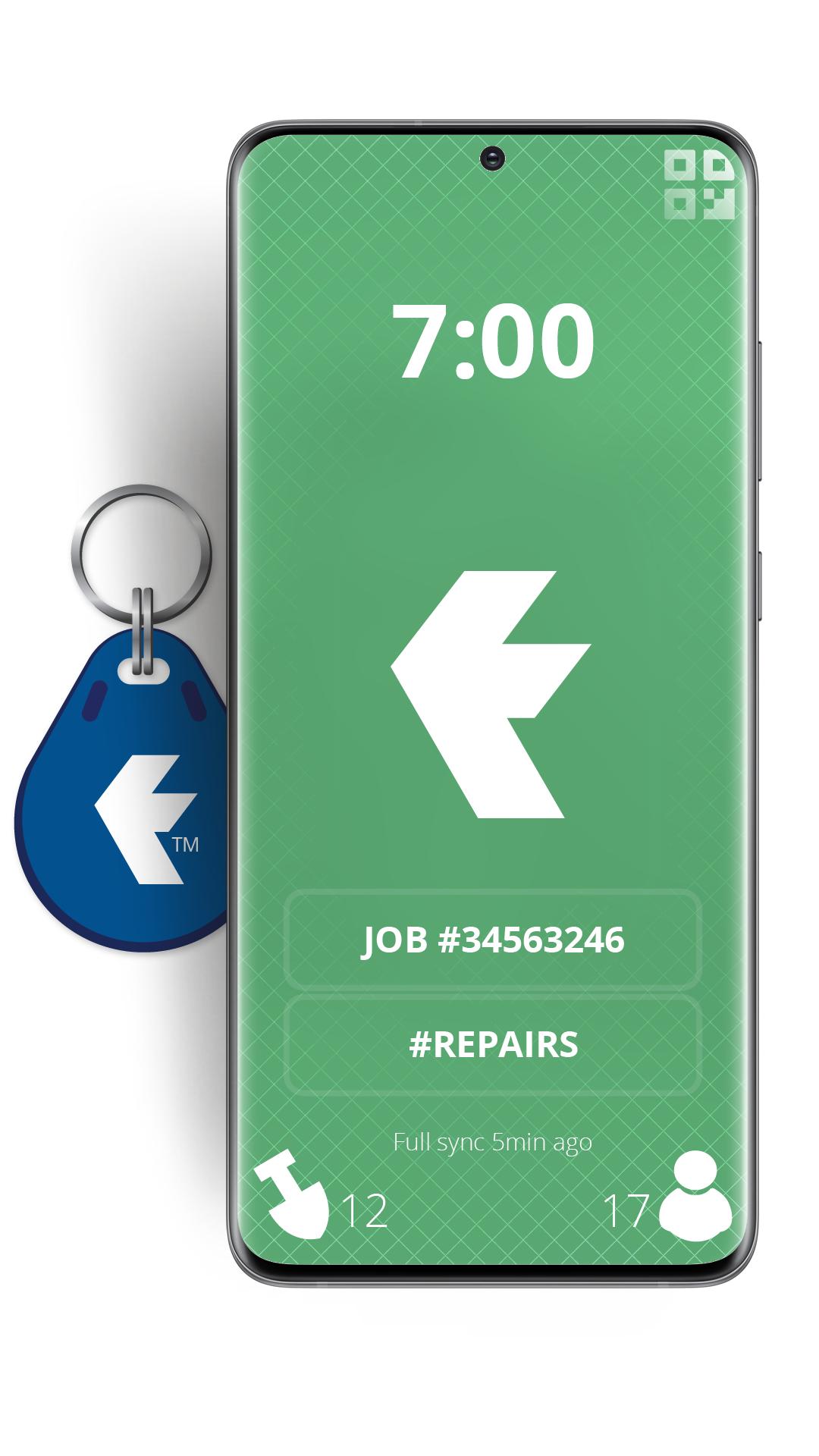
Turn your devices into badge-based employee time clock machines, using QR Codes or NFC badges for staff to swipe in on site, or out in the field.
TimeDock is a web-based, scalable and robust timesheet system, with online job timesheets.
We also supply wall-mounted time clock machines that work in tandem with this mobile time clock app, sold as optional extras.
You will need a TimeDock.com registered account to use this app. However, for the price of a cup of coffee per employee per month, companies save on average 2% gross wages annually, when compared with a manual time entry system prone to error and timesheet fraud.
Top 5 reasons you'll be the new hero of your business, by using TimeDock to record your employee hours:
• Scale from 1 to 1000+ staff, without diminishing workflow.
• Report online timesheets and job hours, in real time.
• Save 2% of your gross annual payroll ($1000 per employee).
• No more late timesheets or rounding issues!
• Reduces your employment liability, by storing accurate work logs.
Register for your free trial at http://timedock.com
Preview

Tags
ProductivityInformation
Developer
TimeDock.com
Latest Version
2.5.1
Last Updated
2025-10-20
Category
Productivity
Available on
Google Play
Show More
How to play TimeDock - QR Code Time Clock with GameLoop on PC
1. Download GameLoop from the official website, then run the exe file to install GameLoop
2. Open GameLoop and search for “TimeDock - QR Code Time Clock” , find TimeDock - QR Code Time Clock in the search results and click “Install”
3. Enjoy playing TimeDock - QR Code Time Clock on GameLoop
Minimum requirements
OS
Windows 8.1 64-bit or Windows 10 64-bit
GPU
GTX 1050
CPU
i3-8300
Memory
8GB RAM
Storage
1GB available space
Recommended requirements
OS
Windows 8.1 64-bit or Windows 10 64-bit
GPU
GTX 1050
CPU
i3-9320
Memory
16GB RAM
Storage
1GB available space