
The best and ultimate QR Code PC
Kato Shinya
Download The best and ultimate QR Code on PC With GameLoop Emulator
The best and ultimate QR Code on PC
The best and ultimate QR Code , coming from the developer Kato Shinya, is running on Android systerm in the past.
Now, You can play The best and ultimate QR Code on PC with GameLoop smoothly.
Download it in the GameLoop library or search results. No more eyeing the battery or frustrating calls at the wrong time any more.
Just enjoy The best and ultimate QR Code PC on the large screen for free!
The best and ultimate QR Code Introduction
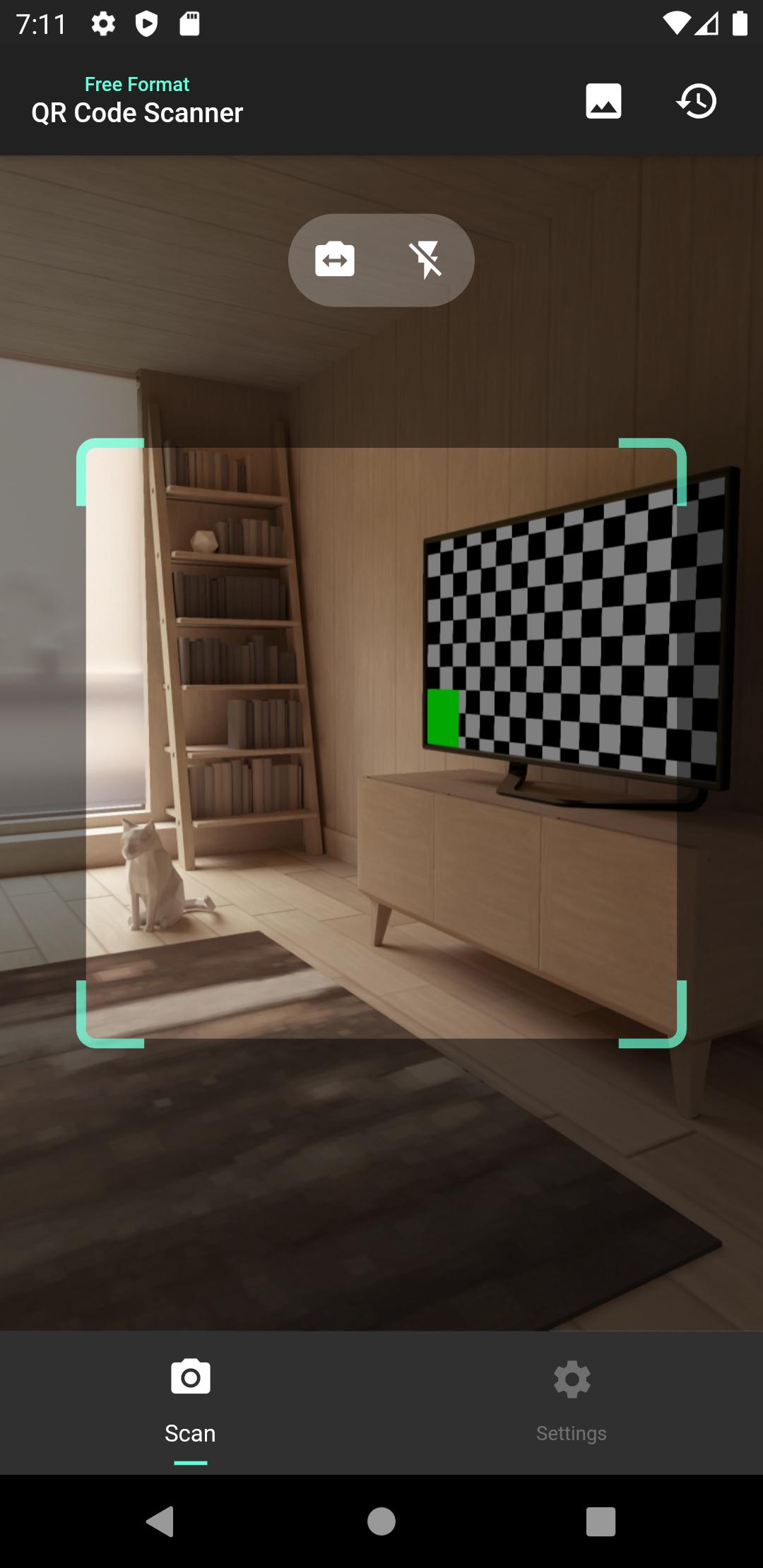
This is the ultimate QR code Scanner with all the features you will ever need in a QR code handling situation.
Everything about QR codes can be solved with this app!
In addition to its intuitive and beautiful UI, it allows you to easily scan QR codes from any text and share them with friends and SNS!
1. Easy and fast QR code scanning feature
It is fast and easy to scan QR codes. In addition, the scanned QR code data is saved as a history, which you can reuse or check anytime you want! Furthermore, you can scan data from QR codes stored in your device's gallery!
In addition to the basic QR code data reading function, it also supports WiFi format and GEO format and etc, which have been increasing recently. Users do not need to be aware of the differences between these formats, and can simply read the QR Code to take full advantage of the convenient QR Code functions.
2. Convenient and highly functional history feature
This app automatically saves the history of scanned and generated QR codes! By using this history, you can check the scanned data again without having to re-scan it, or generate and share QR codes using the data in this history!
The historical data is organized by QR Code standard, and you can intuitively refer to the data you want to check again.
3. Convenient and easy sharing feature
This app not only allows you to use scanned or generated QR codes, but also allows you to share scanned data from QR codes and generated QR code images to your friends and social networking sites directly from this app!
Share the QR codes you've scanned or created with this app with your family and friends, share them on social networking sites, and let everyone around you know about this app!
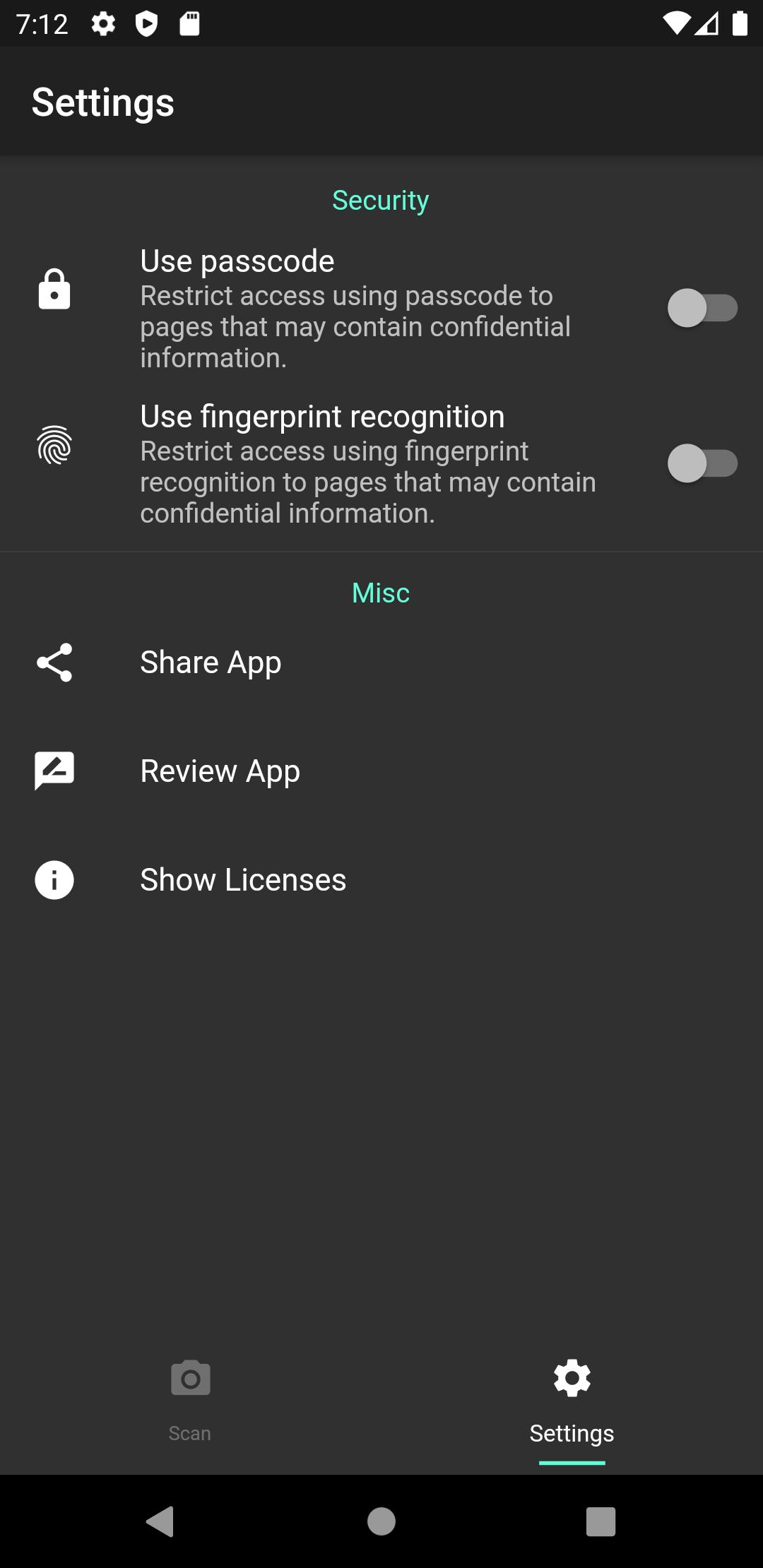
4. Strong security feature
It is possible to restrict access to the history of this application using a passcode or biometric authentication. The passcode is also stored securely using a very advanced encryption algorithm.
Note:
Biometric access control requires your device to support biometric authentication.
5. Various QR Code standards
Nowadays, QR codes can do more than just scan and open a website in a browser; they can be used for WiFi, location information, and even automatic settings related to SMS and phone calls. And this app is currently capable of handling QR codes of the following standards.
- SMS
- Telephone Call
- WiFi
- GEO (Geographic)
Preview
Tags
ProductivityInformation
Developer
Kato Shinya
Latest Version
1.1.5
Last Updated
2022-11-08
Category
Productivity
Available on
Google Play
Show More
How to play The best and ultimate QR Code with GameLoop on PC
1. Download GameLoop from the official website, then run the exe file to install GameLoop
2. Open GameLoop and search for “The best and ultimate QR Code ” , find The best and ultimate QR Code in the search results and click “Install”
3. Enjoy playing The best and ultimate QR Code on GameLoop
Minimum requirements
OS
Windows 8.1 64-bit or Windows 10 64-bit
GPU
GTX 1050
CPU
i3-8300
Memory
8GB RAM
Storage
1GB available space
Recommended requirements
OS
Windows 8.1 64-bit or Windows 10 64-bit
GPU
GTX 1050
CPU
i3-9320
Memory
16GB RAM
Storage
1GB available space