Smart PDF Reader - PDF Viewer PC
Smart Reader Team
Download Smart PDF Reader - PDF Viewer on PC With GameLoop Emulator
Smart PDF Reader - PDF Viewer on PC
Smart PDF Reader - PDF Viewer, coming from the developer Smart Reader Team, is running on Android systerm in the past.
Now, You can play Smart PDF Reader - PDF Viewer on PC with GameLoop smoothly.
Download it in the GameLoop library or search results. No more eyeing the battery or frustrating calls at the wrong time any more.
Just enjoy Smart PDF Reader - PDF Viewer PC on the large screen for free!
Smart PDF Reader - PDF Viewer Introduction
Smart pdf reader - free office suite for all type of documents reading like word, excel, power point, online editing, file management, file sharing , pdf editor, pdf viewer, ebook reader, pdf maker, pdf scanner, pdf creator, pdf converter and all document reader.
PDF Reader app is a PDF powerhouse that will fulfill all your document needs. Building on solid features such as Annotation, Edit pdf, Form filling, OCR, Convert pdf, Create pdf, Sign, Bookmark pdf pages and protect your PDF files.PDF Reader and pdf viewer offers even more Edit text in PDFs, merge pdf and combine pdf multiple documents, split PDF into several files, insert pages from another PDF, Convert PDF to Word, Create pdf.
Features of pdf reader and pdf creator
• Auto scan and get all pdf files in one place
• Annotate pdf files with document reading app
• Markup text with highlight colors
• With Pdf editor bookmark pdf pages
• Add doodles on pdf files with pdf viewer
• Fill pdf forms with fast pdf reader
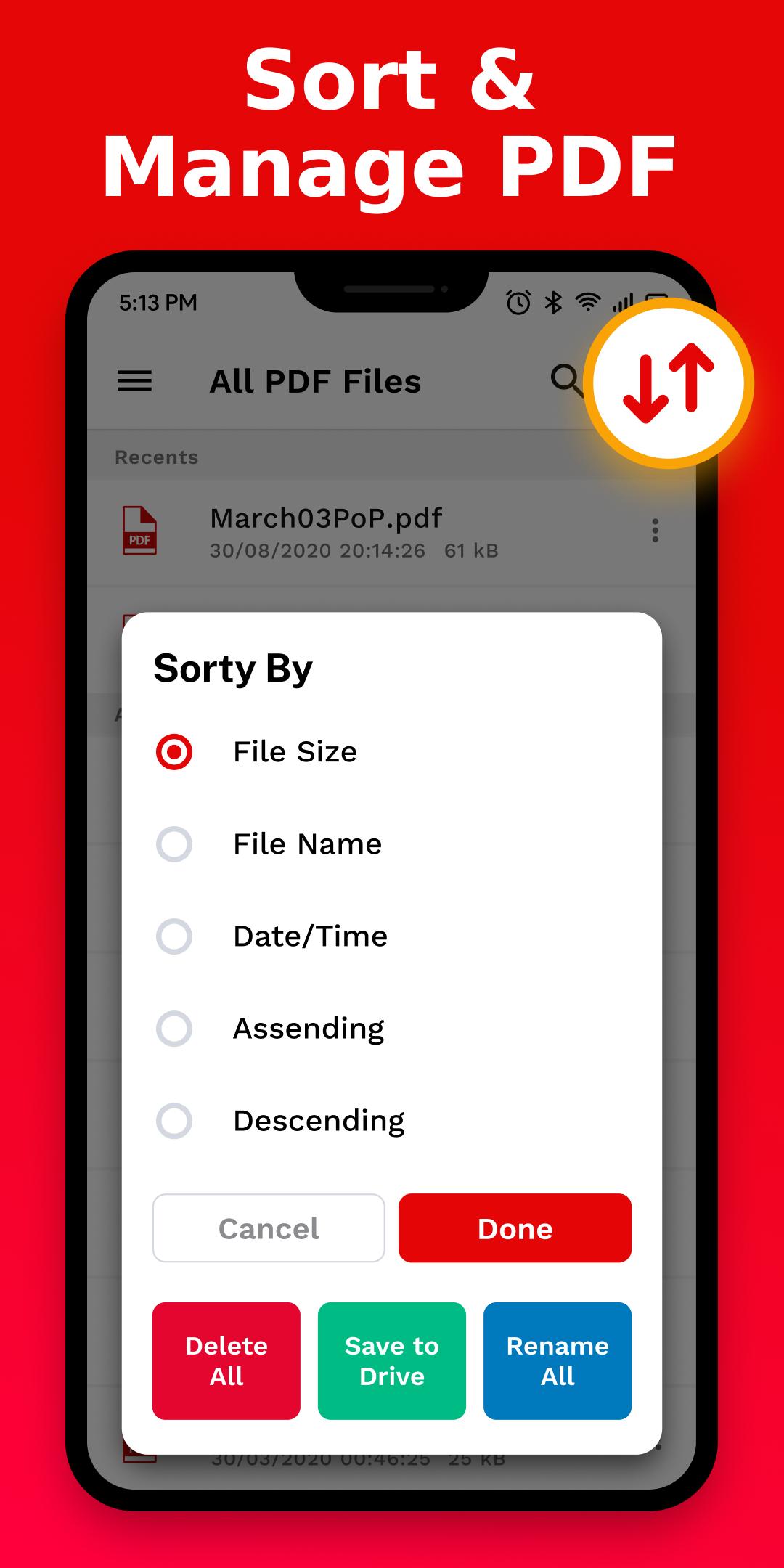
• Compress pdf ,split pdf and merge pdf files
• Rotate Pdf pages with pdf editor
FREE PDF READER FOR ANDROID
• Pdf reading modes - Multi-tab viewing, full-screen, page-fit, horizontal or vertical orientation, auto scroll, Night mode
• Presentation - Slideshow Mode to present your PDF as PPT
• Create pdf, Edit pdf file and Search outlines to navigate through the whole file
• Bookmark pdf pages or sections of PDFs
ANNOTATE PDF FILE
• Classic tools - Annotate and markup PDF with highlight, underline, freehand, text box, anchored note, shape and etc.
• Continuous Annotations - Add Comments and notes in pdf document continuously
• Sign - Create multiple signatures for any situations with keyboard or images
• Link - Add hyperlinks to redirect other destinations
PDF READER AND EDITOR
• Merge PDF
• Split PDF
• PDF maker
• PDF Viewer
• Pdf Creator
• Pdf scanner
• Reduce file size
• Extract pdf - Extract the desired pages to create a new PDF
PDF Editor and viewer
• Edit PDF files including adding, deleting, moving, or modifying text.
• Redact PDF - Remove private and sensitive information permanently with pdf viewer and reader
PDF CONVERTER APP
• Export from PDF to Microsoft Word (.docx), PowerPoint (.pptx), Excel (.xlsx), RTF, Text, HTML, Image, CSV, and more Offline
• Convert images to pdf, Word to PDF (Docx to PDF ), Excel to PDF (Xls to PDF), PowerPoint to PDF (PPT to PDF), JPG to PDF (Image to PDF), RTF to PDF, Text to PDF (TXT to PDF)
PAGE EDITOR WITH PDF MAKER
• Merge and Split - Split pdf into multiple documents or combine multiple pages into a new single PDF
• Extract - Extract the desired pages to create a new PDF
• Append - Insert another pdf file into the existing file
• Rotate, delete, replace, and crop pdf pages with word office.
PDF EDITING WITH PDF READER APP
• Watermark - Add fantastic watermarks to keep your documents professional
• Header and Footer - Label each page of your PDF document with fully customized page numbers
• Background - Change the background (color or image) of the PDFs to comfort your eyes after long-time reading
OCR
• Convert scanned PDF forms files or pictures into editable and searchable PDFs or TXT files. 50+ languages supported!
SECURE PDF FILES
• Set password to lock pdf files and authorization to edit, copy, modify or print PDFs
For any query related to smart pdf reader - pdf viewer, kindly contact us at info@mindlinktechnology.com
Preview

Tags
ProductivityInformation
Developer
Smart Reader Team
Latest Version
1.2.2
Last Updated
2023-02-16
Category
Productivity
Available on
Google Play
Show More
How to play Smart PDF Reader - PDF Viewer with GameLoop on PC
1. Download GameLoop from the official website, then run the exe file to install GameLoop
2. Open GameLoop and search for “Smart PDF Reader - PDF Viewer” , find Smart PDF Reader - PDF Viewer in the search results and click “Install”
3. Enjoy playing Smart PDF Reader - PDF Viewer on GameLoop
Minimum requirements
OS
Windows 8.1 64-bit or Windows 10 64-bit
GPU
GTX 1050
CPU
i3-8300
Memory
8GB RAM
Storage
1GB available space
Recommended requirements
OS
Windows 8.1 64-bit or Windows 10 64-bit
GPU
GTX 1050
CPU
i3-9320
Memory
16GB RAM
Storage
1GB available space